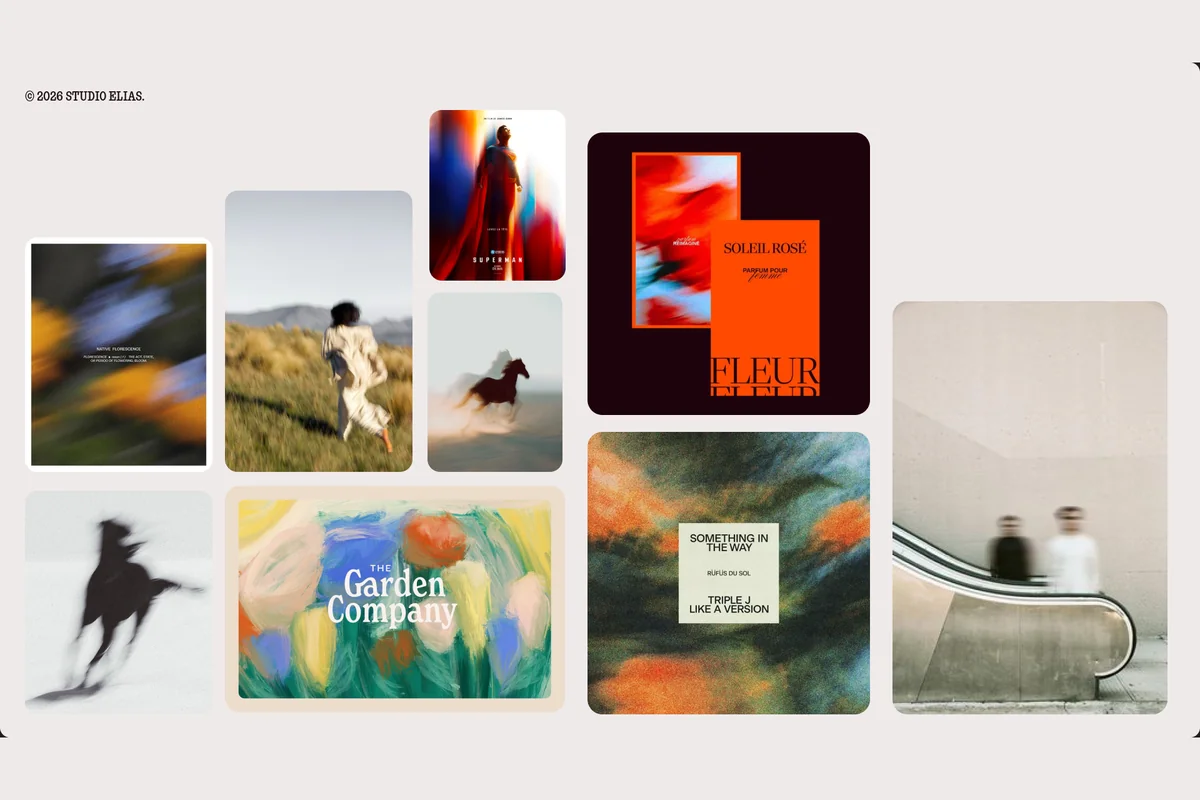
The main thing to remember
To create a moodboard, you need two tools, not one. The first collects images (Pinterest, Are.na), the second assembles them into a readable board (Milanote, Canva, Figma), and Adobe Firefly Boards generates the ones you are missing. All of them have a free plan: what makes the difference is the emotion you pick before opening the tool.
At Studio Elias, we build a moodboard for every brand identity, and it goes well beyond a board: it is a real creative workshop. We collect everywhere, on Are.na, on Pinterest, in film scenes and existing identities, then we gather and present everything in Figma, a very good tool for working together.
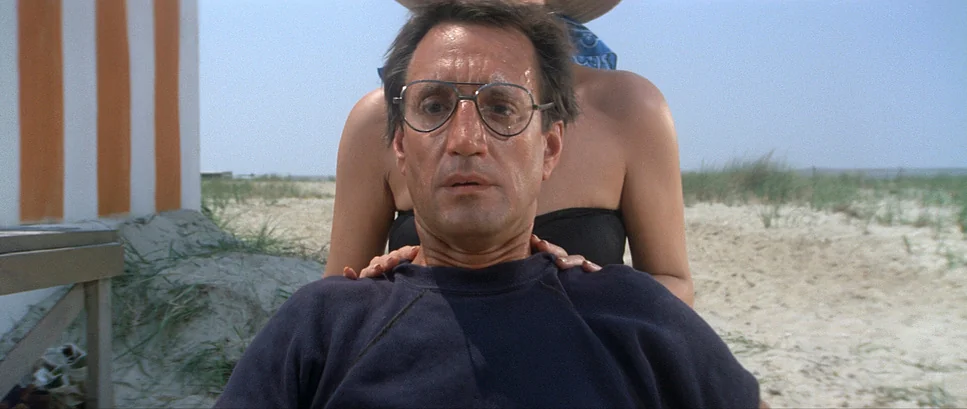
And the day your Pinterest board passes 300 pins, we could quote Brody in Jaws: "You're gonna need a bigger boat."
Which tool should you use to create a moodboard?
At Studio Elias, a branding agency, the moodboard is a brand's first image: we build one before every visual identity. And one thing never changes from one project to the next: one tool to collect, another to assemble.
A moodboard creator, or moodboard maker, is an online tool that gathers images, colours, typefaces and materials on one board, to set a brand's mood before it is designed.
The table compares the five tools of our ranking and our bonus pick on what matters when you start: use, free plan and price.
| Tool | Best for | Free plan | Paid plan |
|---|---|---|---|
| Collecting images | Everything is free | None | |
| Milanote | Organising and annotating the board | 100 notes, images or links | $9.99 a month (annual) |
| Canva | Assembling fast with a template | Templates and editor | Pro or Pro+, monthly or yearly |
| Figma | Composing a studio-grade board | 3 files (Starter) | $16 a month per seat |
| Adobe Firefly Boards | Generating the missing images | Limited daily generations | €11.08 a month (Standard) |
| Are.na (bonus) | Searching beyond trends | 200 blocks | $7 a month |
For a brand project, the pair that works: Pinterest or Are.na to collect, Milanote or Figma to assemble. Canva and Firefly help out when time is short.
{{block-cta-1}}
1. Pinterest: the best tool to collect images
Pinterest is still where almost every moodboard starts: free, huge, with a button to save anything, from any website. Type "visual identity moodboard" and hundreds of brand boards appear in seconds.

For a brand project, create a secret board, then sections: mood images, colours, typefaces. Invite your partner or your agency as a collaborator: everyone pins, and nobody emails screenshots any more.
Two limits to know:
- the algorithm shows you what everyone already likes, the same beige boards, the same serif logos: a moodboard built only on Pinterest often looks like your competitors' one;
- a pinned image is not royalty-free: it is a reference, never a piece of your future identity.
Who is it for? Everyone, at the start of the project. Then you need another tool to sort.
2. Milanote: the most complete tool to organise a moodboard
Milanote is an online workspace designed for creatives: images, notes and colours on one board, placed wherever you like. Its strength is the notes: next to an image, you write why you kept it.
The site offers ready-to-fill moodboard templates, including a "Brand Board" with logo, palette, typefaces and photo style. The browser extension saves an image in one click, and the board exports to PDF for presenting.

The free plan, with no time limit, stops at 100 notes, images or links and 10 file uploads: enough for one or two moodboards, not a whole project. Beyond that, count $9.99 a month billed annually ($12.50 monthly), or $49 a month for a team of up to 10 people.
Who is it for? The person who runs the brand project and has to explain their choices to a team.
3. Canva: the simplest way to make a moodboard in 10 minutes
Canva is the fastest tool if you start from scratch: a template, your images, and it is shared. No need to know design software.
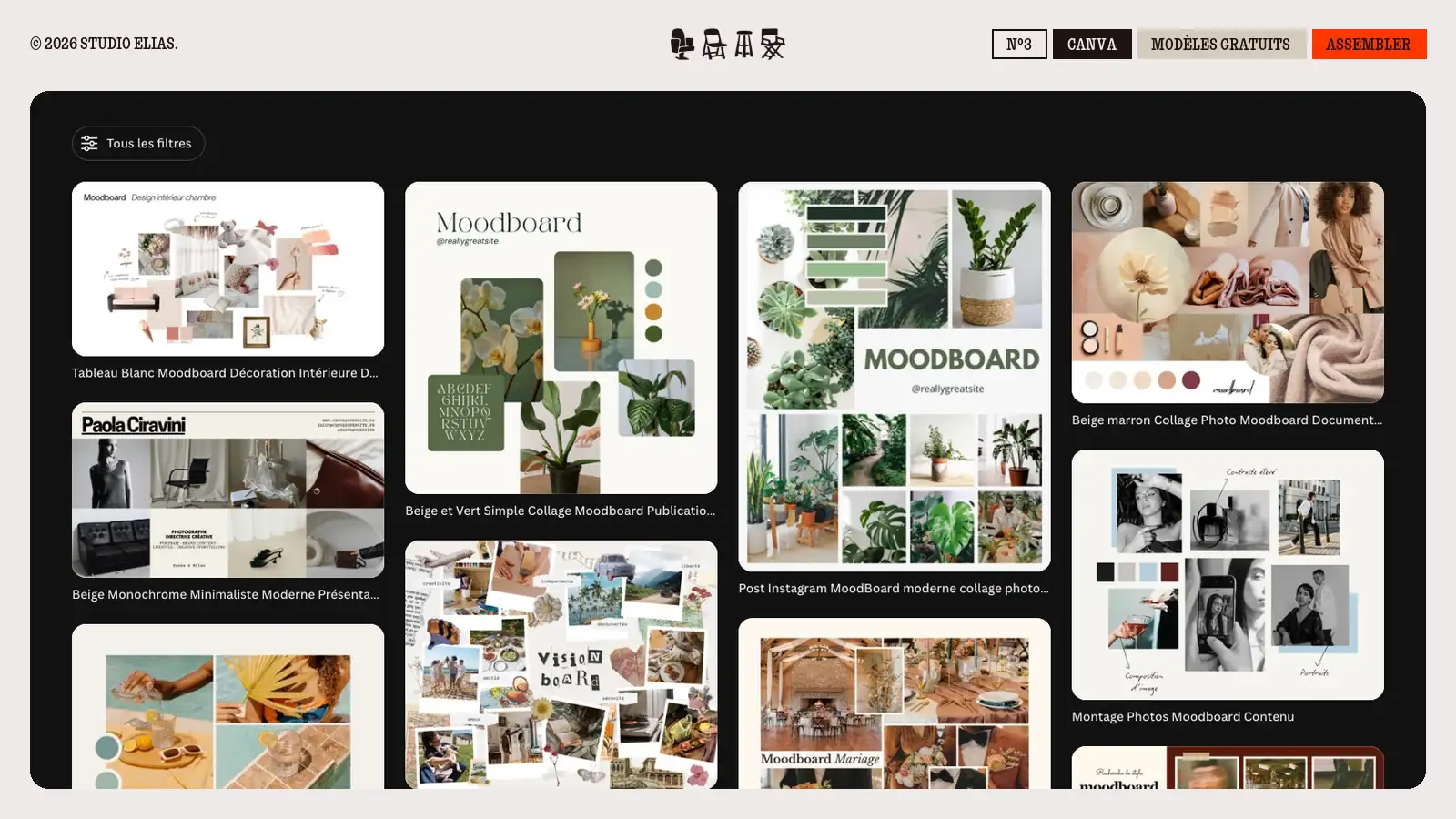
The free version gives you the templates, the drag-and-drop editor and millions of free images. Canva Pro and Pro+ add paid content and more AI tools, on a monthly or yearly subscription.
Canva's templates often have that effect.
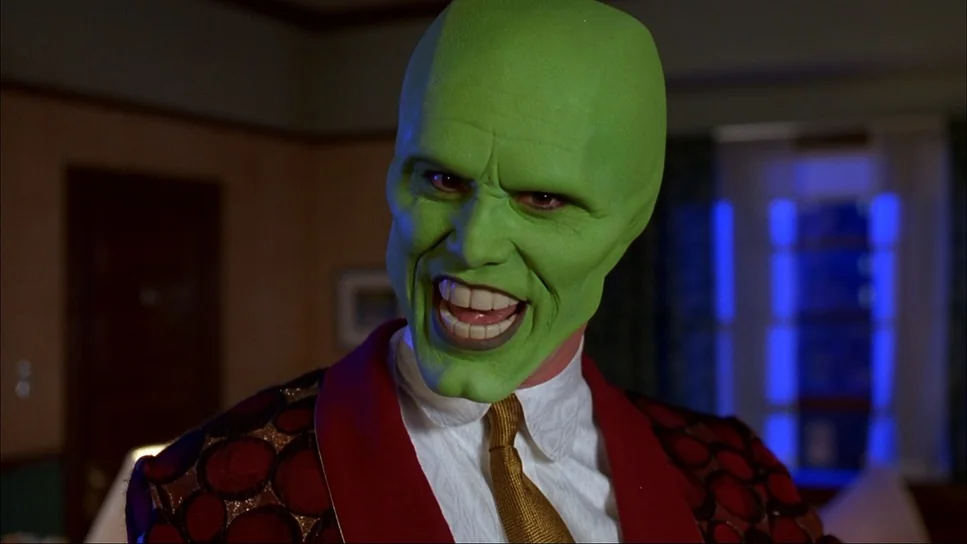
And that is exactly the trap: the same beige and sage template serves a café, a law firm and a candle brand. Keep the layout if it helps, but change every image. A template gives you a shape, not an emotion.
Who is it for? The founder who wants to show a direction to their partner before the end of the week.
4. Figma: the studio tool to compose the board
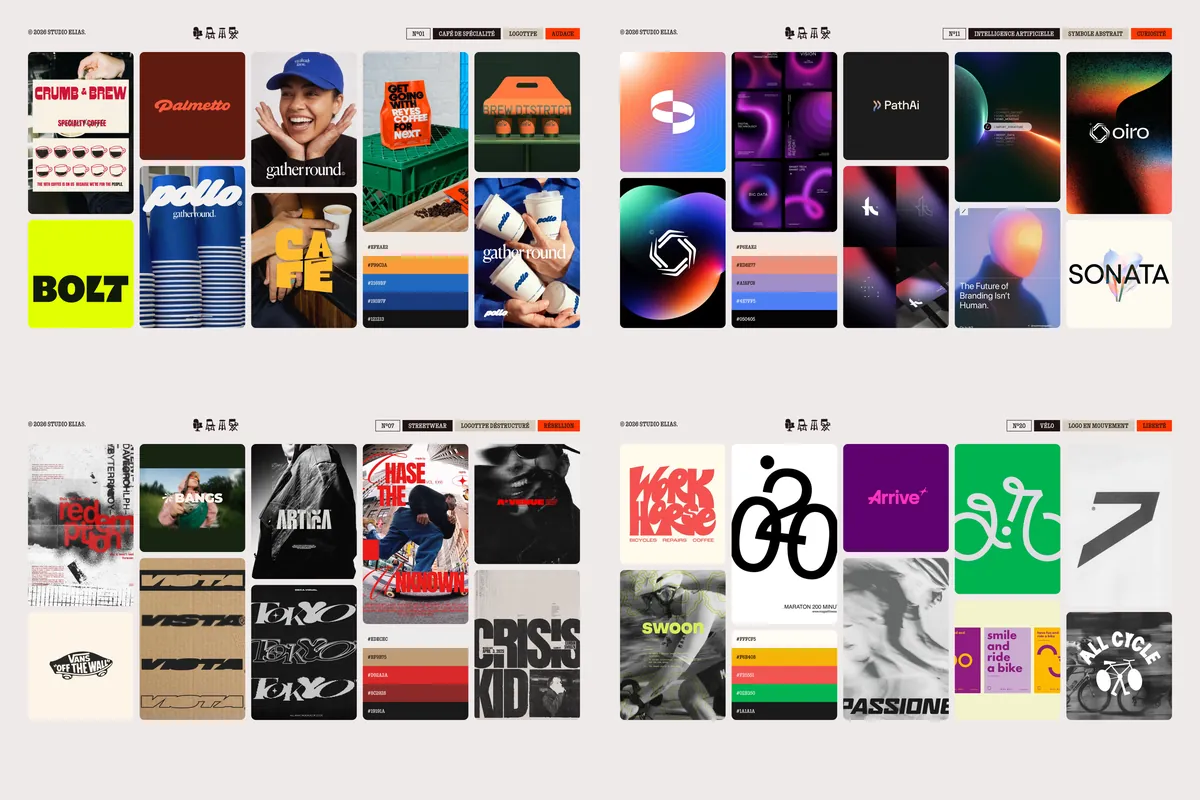
Figma is the design tool of studios and product teams, and it is where we build our moodboards: the 30 moodboard examples of our last article were composed there, on a grid, with the palette and its colour codes.
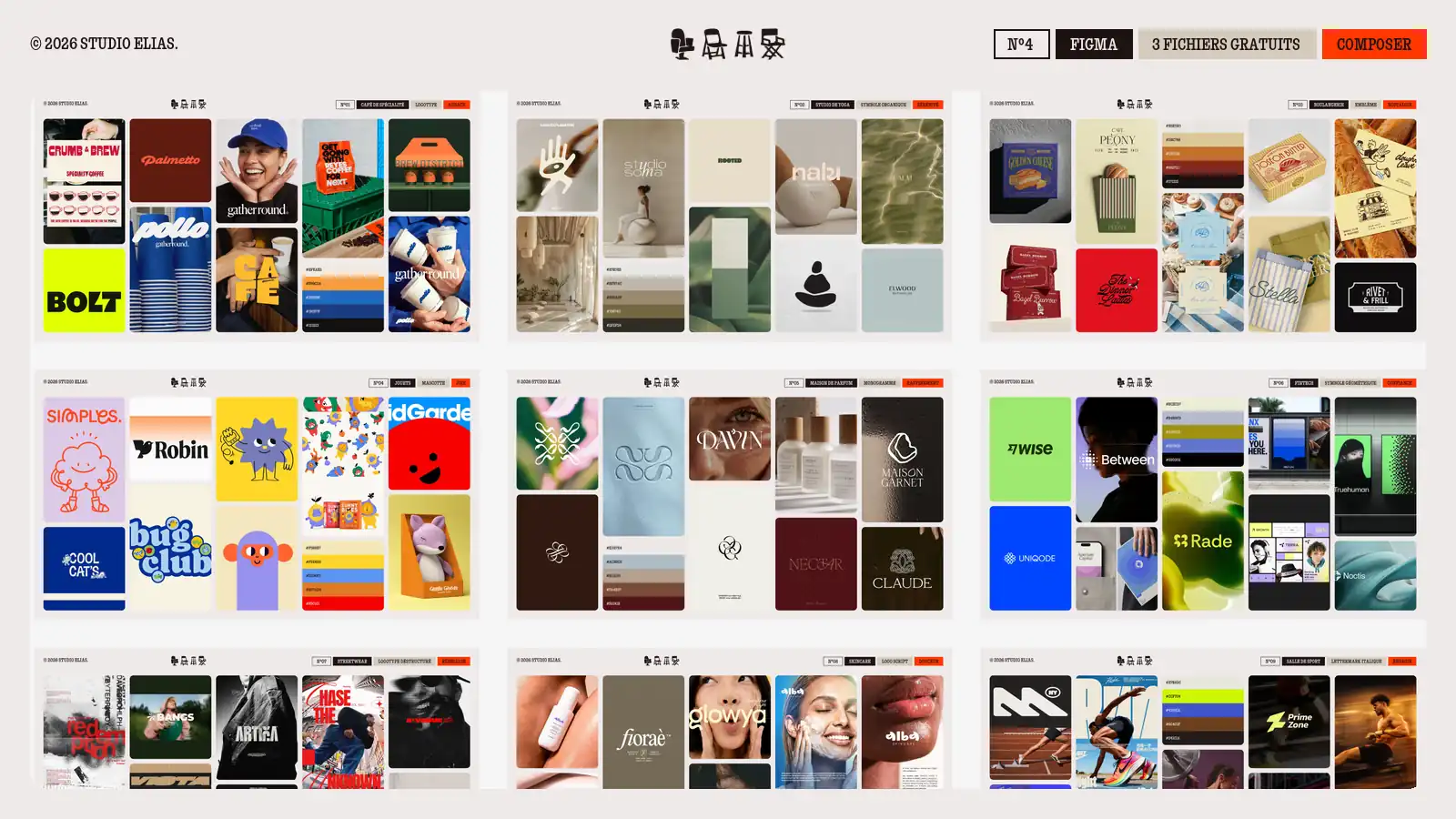
What Figma does better than the others: align images to the pixel, round the corners, pick the colour codes, reuse the same layout for ten boards. For a workshop, FigJam, Figma's whiteboard, adds sticky notes to work as a group. The Starter plan is free, with 3 files in a single team. The Professional plan costs $16 a month per full seat billed annually, and $3 for the Collab seat, which gives access to FigJam.
The limit is the learning curve: our Figma tutorial in 5 steps saves you a few hours. And if your workshop is remote with ten people, Miro does the same job as a whiteboard. Its free plan keeps 3 editable boards, and the Starter plan costs $8 per member per month billed annually.
A well-built board is not a brand yet: the logo still has to be drawn, the typefaces chosen and the usage rules written. That is the whole work of a visual identity.
{{cta-1}}
5. Adobe Firefly Boards: to create a moodboard with AI
Firefly Boards is Adobe's moodboard, with generative AI built in: you describe the image, Firefly generates it on the board, next to your imported images. The board can be shared and commented on by several people.
It is useful when the image does not exist: a cobalt blue bakery under the snow, a festival poster in a precise palette. Boards is included in every plan, the free one too, which gives a limited number of generations per day. The Standard plan costs €11.08 a month including VAT for 2,000 credits, Pro €22.18 for 4,000. Firefly also uses partner models such as Gemini, GPT Image or FLUX.

The limit comes from AI itself: it produces an average of what already exists. A generated image can be pleasing and say nothing about your brand. Use it to fill a gap in the board, never to fill the board. To go further, here is our ranking of AI design tools.
Who is it for? Teams already subscribed to Adobe, and those looking for a precise image that no image bank offers.
Bonus: Are.na, the tool we use at Studio Elias
Are.na looks like Pinterest, without what bothers us in Pinterest: no ads, no trend algorithm. You save "blocks" (images, links, texts, PDFs) into "channels", and the same block can live in several channels.

That is what we like: the same 1960s poster can join the "boldness" channel and a client project's channel. Public channels also lead to searches Pinterest does not show: "studio itch: brand moodboard", above, gathers 48 blocks of vintage lettering, signatures and labels.
Our advice: file your references by emotion rather than by project. The day a client wants elegance, the channel already exists. The free plan goes up to 200 blocks, and the paid plan, with no limit, costs $7 a month or $70 a year. Are.na lives off its members' subscriptions, hence no ads, with mobile apps and a browser extension.
What makes a good moodboard, in our view?
A good moodboard is not judged by how pretty its images are, but by the emotion it makes people feel.
It comes after strategy and positioning, before the first creative routes: too early, it decorates; too late, it rubber-stamps what is already drawn.
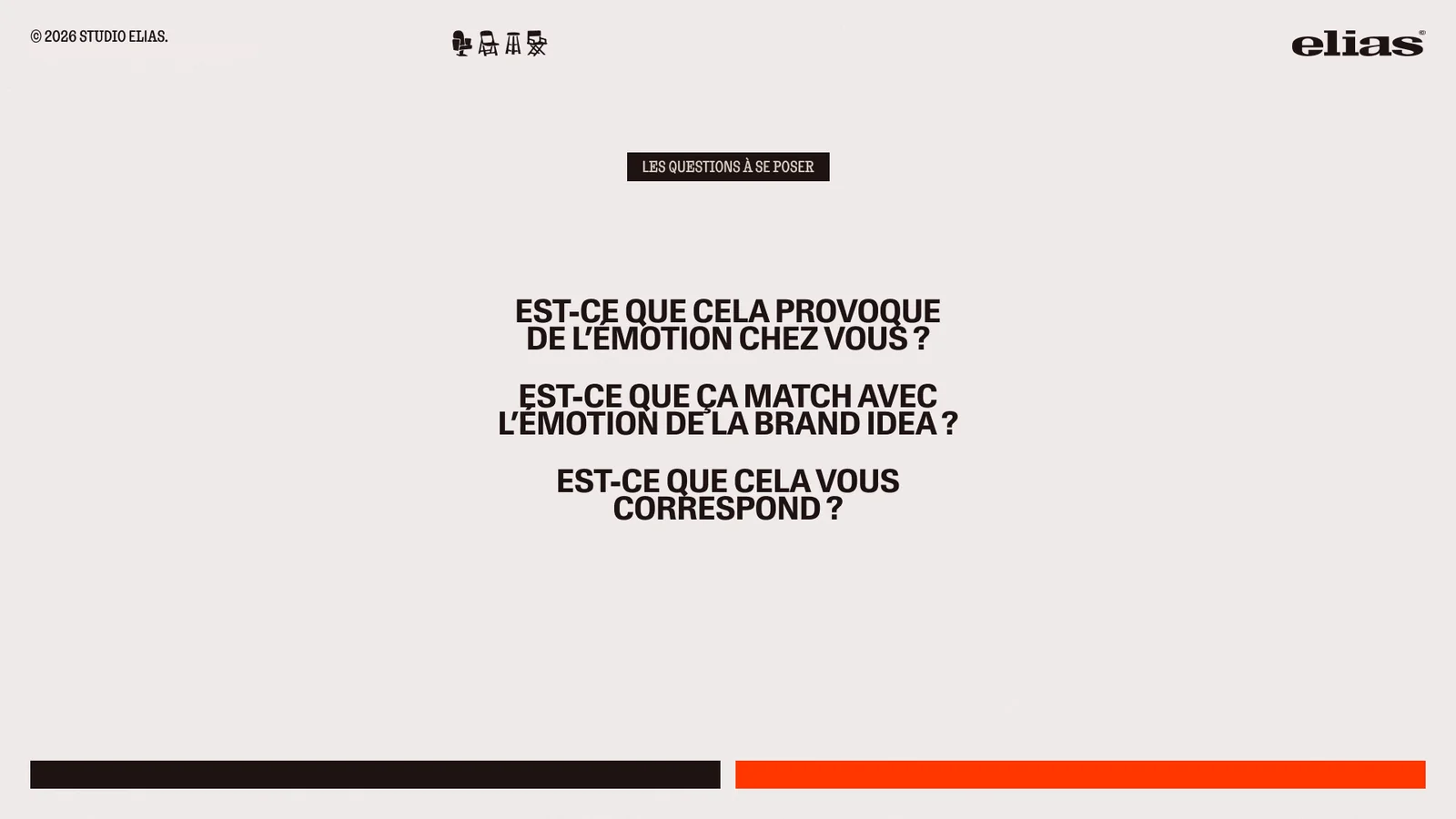
In front of a board, we ask the three questions of an identity presentation: does it make you feel something, does it match the brand idea, does it feel like you?
Second rule: look outside your sector. A consulting firm that only looks at consulting firms ends up with the same blue board as its competitors. In workshops, we look for painting, mythology, architecture, nature, music.

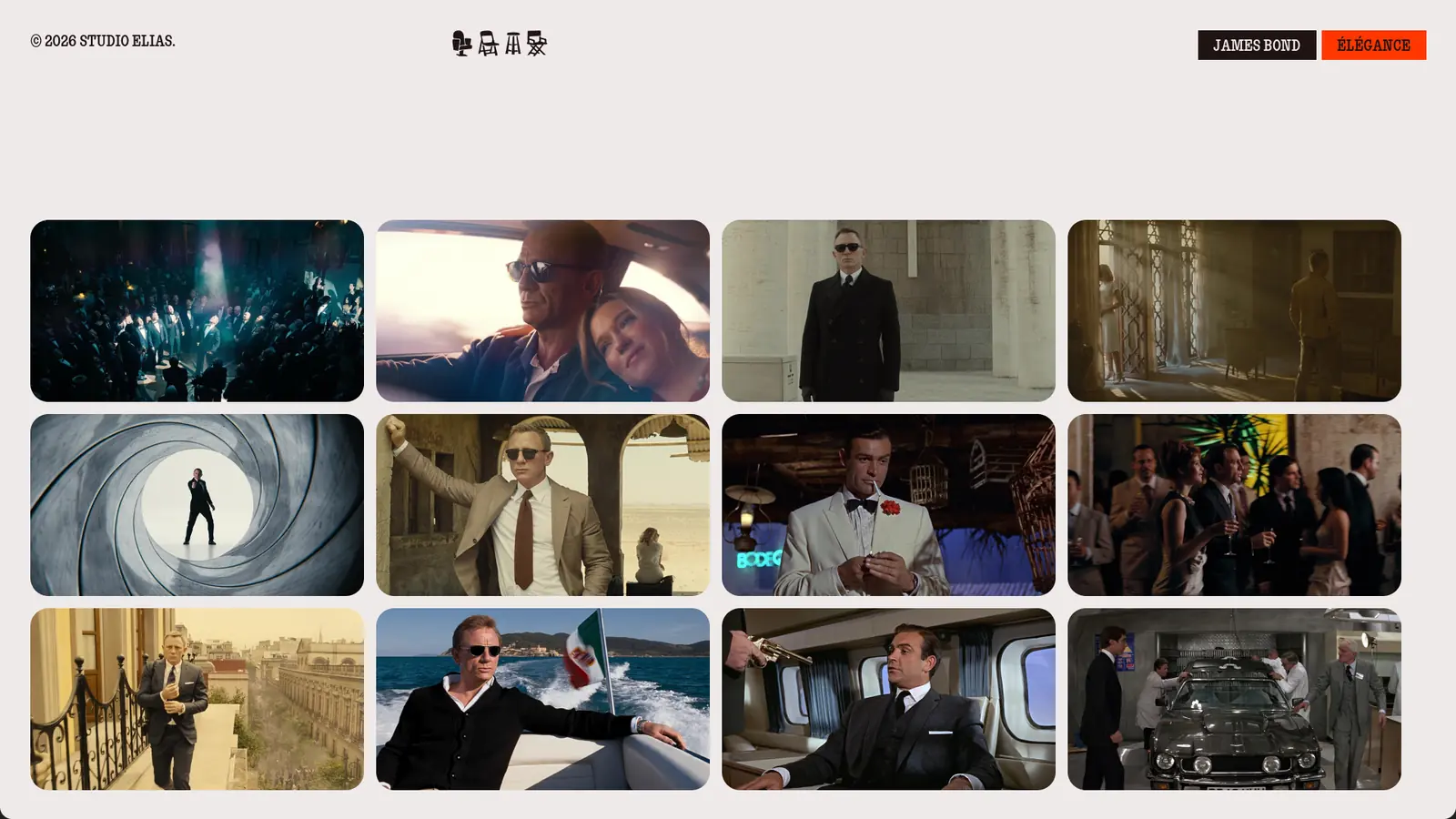
At Studio Elias, we add film scenes: a word like "elegance" becomes a board of shots from a film. For the step-by-step method, read our moodboard guide.
From moodboard to identity: 4 Studio Elias projects
A moodboard is only worth the brand that comes out of it. Here are four Studio Elias identities born from a board.
Super Capital: elegance, from James Bond to the poster
The finance consulting firm had many activities and an unclear message. In the workshop, the word "elegance" became a board of James Bond scenes, and the identity kept that poise. The result: a much clearer image and teams aligned around one mission. See the Super Capital project.
Pipole: a production agency that no longer looks like the others
The video production agency wanted to win large accounts without depending on the big advertising agencies, and to stand out from the ocean of production agencies. Its identity dares 3D pictograms in fur or fabric, far from the well-behaved codes of the sector. The result: contracts renewed with great clients and growing acquisition. See the Pipole project.

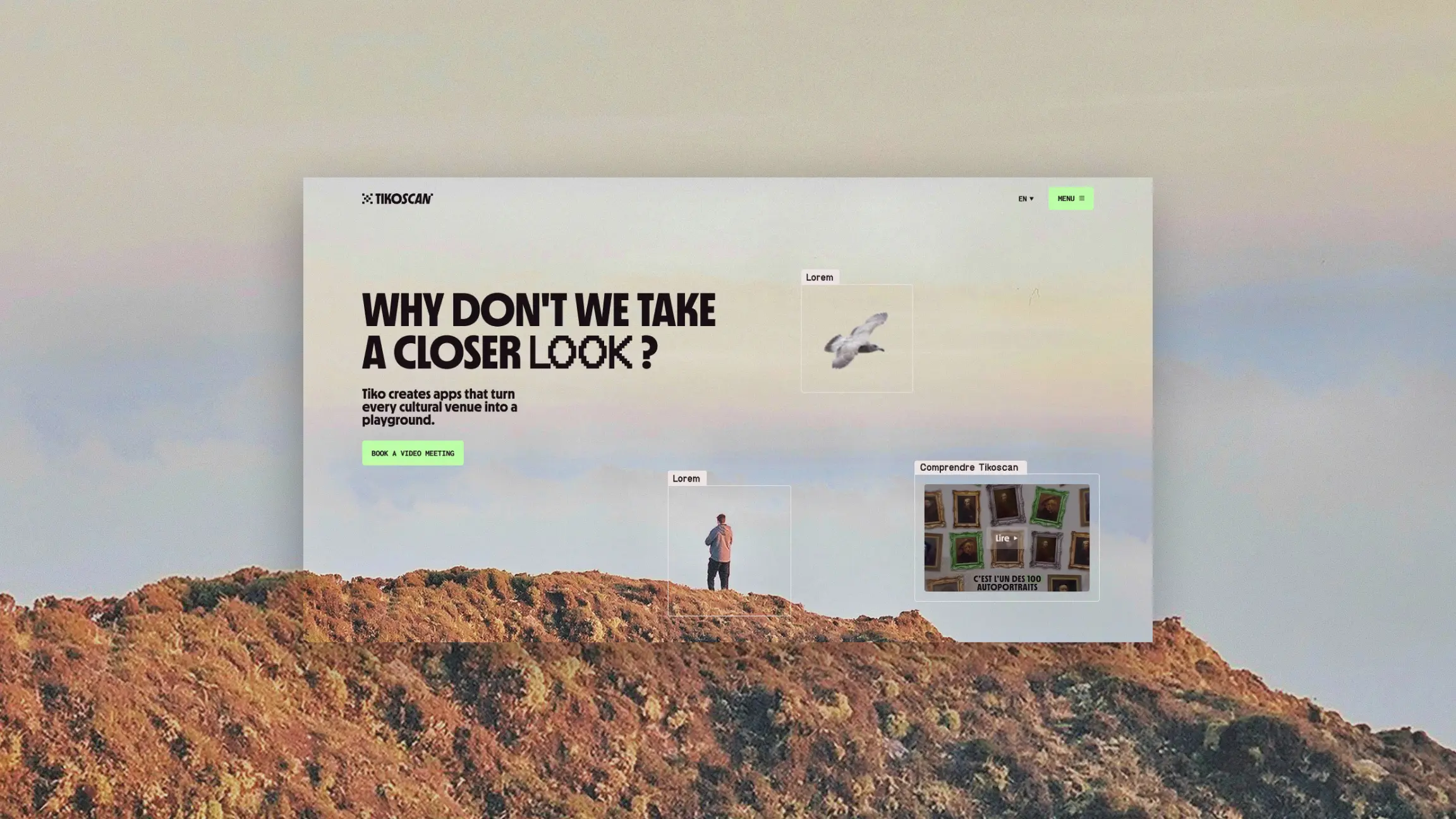
Tiko: making deep tech moving
Tiko scans in real time, a complex technology that has to speak to museums, zoos and aquariums. The identity had to explain it simply and add emotion, to sell at higher prices. The result: several markets, a new target, better prospecting and a lot of impact at their last trade show. See the Tiko project.

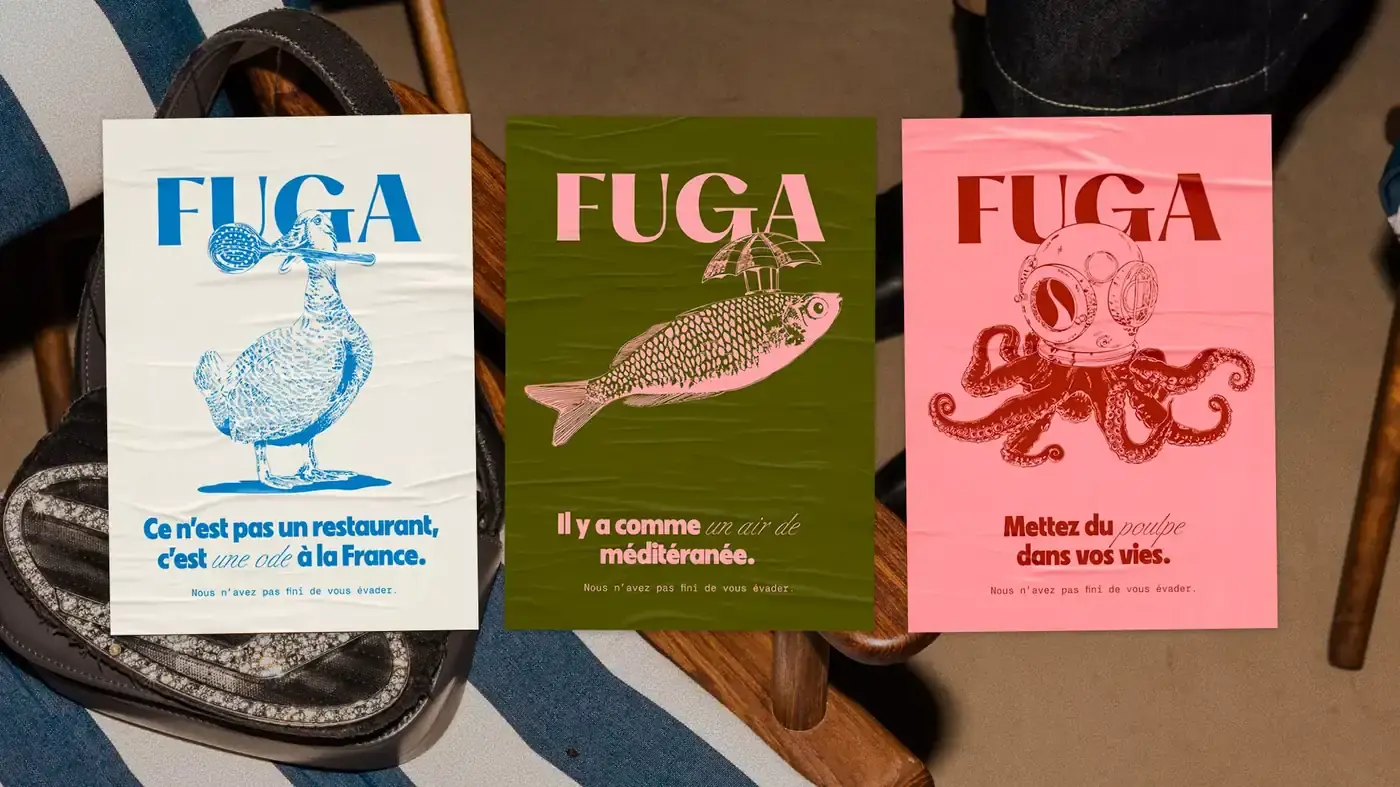
Fuga: an invitation to escape
The restaurant and hospitality group wanted to become better known while raising its prices. Its posters mix engraved illustrations and bold colours. The result: more than 50,000 clicks a month from Google and a price increase every year, without losing customers. See the Fuga project.
{{cta-2}}
Mistakes to avoid when you create a moodboard online
The tool does not make the board. Five mistakes come up often:
- Presenting 300 pins: a Pinterest board is not a moodboard. Keep 9 to 11 images.
- Keeping the Canva template as it is: your brand takes on the face of thousands of others.
- Picking a generated image because it is pretty: it has to serve the emotion, not the board.
- Mixing two emotions: a "boldness" and "serenity" board no longer says anything.
- Starting before the brand strategy: without positioning, images are chosen by taste.
On the other hand, a good board fits in one word. This one, taken from The Grand Budapest Hotel, says "tailor-made" and nothing else.

How to create a moodboard in 5 steps with these tools?
Creating a moodboard takes half a day when the emotion is chosen before collecting:
- Pick the emotion in one word, from your positioning.
- Collect 40 to 50 images on Pinterest or Are.na, inside your sector and outside it.
- Sort down to 9 to 11 images in Milanote, Canva or Figma.
- Draw a five-colour palette and two typefaces, as in our colour palette guide.
- Test the board with the three questions, then have it read by the people who carry the project.
Here is the result for a yoga studio, built in Figma: one emotion, ten images, one palette.

{{block-cta-2}}
You have the tool, but not the emotion yet? At Studio Elias, every identity starts with a moodboard workshop: we can build the board with you.
{{cta-3}}
Frequently asked questions
What is the best free software to create a moodboard?
To collect, Pinterest, entirely free. To assemble, Milanote if you want to organise and annotate, Canva if you want to go fast with a template, Figma if you want a studio-grade board. All three have a free plan good enough for a first brand moodboard.
How do you make a moodboard on Pinterest?
Create a secret board, add sections (mood, colours, typefaces) and pin 40 to 50 images. Then sort: keep the 9 to 11 pins that express the same emotion. Pinterest collects well but lays out poorly: assemble the selection in Milanote, Canva or Figma.
How do you make a moodboard on Canva?
Search for "moodboard" in the templates, pick a layout, then replace each image with your references. Add your palette with its codes, and export to PDF or PNG. Make sure you change every image in the template: otherwise, your board will look like thousands of others.
Can you create a moodboard with AI?
Yes. Adobe Firefly Boards generates images on the board from a description, next to your references. AI fills a gap, like a precise scene that no image bank offers. It does not choose the emotion for you: a board generated from start to finish looks like all the others.
What is a moodboard for?
To agree on a mood before designing. Without a board, design looks like the scene from La vérité si je mens: « Dis moi Patrick à quoi ça sert ce truc là ? - À quoi ça sert ? À rien, il est con celui-là, c'est de l'art… » ("What's it for? Nothing, it's art.") With a board, every colour has its reason.