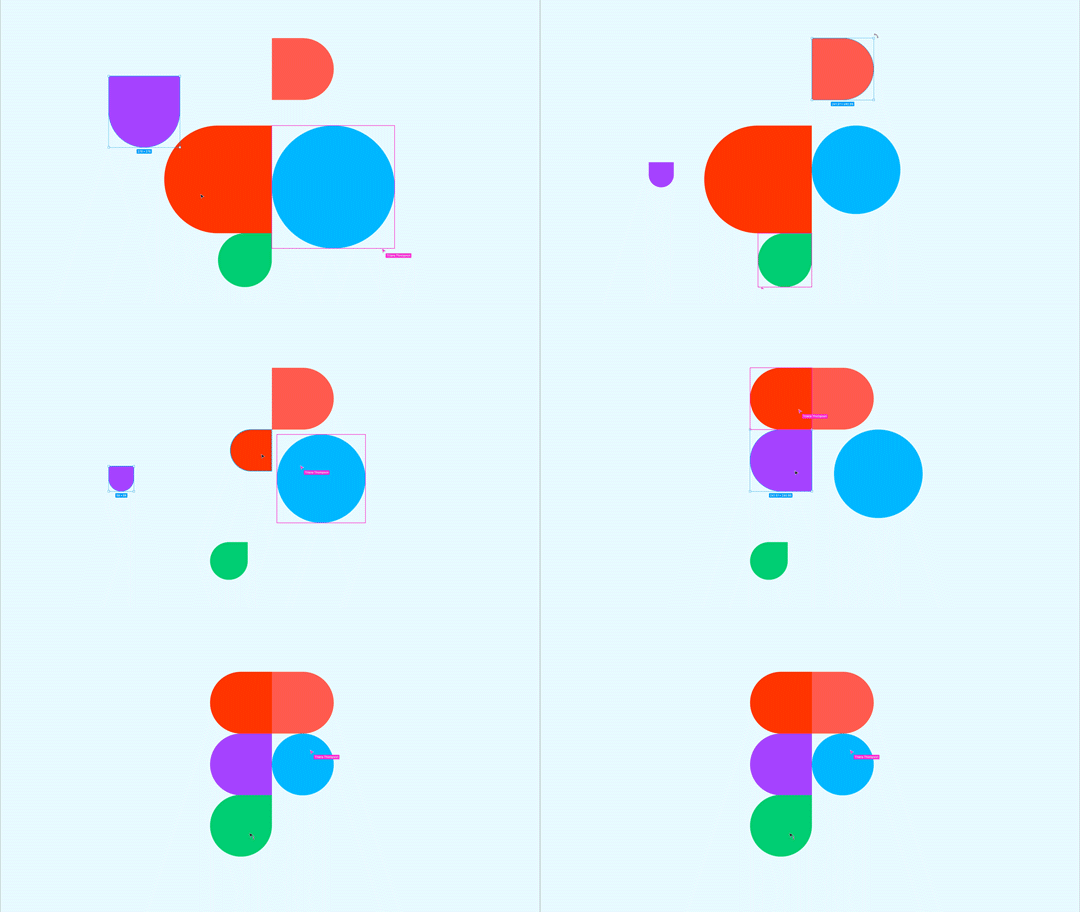


If you're torn between Webflow and Figma Sites, the real question isn't “which tool is better?” but “what do you need right now?”.
You want to build a website, but you're torn between Webflow and the brand-new Figma Sites? Don't worry, you're not alone. Between the super-powerful king of no-code and the darling of collaborative design, there's plenty to think about. In this article, we give you a complete overview to help you choose the best platform for your needs, your technical level and your project.
{{cta-1}}
When it comes to building a website without code, two names inevitably come up: Webflow and, very recently, Figma Sites. But be careful: while both let you publish a page, they're not quite playing in the same league yet.
Webflow is a complete website building tool, designed for designers, no-code developers and marketing teams alike. You can create highly customized pages, manage a powerful CMS, take care of your SEO, add complex animations, integrate third-party services and even export your HTML/CSS/JS code if needed.

It's a tool we often use to build robust, well-ranked websites able to adapt to any scale, whether for a startup, a corporate brand or a freelancer who wants a polished portfolio.

Figma Sites, for its part, is brand new. It's a web publishing feature built directly into Figma, announced at Config 2025. Its goal? To let you create and publish web pages… without leaving your .fig file. It's simple, fast and above all designed for speed: you design a page, add real content (text, images, blocks), adjust a few options… and publish it in one click.
Figma Sites doesn't replace Webflow in substance, but it covers the immediate needs of designers, creators and product teams who want to test a message, share a working prototype or publish a landing page without technical friction.
By the way, we explain why Figma is becoming so important in our article “Why Figma remains the No. 1 web design tool in 2026”. Spoiler: it's not just a mockup tool.

Now that the introductions are done, let's get concrete. If you're torn between Figma Sites and Webflow, here's a quick criterion-by-criterion comparison to help you see clearly.
On pure design, Figma remains unbeatable. Its interface logic, the finesse of its UI tools, components, shared styles… everything is designed to offer designers a smooth, fast and intuitive experience. Creating a mockup, organizing blocks, testing variants or iterating together is a real pleasure. Figma Sites naturally inherits this strength, since you stay within the Figma ecosystem.
Webflow, for its part, is powerful but a bit more technical. It's a visual code editor: extremely complete, but sometimes more intimidating if you're not comfortable with concepts like classes, divs or flexbox.

If your project needs dynamic content (blog, product pages, customer testimonials, events, etc.), Webflow CMS is clearly the right choice. It lets you structure databases, create dynamic page templates, add filters and relationships between content… in short, build a living, scalable website.
Figma Sites is currently designed for simple publishing. No structured content management (yet), no CMS, and no sorting or automatic update tools. It's perfect for a landing page, a single page or a presentation, but not for an editorial site.
.webp)
It's the core of Figma's DNA: real-time collaboration. You see who's doing what, you can comment, edit and test together, all in the same file. No need for an extra license or third-party tool: Figma collaboration is native, smooth and remarkably effective.
In Webflow, collaboration is possible but limited to certain Pro plans. And you can't really edit together on the same project live without stepping on each other's toes. You often have to rely on asynchronous feedback.

This is where Webflow clearly regains the advantage. Webflow offers complex animations, conditional transitions, scroll, hover and click interactions… all with remarkable precision. You can create advanced interactive experiences, even without writing JavaScript.
Figma Sites, on the other hand, is still fairly basic on interactions. You can link pages and add simple states, but don't expect to build an animated homepage like Apple's. For that, Webflow is still king.
Webflow is designed to produce SEO-optimized websites, with control over the title, meta tags, OG tags, sitemap, accessibility and more. It also handles responsiveness, loading performance, hosting and everything that matters when you want to be found on Google.
Figma Sites, for its part, is still light. You can publish quickly, but SEO options are limited or even nonexistent for now. It's for testing, presentation or advanced prototyping, not yet for long-term optimization.
👉 In short: Figma Sites gets straight to the point, Webflow goes much further. And what if you want to combine the two? It's possible (and smart). We explain how in this article: 📎 Build your Webflow site from Figma to get the best of both worlds.
And what if the real right answer wasn't Figma or Webflow… but Figma then Webflow? Because instead of looking for which one “wins”, many creators make the smart choice of having them work together.
Figma remains the best ally for the design phase: you lay out your structure, explore variants, manage your UI, create your components, prototype your journeys… and you do all this while collaborating in real time with your team or your client. It's fast, flexible, intuitive and, above all, it speaks designers' language.
Once everything is ready, you hand over to Webflow for publishing, CMS management, interactions, hosting and all the little technical details that turn a good design… into a real website.

Thanks to the Figma to Webflow plugin, you can now import your Figma designs directly into Webflow without starting from scratch. The plugin converts your structure into Webflow blocks while respecting your layout, typography, images and spacing. You save time, avoid manual recreation errors and keep perfect visual consistency between the mockup and the final result.
This workflow is especially powerful if you're two complementary profiles:
Each person stays in their favorite tool, without having to relearn an interface or waste time adapting. And everyone stays aligned on a single source file that is well structured, clean and true to the original vision.

In short: Figma + Webflow is the ideal combo for anyone who wants to move fast, stay creative and deliver a professional website without friction. And if you want to try this duo right now, start by installing the Figma to Webflow plugin: it's simple, effective, and it will change the way you work.
There's no need to pit Figma Sites against Webflow at all costs. In reality, your choice depends mostly on your profile, your project and your timing. Here are a few concrete cases to help you see clearly.
You're just starting out, you want to show your work or offer a client a landing page without struggling with a CMS? Figma Sites is perfect for you. You stay in an environment you already master: you design your page, add your content, publish. Zero code, zero friction. It's ideal for shipping a clean, working version, even on your own.
You work in an agile product team and want to test pages quickly, run A/B tests or validate a concept? Figma Sites is perfect for fast iteration and UX or copy tests. And when it takes off, you move to Webflow to build a more robust site, with a CMS, multiple pages and a real SEO strategy.
The Figma → Webflow workflow works really well in this context, especially with the dedicated plugin.
When you work for brands or bigger projects, with several pages, evolving content, SEO stakes and precise interactions, Webflow is the most solid solution. You can create a complete, structured, fast and scalable website and integrate it all into a real digital strategy. Figma remains useful upstream for design and presentation, but the final site should live in Webflow.

You're comfortable with design and want to stay independent in your process, without waiting for a developer at every step? The Figma + Webflow duo is made for you. You design and prototype in Figma, import into Webflow, adjust, publish. You master the creation chain from A to Z, while staying in tools designed for you.
Even though Figma Sites and Webflow are two incredibly powerful tools in their field, they also have weaknesses. Knowing these limits helps you build a better workflow, avoid frustration and choose the right platform for your goals.
Webflow is a bit like Photoshop: extremely complete, but sometimes complex to master. The interface is dense, the options are numerous, and it works on concepts that come from code, even if you never type a line of HTML or CSS.
It's not always obvious why a block won't align the way you want, why an animation triggers badly or how to structure a CMS correctly on the first try. And even though Webflow is powerful, it isn't 100% WYSIWYG: you sometimes spend more time understanding the logic than creating.
That said, Webflow has grown enormously, especially thanks to resources like Webflow University, and continues to improve its accessibility, performance, and collaboration logic. We feel that the platform listens to its users and is tending towards gradual simplification without sacrificing power.

On the other hand, Figma Sites shines by its simplicity. But this simplicity also comes with very concrete limits. No CMS, no advanced animation, no SEO management, no HTML/CSS export, and still few structural customization options.
It's perfect for creating a simple page, a visual presentation, a quick test... but not yet for building a complete, dynamic, or optimized site for Google. We remain in an “express creative” use: super useful for prototyping or product communication, but not for an ambitious web project.
That said, when you look at the speed at which Figma has integrated major functionalities (Design System, Variables, Dev Mode, Make, Buzz...), you can imagine that Figma Sites is only in its infancy. In the coming months, we may very well see the appearance of:
What we especially have a feeling is that the two platforms have not finished coming together. Today, we are already using the Figma to Webflow plugin to smooth the transition between design and online publishing. Tomorrow, maybe these gateways will become even more automatic, smarter, and will allow each designer, dev, marketer to work in their favorite tool without breaking the production flow.

In the end, it's not really a question of choosing between Figma Sites and Webflow. Rather, it is a question of timing, project maturity, and intention. The two tools have very different approaches, but incredibly complementary. One goes straight to the point, the other goes far. And together, they provide game-changing creative continuity.
Figma Sites opens a new door for designers: that of web creation without detours, without friction, without transition to a third-party tool. We design, we write, we publish. It's smooth, fast, almost obvious. And for tests, presentations, landings or ideas to be validated, it is often more than enough.
But as soon as it comes to building a solid, lively, structured site, designed to last, Webflow takes control. With its CMS, its fine SEO management, its advanced animations and its platform logic, it remains the reference for scaling up, building for reality, and delivering a site ready to perform.
Rather than opposing them, it is better to learn how to make them interact. Creating in Figma, then integrating into Webflow via the plugin, means adopting a modern, fluid workflow that respects design as well as technique. It means saving time, consistency, and above all, autonomy.
So if you're hesitant, start. Test Figma Sites, explore Webflow, play with both. And if you are just starting out, don't hesitate to follow our Figma tutorial in 5 steps to get you on the right track. Because in 2026, creating a website has never been so accessible provided you choose the right tools, and know how to combine them.












.jpg)
.jpg)