Overview
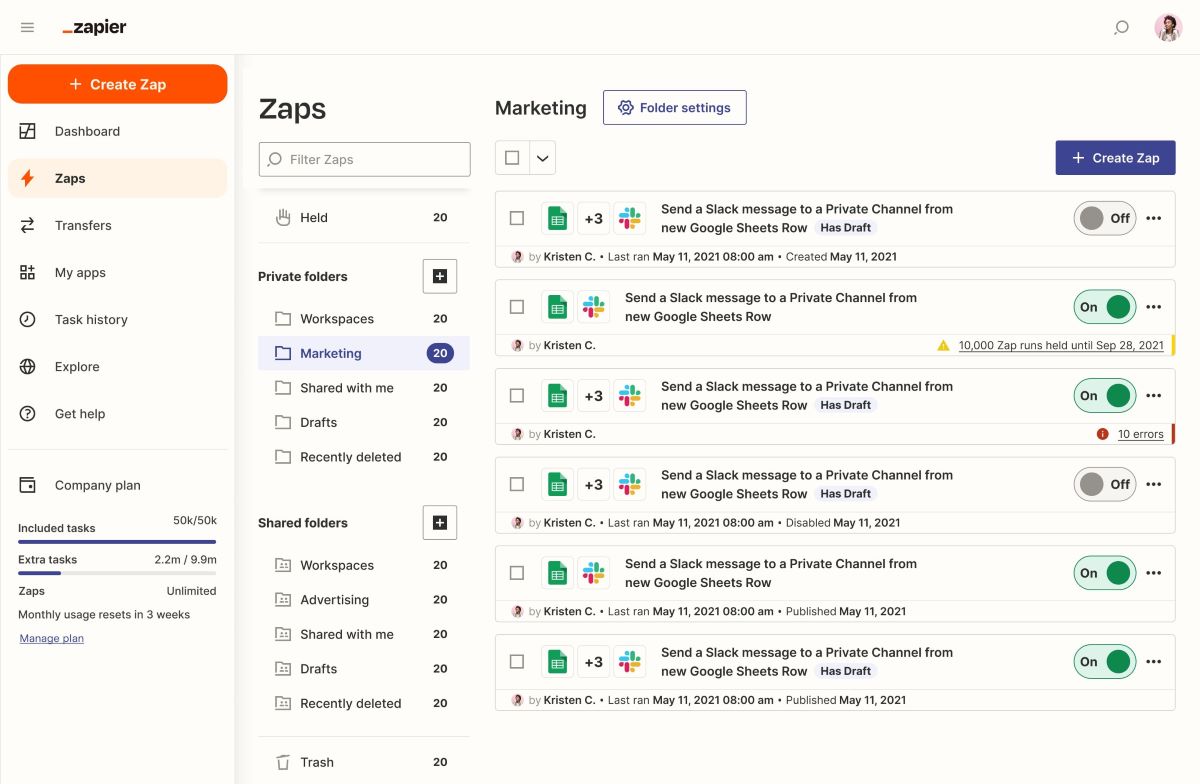
Zapier is one of the most powerful no-code tools for automating tasks between apps without writing a single line of code. The idea is simple: when an event happens in one app (such as receiving an email, a form submission or a new contact), Zapier triggers one or more actions in other apps. These scenarios are called “Zaps”.
With more than 8,000 compatible apps, from Google Sheets to Slack, Webflow, Notion, Gmail or Salesforce, Zapier lets you build custom automation chains in a few clicks.
Thanks to its visual, intuitive interface, even non-technical profiles can build powerful workflows: conditional logic, delays, filters, custom formats or webhook calls. Zapier recently added an AI layer to make building complex scenarios even easier and to recommend automated processes.
Pros
- No-code automation: Zapier connects tools without coding. You can easily automate sequences such as: “when someone fills in a Typeform, create a contact in HubSpot, then send a Slack notification”.
- Works with thousands of apps: the Zapier ecosystem is huge. It covers the most widely used apps in marketing, project management, customer relations, development and finance.
- Simple yet powerful interface: getting started is easy thanks to a clear interface, predefined templates and an easy-to-grasp “trigger → action” logic.
- Advanced features: Zapier isn’t limited to simple cases. You can build multi-step Zaps with conditions (“if”), parallel paths, delays, data formatting, API integrations and automatic tests.
- New AI layer: Zapier AI suggests workflows, proposes fixes and improves the logic of your scenarios automatically.
- Built for teams: paid plans let several people collaborate, create shared spaces, assign roles and manage security and monitoring.
Cons
- Volume-based pricing: the more “tasks” you use (each step in a Zap), the more it costs. An active automation on an e-commerce site or CRM can quickly drive up the bill.
- Some integrations are paid: certain apps are considered “premium” and are only available on paid plans.
- Learning curve for advanced features: although the first steps are simple, the tool gets very technical once you build complex scenarios with conditional branches or API requests.
- Dependent on API reliability: if a third-party app changes its API or goes down, your automation can break without immediate warning.
Why Studio Elias recommends Zapier
At Studio Elias, we use Zapier every day to automate our internal flows (for example form syncing, client database updates, automatic notifications) and those of our clients. It saves a huge amount of time on repetitive tasks and makes our processes much more reliable.
We especially recommend it to startups, agencies and marketing teams that want to save time without hiring a developer every time an action needs to trigger a domino effect in their digital ecosystem.