Overview
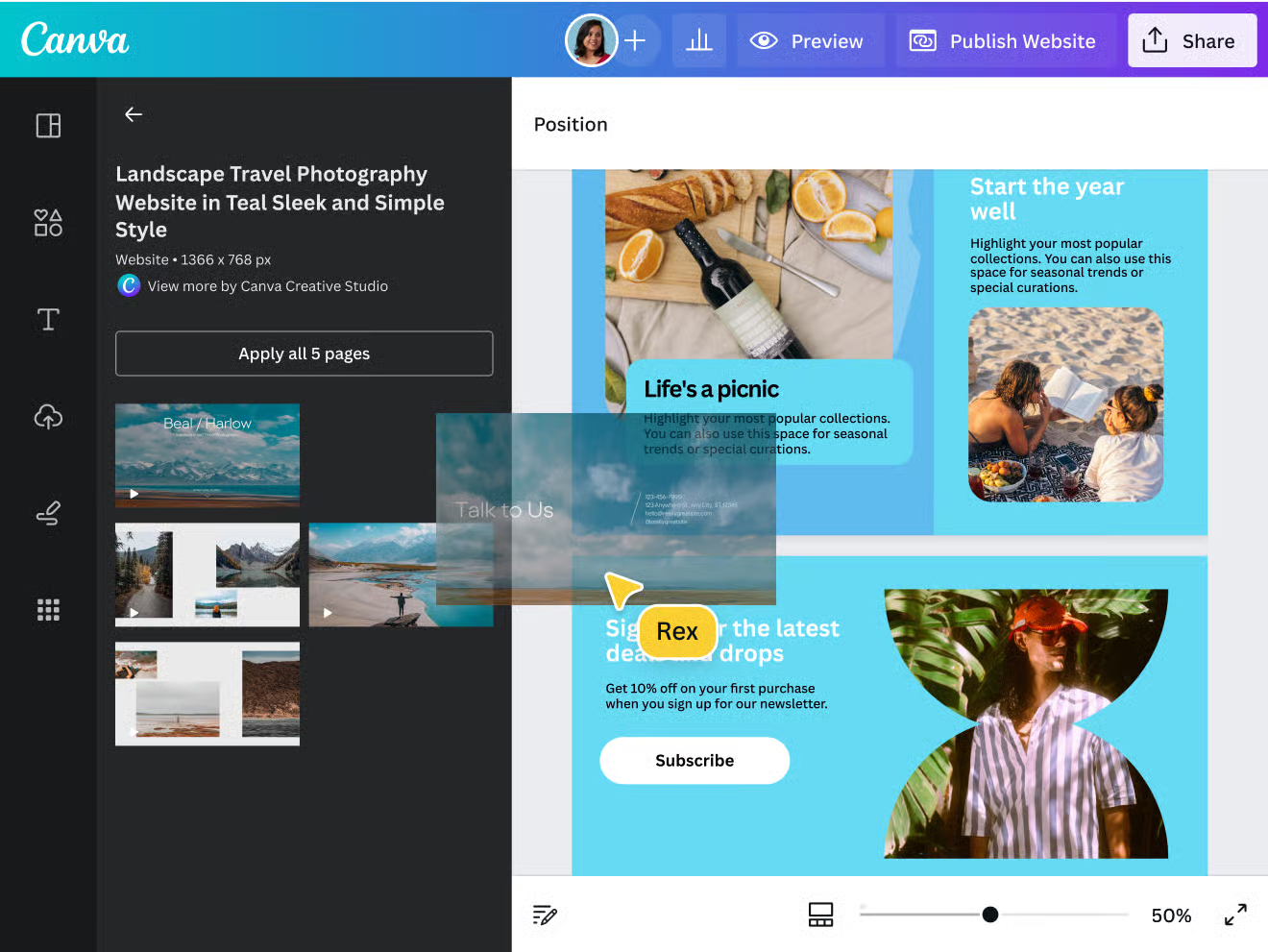
Canva has become a must for anyone or any team wanting to produce visuals, presentations, videos or digital content quickly and without technical expertise. Its intuitive drag-and-drop interface gives access to hundreds of thousands of templates, photos, illustrations, fonts and graphic elements. The tools have grown: photo editing, video editing, background removal, simple animations and text generation, all in one place.
With recent innovations, Canva also offers AI features to generate content, automatically resize visuals for different formats and make collaboration easier with shared storage, team folders and simultaneous editing. You can even manage your visual identity (colors, logos, fonts) to keep all your materials consistent.
Pros
- Easy for everyone: no need to be a designer, the tool is built so anyone can create easily.
- Wealth of resources: templates, image libraries, graphic elements, videos and a huge variety of layouts for social media, presentations, posters and marketing documents.
- AI features & automation: background removal, automatic resizing, content generation, assisted design tools and more.
- Easy brand management: create and store brand kits (colors, logos, fonts) to keep a consistent visual line.
- Effective collaboration: folders, permissions, sharing, real-time collaboration and project versioning.
- Versatile formats and media: social media posts, print, videos, presentations, PDFs and more.
Cons
- Advanced features are paid: many of the best options (premium content, advanced AI tools, background removal, etc.) are only available on paid plans.
- Limits for intensive graphic customization: for very specific creations or highly advanced effects, you can hit the limits of what is possible without a professional tool such as Photoshop or Illustrator.
- Web-based performance: video editing or heavy projects can be slow depending on your machine or connection.
- Cost for teams: for professional use with several users, the bill can rise with storage, branding and support needs.
Why Studio Elias recommends Canva
At Studio Elias, Canva is a go-to tool because it lets us:
- Quickly produce marketing or social media visuals, presentations, posts or videos without tying up the whole design team.
- Harmonize all client materials visually with the brand kit and shared asset library.
- Test visual ideas or concepts quickly before moving to more specialized tools if needed.
- Streamline the content creation workflow: brief → visual → share → revisions, everything runs more smoothly.