Overview
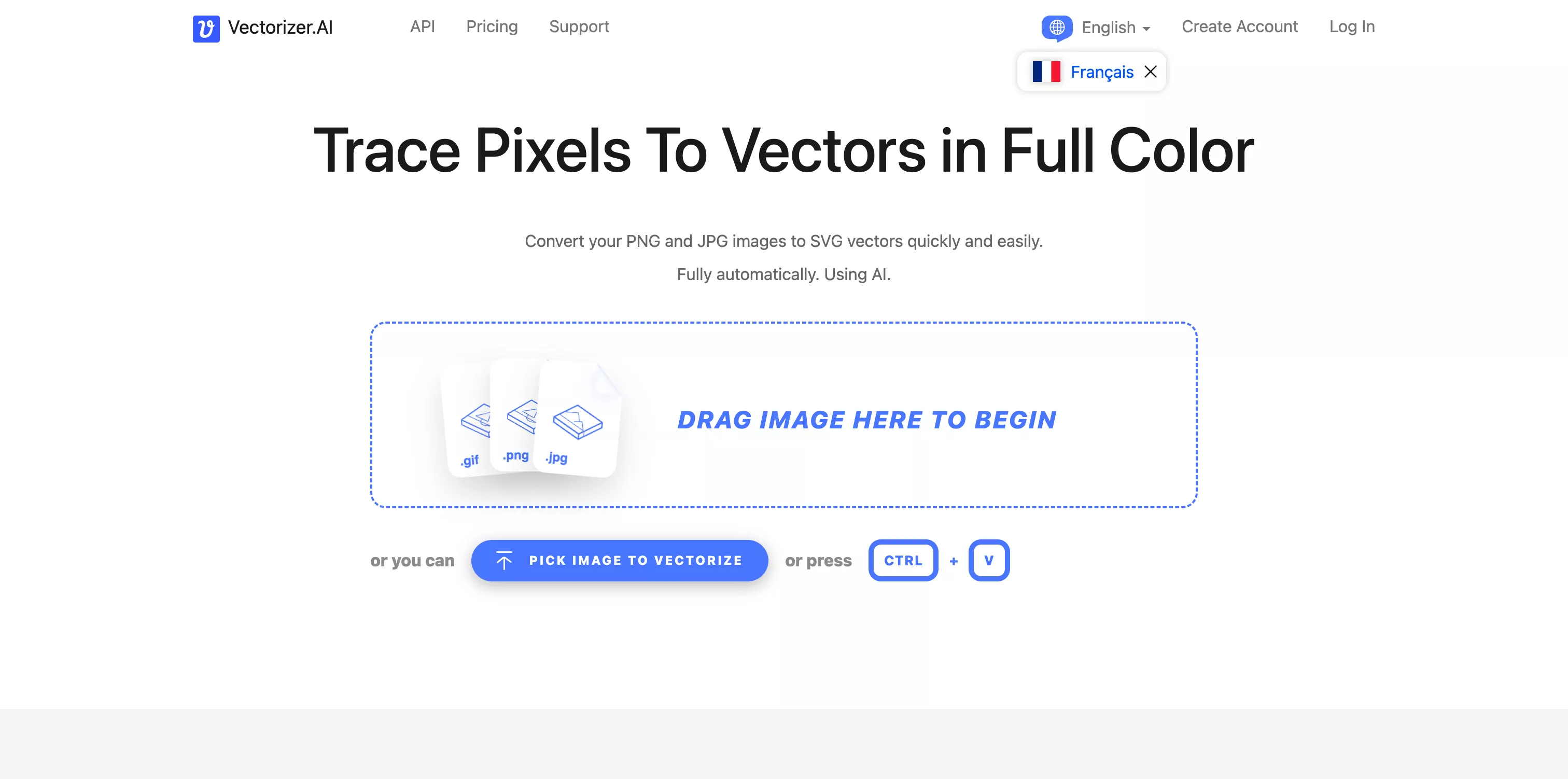
Vectorizer.ai is a smart image converter that turns raster images (PNG, JPG, BMP, WebP, GIF) into true vector graphics, usable in formats such as SVG, PDF, EPS or DXF. Unlike classic tracers, it combines AI and advanced algorithms to model shapes, capture symmetry, smooth edges and optimize visual complexity. The result: precise, easy-to-edit vectors, perfect for upgrading quality or technical uses (print, cutting, branding).
Pros
- Remarkable vectorization quality
The AI recognizes geometric shapes (circles, stars…) and refines curves and transitions for a professional result. - Smart handling of details
Blurry boundaries are simplified and fine outlines are recognized precisely, while preserving nuances. - Color and transparency support
Handles full-color images with an alpha channel, ideal for complex visuals. - Complete export formats
Choose between SVG (default), PDF, EPS, DXF or even PNG depending on your workflow. - Optimized performance
Fast GPU/CPU-optimized processing, useful in demanding professional settings. - Smooth, frictionless interface
Everything is automatic: upload, the AI converts, and you can preview the result before downloading, ready to use, with no setup.
Cons
- Subscription required for regular use
Free options or trials are limited; a monthly subscription is recommended for frequent use. - Results depend on the source image
Very complex or low-resolution images can still lose visual quality despite vectorization. - Requires a fast connection
Since the tool is entirely online, a good connection is essential for large files. - Less manual control than native software
There are fewer fine settings than in Illustrator or Inkscape to perfect each path.
Why Studio Elias recommends Vectorizer.ai
At Studio Elias, we use Vectorizer.ai as a key complementary tool:
- To instantly turn pixelated logos or illustrations into adaptable vectors (Webflow, Figma or print).
- To produce perfectly scalable assets with no visual loss, ideal for responsive design and branding.
- To automate vector conversions in fast workflows or through the API.
- To give our teams a simple, fast and clean solution, without software complexity.
Vectorizer.ai has become a professional reflex: simple, powerful and smart.
Vectorising an old logo is a quick fix; if it is time to redo it, our guide to logo design prices at an agency and our visual identity agency will help you decide.