Overview
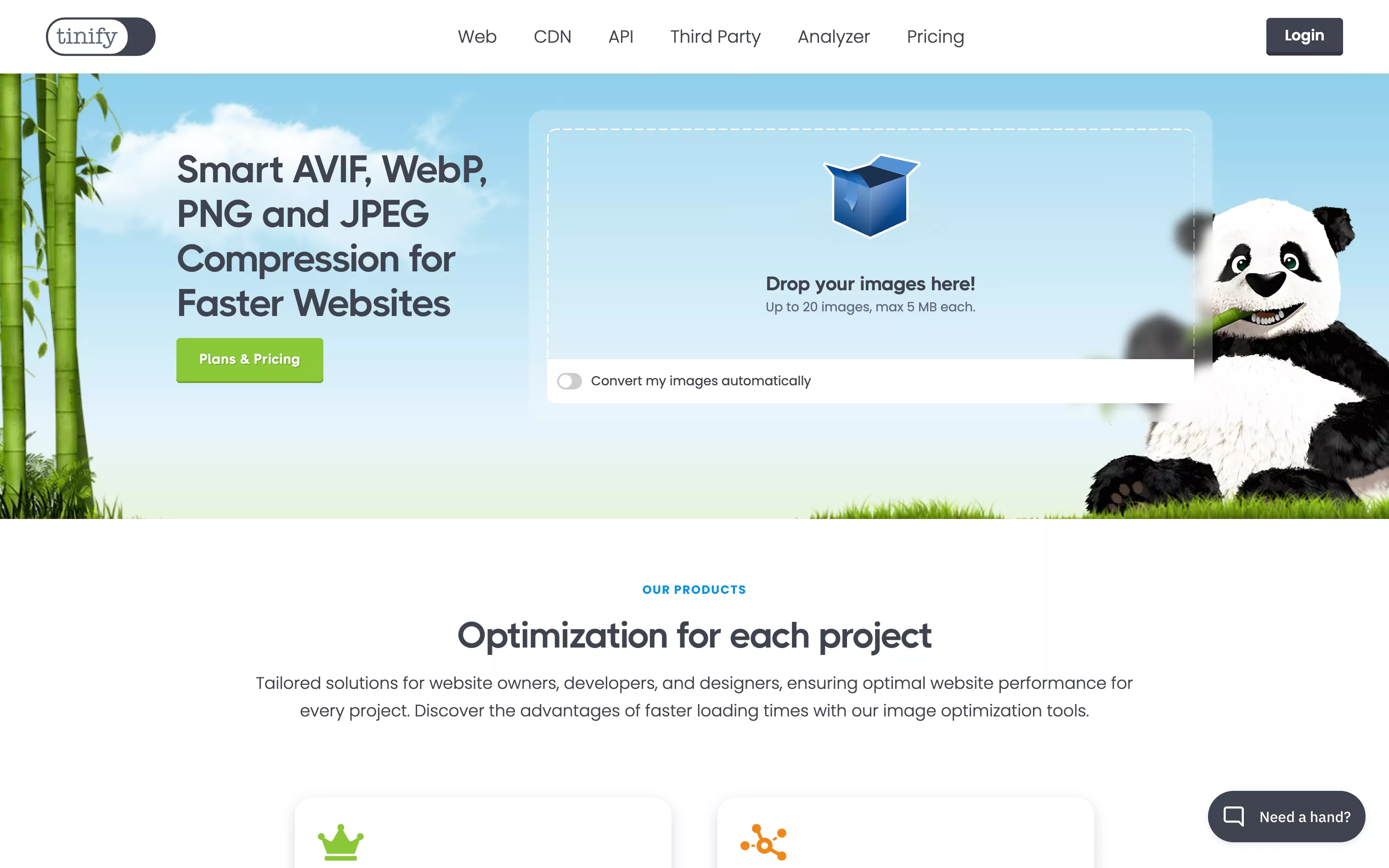
TinyPNG has become an essential tool for any web professional who wants to give users a smooth experience. Available online, it compresses your PNG, JPEG, WebP or AVIF images in one step, drastically reducing their weight (often by 50 to 80%) without sacrificing quality. It all relies on an ultra-simple interface (drag and drop your files, get the lighter version back) paired with advanced quantization technology that strips metadata and optimizes colors.
Pros
- Visual quality preserved
Visuals stay sharp, even after heavy compression. - Ultra-simple interface
No technical skills required, ideal for building fast workflows. - Support for modern formats
Works with PNG, JPEG, WebP and AVIF, with automatic conversion if needed. - Batch processing
Process up to 20 images at once, or use the API to automate large volumes. - Solutions for everyone
Free access for light use, pro subscriptions for sustained workflows, and integration through the API or plugins (WordPress, Photoshop, etc.). - Better web performance
Faster loading, SEO gains and a better user experience, perfect for Webflow or any dynamic site.
Cons
- Restrictive free limit
For regular or team use, the free monthly quota quickly becomes insufficient. - No advanced editor
No control over compression options; it is automatic or premium. - Internet dependence
A connection is required to upload and compress files. - Per-image pricing
Can become expensive at very large volumes without a group or business plan.
Studio Elias’s recommendation
At Studio Elias, TinyPNG is an everyday ally to:
- Quickly prepare lighter images before publishing on Webflow, without compromising aesthetics or readability.
- Plug into scripts or automations to optimize visuals manually or automatically.
- Guarantee optimal front-end performance, especially for mobile and SEO.
- Give clients a simple way to lighten their visual library without complex tools.
TinyPNG is an essential building block in any modern visual workflow: simple, effective and always at hand.