Overview
iLoveIMG is an online platform designed to simplify all the common tasks of image processing. It is aimed at every profile: freelancers, agencies, businesses or individuals who want to save time without sacrificing quality. Since its launch, iLoveIMG has become a go-to everyday tool for optimizing visuals before publishing, creating visuals quickly or slimming down heavy files.
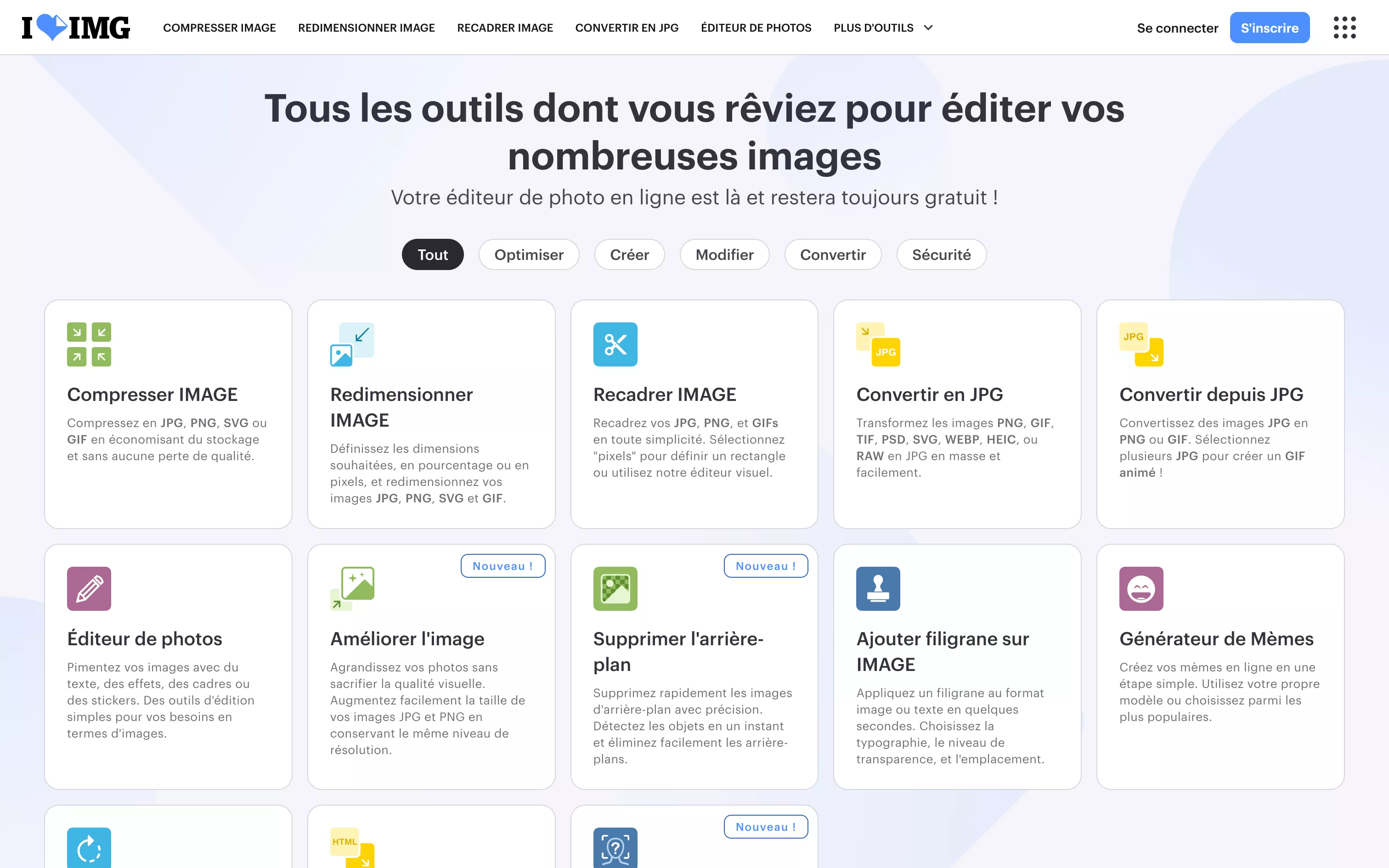
Its interface is extremely intuitive: each feature is presented as an independent module (compress an image, resize, convert to another format, add text, crop, etc.). Users just drag and drop their files and let the tool do the rest.
No sign-up needed to start, no learning curve, no software to install: it promises a 100% web-based, 100% effective tool.
Pros
- Easy to use: process an image or a batch of images in a few clicks. The interface is clean, clear and smooth, even for beginners.
- Batch processing: one of iLoveIMG’s major strengths is applying your actions to dozens of files at once. Ideal for photo galleries, banners or e-commerce.
- Wide range of tools: resizing, compression, conversion (JPG, PNG, WebP, GIF), adding text or watermarks, meme creation, background removal and more.
- No sign-up required: most features are available for free without an account. The premium version adds convenience but remains optional.
- Fast processing: processing is instant; files are handled locally or on servers optimized for performance.
- Privacy-friendly: files are deleted after processing for maximum confidentiality.
- Accessible: available in every browser and on every system (PC, Mac, tablet, smartphone).
Cons
- Ads in the free version: they don’t get in the way of use, but can be annoying in a professional setting or with frequent use.
- No advanced retouching: iLoveIMG doesn’t replace software such as Photoshop. It is excellent for simple tasks, not complex design.
- Limited customization: options are predefined. You can’t fine-tune parameters or apply precise effects.
- Internet dependence: like any online tool, a good connection is needed to upload files and run actions.
- Interface a little too minimal for some: the lack of contextual help or guidance can confuse new users at first.
Why Studio Elias recommends iLoveIMG
At Studio Elias, we use iLoveIMG to quickly optimize images before publishing on Webflow, prepare lightweight assets for newsletters or help clients manage their own visuals. Its ultra-intuitive approach lets us equip non-designers with a reliable, fast and effective tool, while keeping control over image weight, formats and quick edits.
It is an essential building block in any modern production stack: light, efficient and complementary to heavier tools such as Figma, Photoshop or After Effects.