Overview
Stable Diffusion made open-source image generation mainstream. Unlike Midjourney or Nano Banana, you can download the models and run them on your own computer or server, without sending your images to a third party.
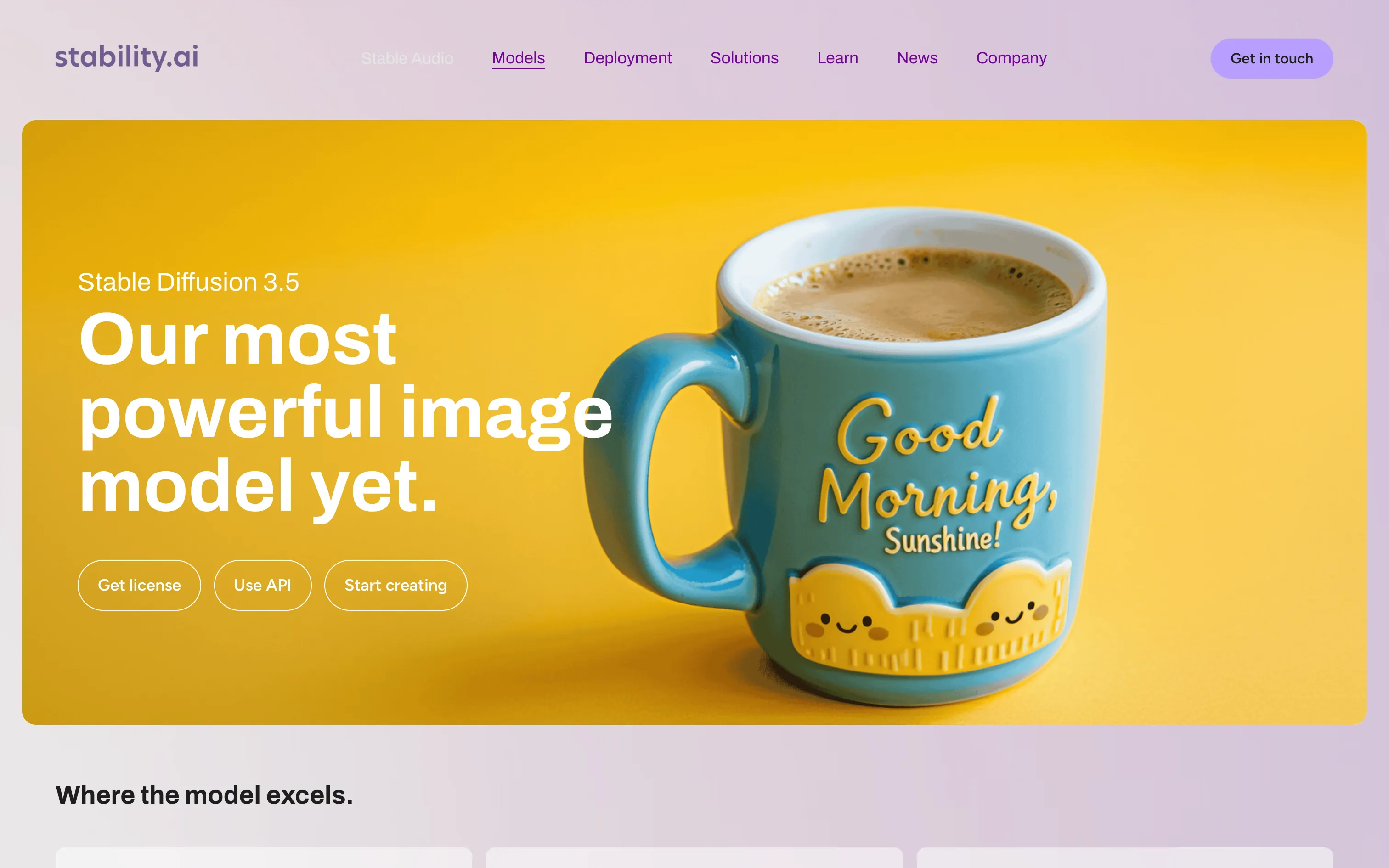
The current version, Stable Diffusion 3.5, comes in three sizes:
- Large: the most accurate, built for professional work at 1 megapixel.
- Large Turbo: a decent image in just four steps, ideal for fast iteration.
- Medium: the balance between quality and footprint, running on consumer GPUs.
Around the model, Stability AI offers editing tools through its API: erase objects, inpaint and outpaint, upscale, or control composition from a sketch.
Pros
- Full freedom: downloadable models that work offline and plug into your own tools.
- Free for most studios and freelancers thanks to the Community licence.
- Huge ecosystem: interfaces such as ComfyUI and thousands of community styles and fine-tuned models (LoRA).
- Privacy: run locally, client visuals never leave your machine.
Cons
- Local installation needs a good GPU and some technical skills.
- Out of the box, results look less polished than the latest closed models.
- Text inside images is less reliable than with Ideogram or Nano Banana.
- The licence changes above $1 million in revenue: check before large-scale commercial use.
Studio Elias’s recommendation
Stable Diffusion suits teams that want control: training a house style, producing at volume without a subscription, or handling confidential visuals locally. For brand campaigns, we mostly use it to explore directions and produce variations, then take the art direction back by hand. If you just want great images without installing anything, Krea or Nano Banana will be faster.
FAQ
Is Stable Diffusion free?
Yes, for personal use and for businesses under $1 million in annual revenue, under Stability AI’s Community licence. Above that, you need an Enterprise licence.
Can I use Stable Diffusion without installing it?
Yes, through the Stable Assistant web app or the many services that embed the model.
Which version should I pick?
Large for quality, Large Turbo for speed, Medium if your hardware is modest.