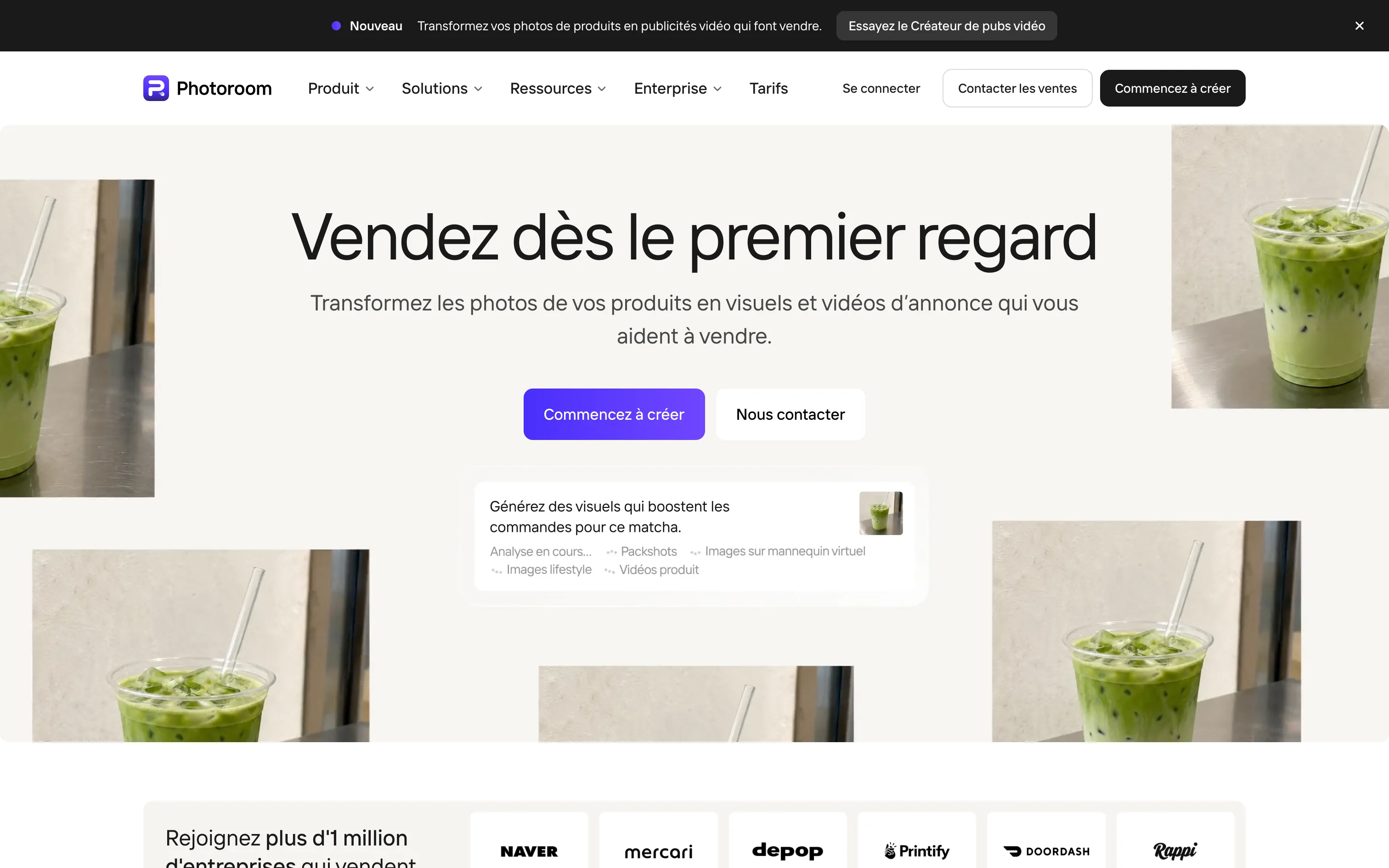
Overview
Photoroom started with a simple idea: remove a product photo’s background in one click. The Paris start-up turned it into a full platform used by more than a million businesses, from second-hand sellers to major e-commerce brands.
What it does today:
- Automatic background removal and edits (shadows, light, cropping).
- AI backgrounds: place a product in a realistic scene generated on demand.
- AI models to show clothing without a photo shoot.
- Video ad creator: your photos become videos with AI characters, music and voice-over, in Meta, TikTok and YouTube formats.
- Brand library and batch processing for thousands of SKUs.
Pros
- Very easy on mobile and desktop, no retouching skills needed.
- Fast at volume: batch processing and API for catalogues.
- Clean cut-outs, even on tricky edges.
- Free plan good enough for a handful of photos.
Cons
- The most useful features (video, high resolution, advanced shadows) are on paid plans.
- Credit system: the heaviest tools drain the allowance quickly.
- Generated scenes can lack personality and look alike from one brand to the next.
Studio Elias’s recommendation
Photoroom is an excellent production tool for e-commerce and social media. To keep a consistent brand image, define your visual rules first (backgrounds, light, framing, colours) and save them in the brand library: your visuals will look like each other, not like your competitors’. For a key campaign, a real photo shoot remains more distinctive.
FAQ
Is Photoroom free?
Yes, the free plan includes essential tools such as background removal, with limits. Advanced AI features and volume exports require Pro, Max or Ultra.
Where is Photoroom from?
Photoroom was founded in Paris, France.
How do I remove a background with Photoroom?
Upload your photo: the background is removed automatically, then pick a plain colour, an AI scene or a transparent background.