Overview
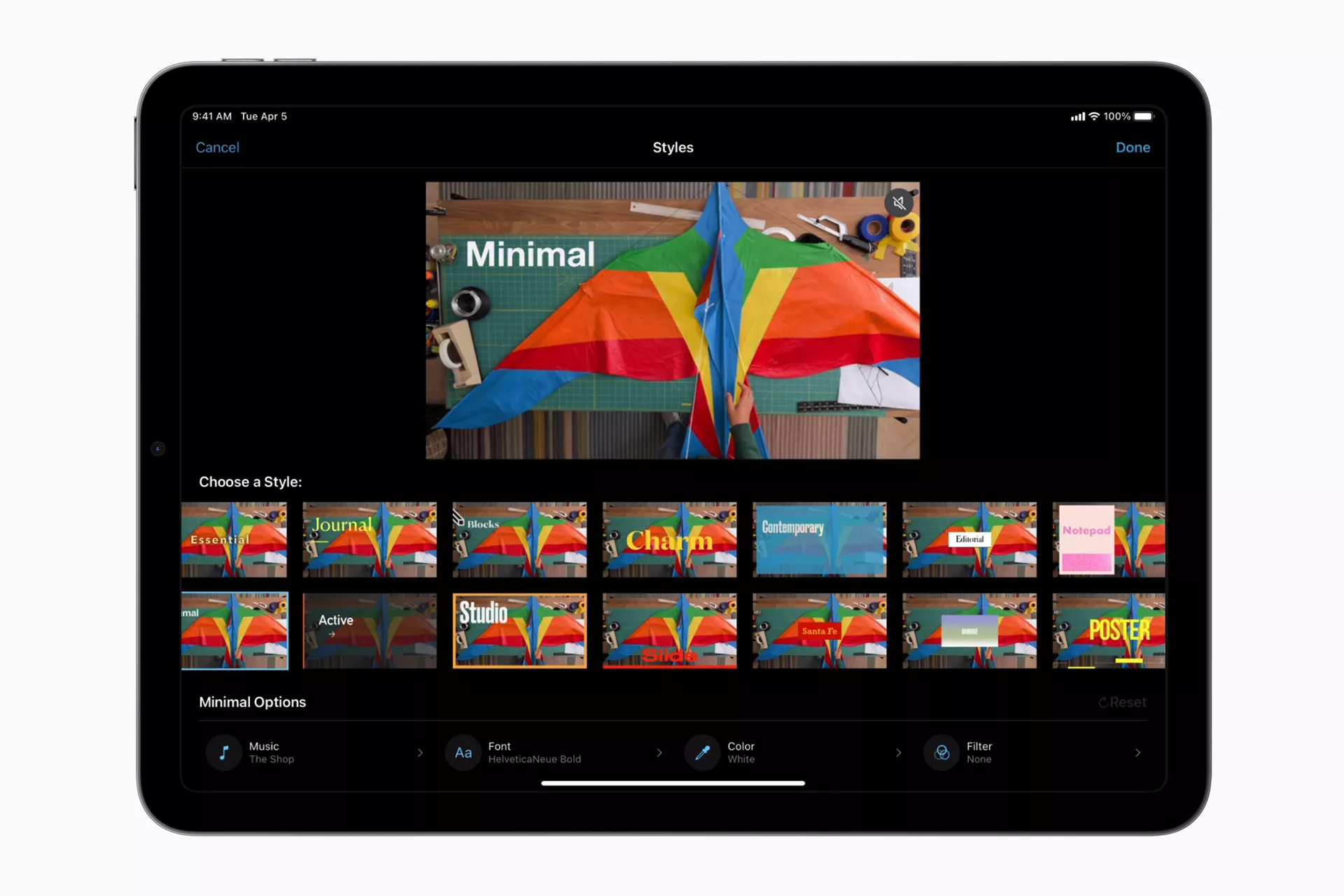
iMovie is the easy-to-learn video editing tool for every Apple device user. Assemble video clips, photos and music, apply transitions, adjust colors, stabilize shaky footage and play with pacing by slowing down or speeding up clips. The interface is designed to make the work simple: clear buttons, clean visuals and an accessible timeline, even for beginners.
iMovie also offers modern features such as Storyboards and “Magic Movie”, which automatically generate a stylized edit from an album or a selection of clips, as well as Cinematic mode to add visual depth to your footage. You will also find customizable titles, effects such as split screen and green screen, built-in sound effects and music libraries, all with output quality that can reach 4K depending on the device.
Pros
- 100% free for Apple users: all core features are available at no cost.
- Simple and ergonomic: intuitive interface, visual workflow, easy previews and quick clip adjustments.
- Modern built-in features: automatic edit generators (Magic Movie), Storyboards to guide the narrative, Cinematic mode and more.
- Varied effects: transitions, filters, built-in audio/music, green screen, split screen and more.
- High-resolution export: export in 4K, support for modern formats, sharp final videos.
- Sync across devices: start an edit on iPhone or iPad and continue on Mac seamlessly.
Cons
- Apple devices only: iMovie is not available on Android or Windows, which limits it to Apple users.
- Limited pro features: for very advanced needs (complex special effects, advanced multicam editing, precise settings), other tools are better suited.
- Less customization than more complete software: detailed color, sound or advanced effect settings are limited.
- Performance depends on hardware: 4K renders or complex effects can be slower on older devices.
Why Studio Elias recommends iMovie
At Studio Elias, iMovie is a real asset to:
- Produce quick content for social media or internal presentations, with little time and no technical complexity.
- Create video prototypes or rough client edits before moving to professional tools.
- Keep visual consistency even on mobile devices, thanks to sync between iPhone, iPad and Mac.
- Use its modern automatic features to save time on the narrative, structure or formatting of videos.