Overview
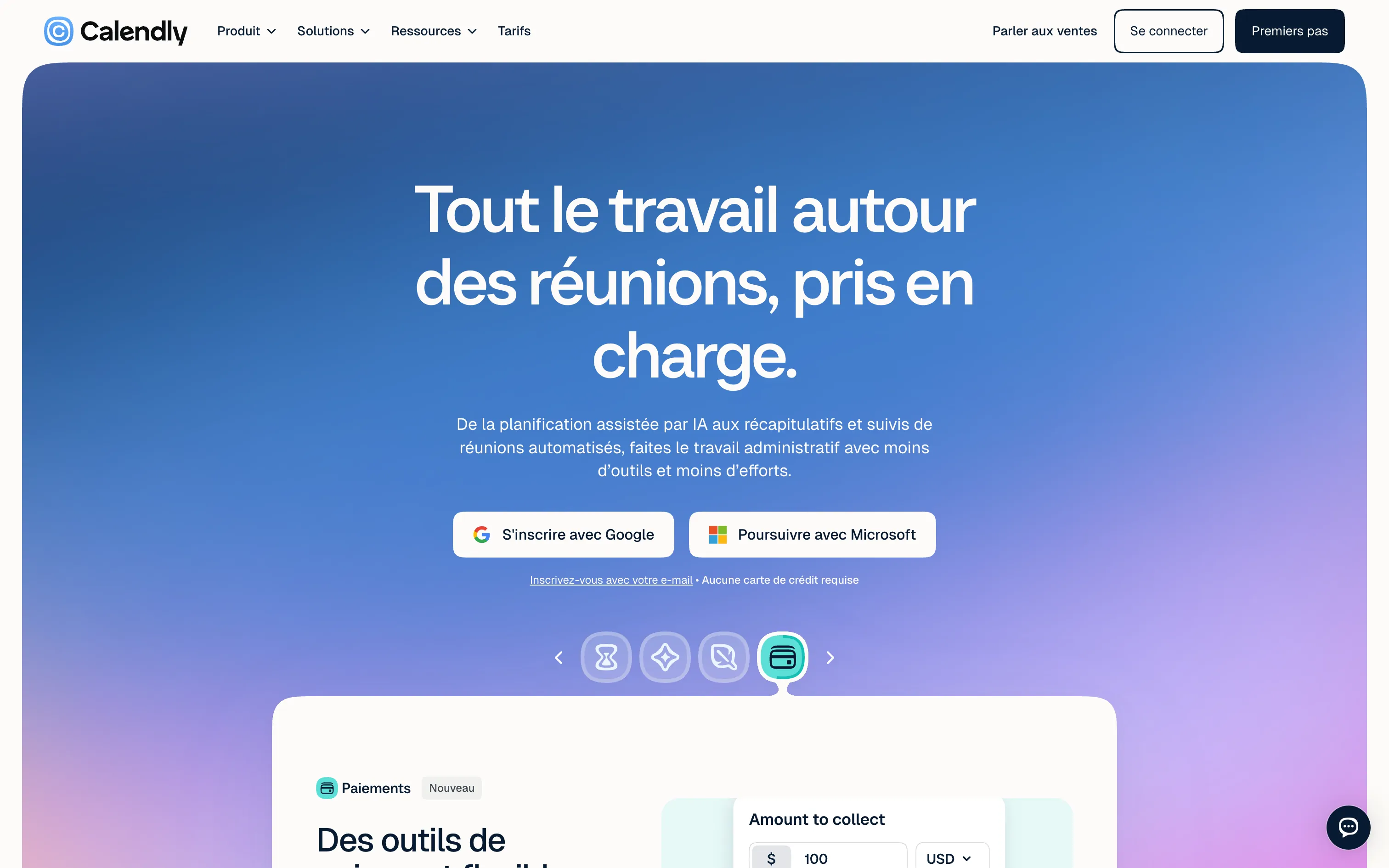
Calendly solves a universal problem: finding a common slot without five emails. Set your availability, Calendly syncs it with your Google or Outlook calendar, and you share a booking link. The tool has grown a lot:
- Event types: 30-minute intro call, one-hour workshop, group sessions…
- Website embedding: inline widget, button or pop-up.
- Automatic reminders and follow-ups, payment at booking (Stripe, PayPal).
- Routing: a form sends each prospect to the right person.
- Notetaker: recording, transcripts and summaries for Zoom, Google Meet and Teams meetings.
- Callie (beta): an AI assistant you copy into an email thread to schedule on your behalf.
Pros
- Simplicity: people book in seconds, no account needed.
- Free plan enough for a freelancer.
- Huge range of integrations (CRM, video, payments, automation).
- Reliable and a standard your clients already know.
Cons
- Only one event type on the free plan.
- Limited visual customisation: the page still looks like Calendly.
- AI features are paid add-ons.
Studio Elias’s recommendation
We use Calendly for our first conversations with clients. On a website, it is one of the simplest conversion levers: a “Book a call” button that opens the calendar directly often beats a contact form. Embed it on a page in your brand colours, with a line that reassures people about what will happen during the call.
FAQ
Is Calendly free?
Yes, the Free plan is free forever, with one event type and one connected calendar. Standard costs $10 per seat per month.
Does Calendly have AI features?
Yes: Notetaker records and summarises meetings, and Callie schedules for you over email. Both are add-ons.
How do I add Calendly to a Webflow site?
Paste Calendly’s embed code (inline widget or pop-up) into a Webflow “Embed” element.