


To find solid, actionable web design inspiration, this article compiles the best templates and projects from the Figma community, perfect for getting inspired or starting your own. Here are the key takeaways:
Looking for the best Figma templates ? Or simply inspiration ?
In this article, you'll find what you need 🤩 Here are 10 projects created by designers from the Figma community that you can clone and use for your own web designs.
Open your eyes wide! 👀
Figma is a digital design tool available on web browser and which allows designers, developers and anyone to collaborate effectively on design projects forinterfaces web,mobile applications and websites. It is a flexible and easy-to-use design tool that offers many features useful for creating mockups, prototypes and design templates.
To learn more and see how Figma integrates into our workflow, read our article Figma for Web Design: Your Best Ally.
As previously mentioned, with Figma, designers can create mockups and prototypes ofuser interfaces using graphic elements such as icons, fonts , and templates, templates, visuals ...
Figma is an excellent tool for carrying out projects involving redesign of website ormobile application🤩 And to master Figma step-by-step, our tutorial: learn Figma in 5 steps is perfect for you. Indeed, designers can easily create design templates and prototypes interactive to present their ideas to clients or team members. They can also collaborate with the developers to ensure that design patterns are correctly implemented in the final version of the website ormobile application.
.gif)
Indeed, the tool offers a collaborative approach, meaning multiple people can work on the same project simultaneously. In practice, this allows designers, developers and other team members to work together more efficiently to create high-quality user interfaces . Communication between different team members is therefore facilitated by numerous features, such as adding comments. These can be added directly to the mockups and the prototypes, which greatly facilitates (huuugely 🤭) communication and collaboration among team members.
With Figma, you can not only create high-quality designs, but also designs that are responsive, meaning they are optimized for different screens. Your user experience can therefore be pleasant and consistent, regardless of the screen size on which theinterface is viewed 👌
In summary, Figma is a digital design powerful and flexible tool that allows designers and developers to collaborate effectively efficient and create user interfaces of high quality. Thanks to its features for mockup creation, prototypes , and design templates, you can create intuitive user interfaces that are intuitive and interactive to provide an optimal user experience .
And that's precisely what we're going to discover below 😉
{{block-cta-1}}
The Figma community is an online platform where Figma users can share projects, templates, resources and feedback.
Accessing it couldn't be easier. Once you're in Figma, click on the Community tab 😎 This page allows users to discover new projects and connect with other designers worldwide. You can find a variety of design resources, such as user interface templates, website mockups, mobile app designs, icon kits, fonts...
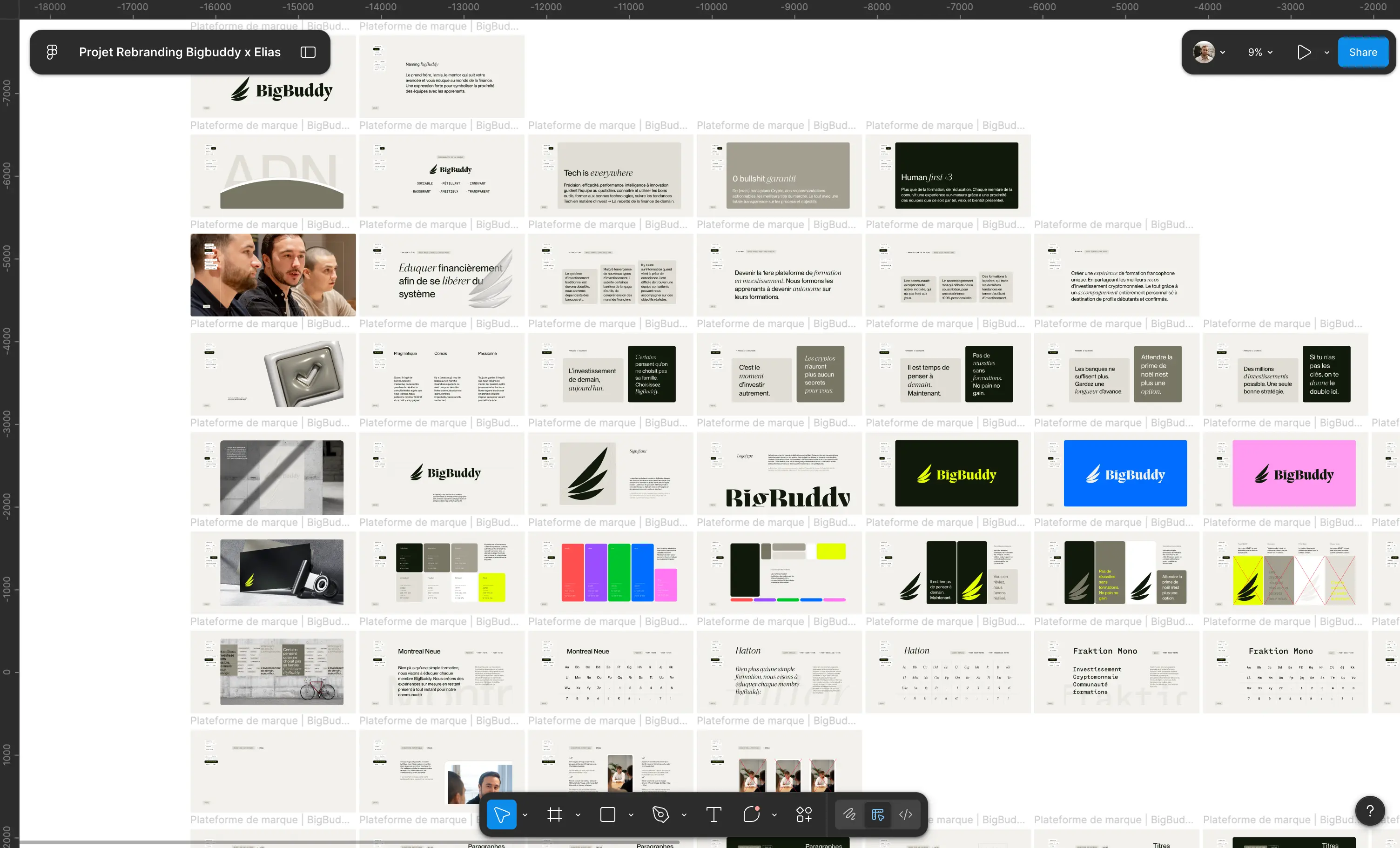
Understanding your user also means understanding your brand strategy : target audience, positioning, promise – elements that always precede the mockup.
In fact, designers can publish their projects to share them with the community and get feedback and suggestions to improve their work. Other users can browse these projects and clone them to modify them and adapt them to their own needs.
Talk about a collaborative tool! 😍
In addition to individual projects, the Figma community also hosts design teams, design agencies, and organizations that share their resources to help designers save time on their projects.
The projects you're about to see come from the community (hence this little aside 🤓).
Without further ado, here are the best projects from Figma designers 🥁

Material Design components library


To see how the best UI kits align with current trends, check out our article on the best web design trends.
To see concrete examples of high-converting landing pages, also check out our article on the best landing pages.


There you go, you should have plenty to enjoy on Figma! If you want to keep the fun going, meet me here to get the best Figma tips 🚀
{{block-cta-2}}








.jpg)
.jpg)




%20(1).gif)