

Design assisted by artificial intelligence is transforming the way we create: it allows us to go faster, explore further and produce visuals of remarkable quality. But behind every tool, there is always the human vision that makes a difference, the one that connects technology to an idea, an emotion, a brand.
Figma AI/Adobe Firefly/MidJourney/Runway ML/Canva Magic Studio/Canva Magic Studio/Galileo AI/Galileo AI/Uizard/Khroma/Remove.BG/Looka/Durable/KREA AI/LeiaPix Converter/Notion AI/Runway ML/Runway ML/Runway ML/ML Converter/Notion AI/Runway ML/Runway ML/ML/ML Converter/Notion AI/ChatGPT + DALL·E 3/Canva Magic Studio/Galileo AI/Galileo AI/Uizard AI/Khroma/Remove.BG/Looka/Durable/KREA AI/LeiaPix Converter/Notion AI/LeiaPix Converter/Notion AI/Notion AI/ChatGPT + DALL·E 3/ChatGPT + DALL·/ Remove Watermark AI/RunDiffusion/Brandmark.io/Beautiful AI/Spline AI Designs.ai Stockimg.ai Patterned.ai
Artificial intelligence has revolutionized how we design visuals, create websites, and envision user experiences. Today, AI design tools allow us to go from an idea to a professional result in seconds. For designers, creatives, and brands, it's a true revolution: saving time, opening new possibilities, but also presenting new limitations to understand.
At Studio Elias, we've seen these tools transform our way of working. Whether it's generating images, designing a web interface, or personalizing content, we've tested, explored, and integrated the best AI tools to push the boundaries of design. Here is our 2025 selection, a comprehensive resource for anyone looking to combine creativity and technology.
Artificial intelligence doesn't replace the designer; it amplifies them. It automates repetitive tasks and frees up time for pure creation. In a few clicks, you can generate visuals, suggest color palettes, analyze a layout, or design a complete interface ready for web integration.
Platforms like Figma, Canva or Adobe Firefly have made these tools accessible to everyone, while more advanced solutions like MidJourney or Runway ML push the boundaries of visual rendering. The result: the creative process becomes more fluid, more efficient, and more inspiring.
To discover how these tools fit into a broader creative approach, check out our article on how to build a brand with AI.

The designer doesn't disappear; they become a conductor. They guide the machine, adjust, select, and refine to transform a raw idea into a cohesive visual experience. AI is therefore not a threat, but a powerful tool to accelerate, explore, and perfect the creative process.
{{cta-1}}
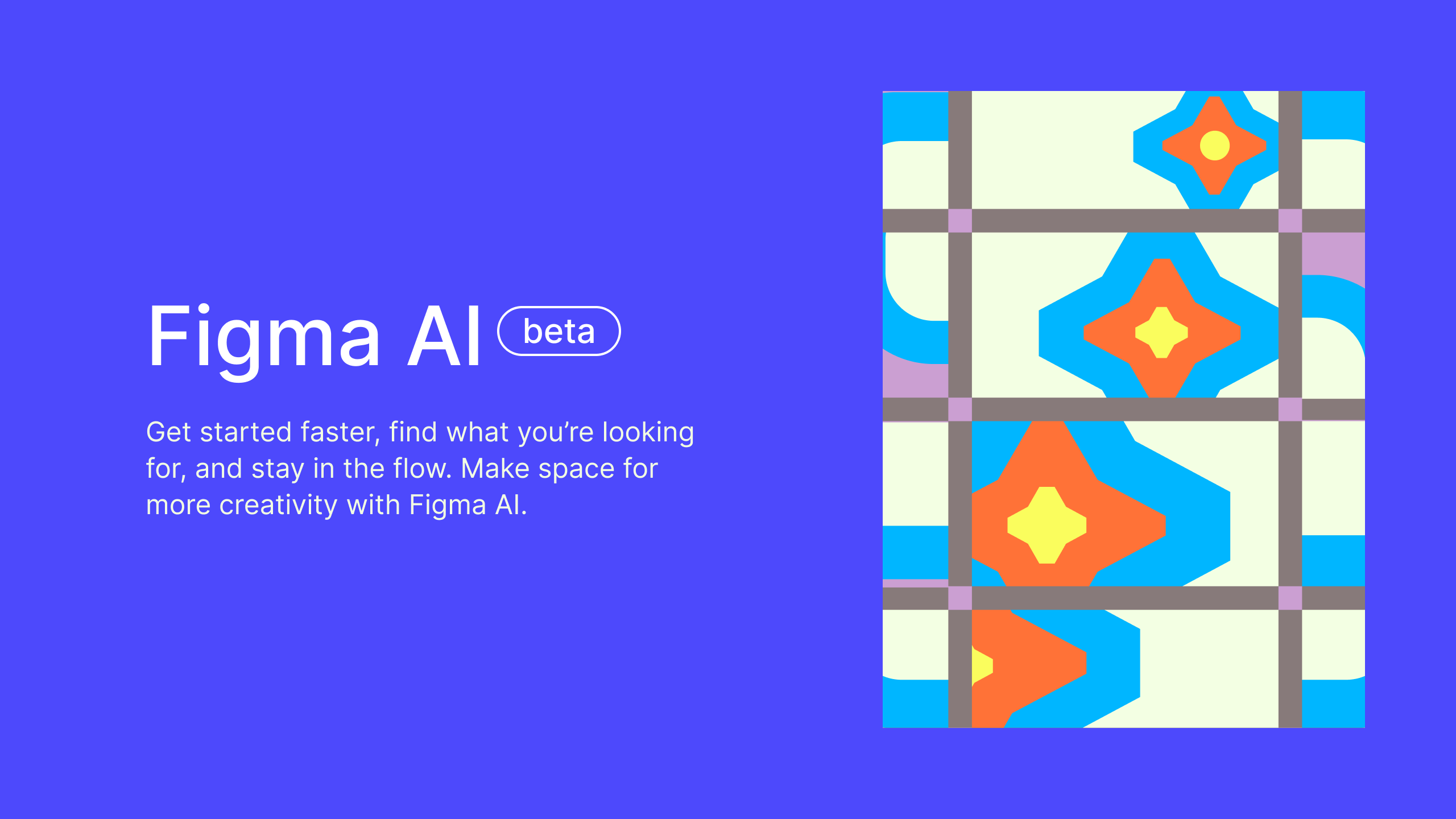
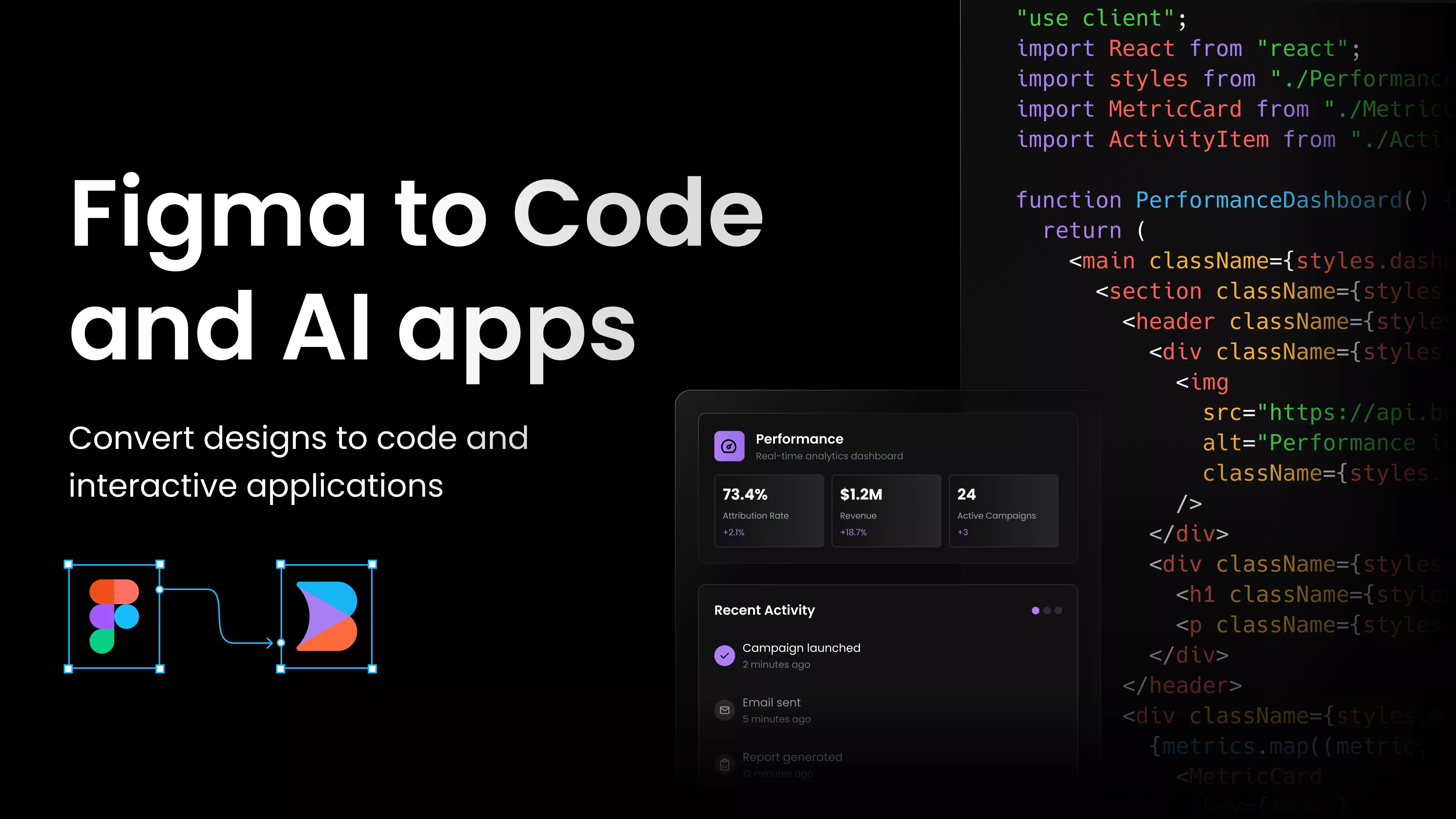
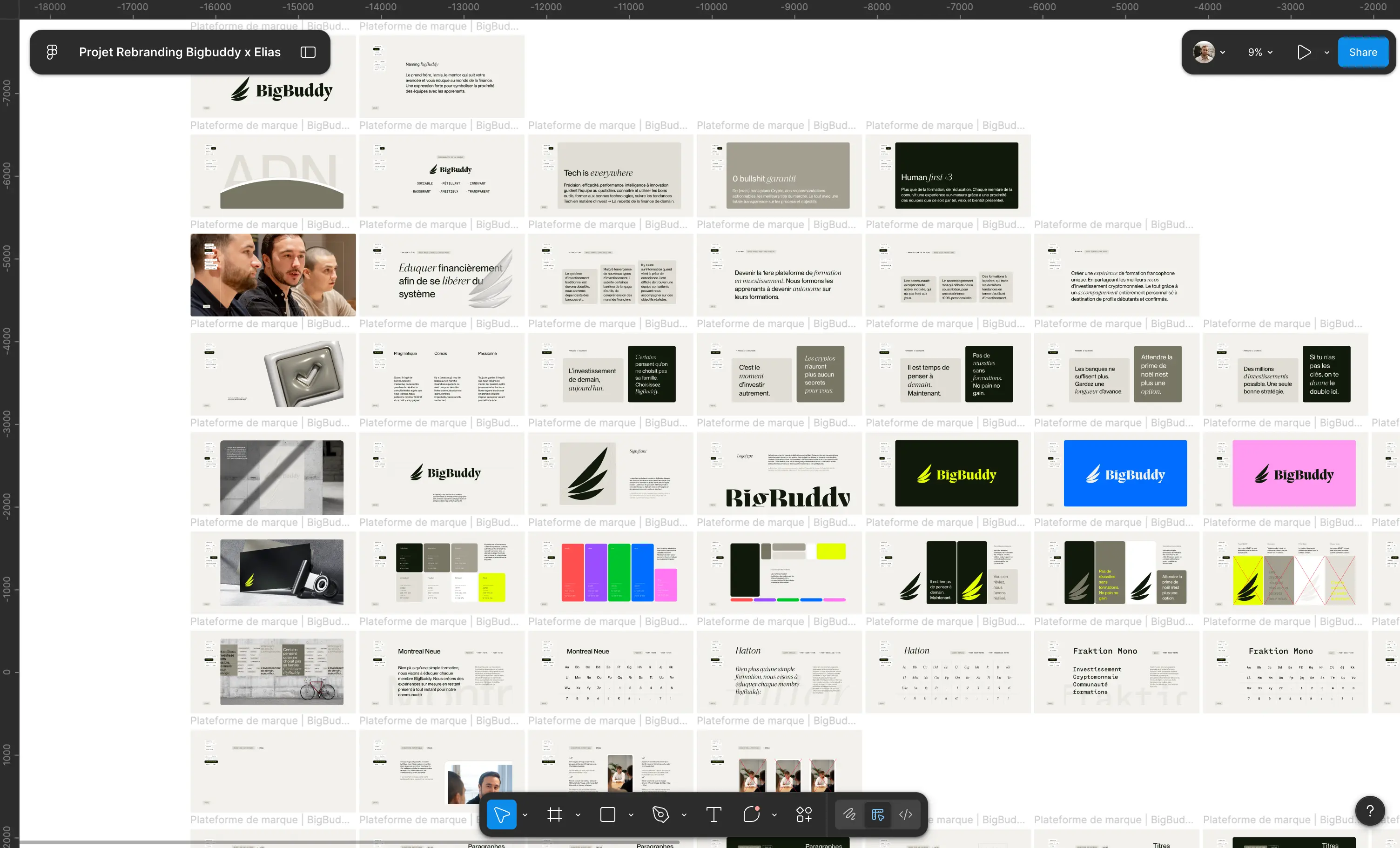
Figma remains the go-to for web and product designers. Its artificial intelligence module automatically generates complete layouts, suggests component variations, and helps optimize interfaces according to UX best practices. Integrated directly into the interface, it accelerates design while respecting the design system and visual consistency.
Ideal for quickly creating clean, structured mockups that align with brand identity.
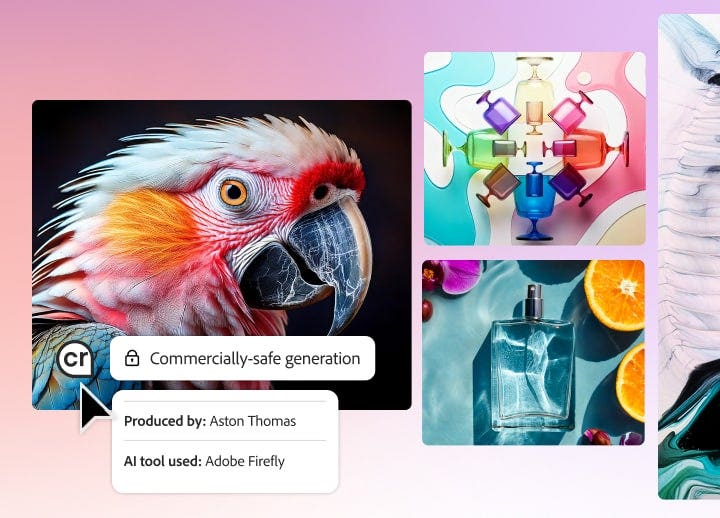
Adobe's AI integrates directly into Photoshop, Illustrator, and Express. It allows you to generate visuals, extend an image, modify a background, or add realistic elements from a prompt. Thanks to its seamless integration into the Creative Cloud, it delivers professional results without leaving your usual workspace.
Key benefit: Exceptional image quality and native integration into the Adobe ecosystem.
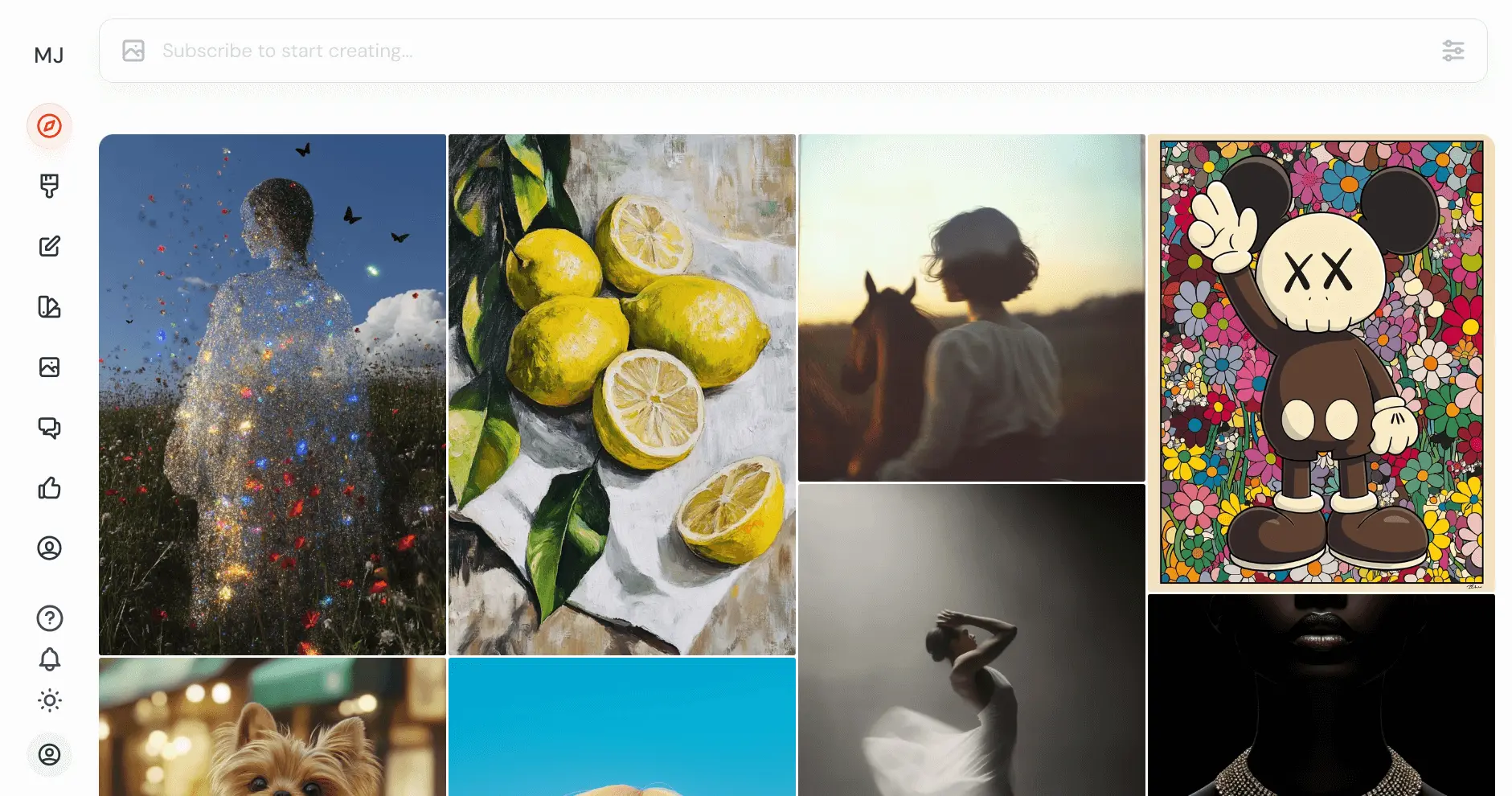
Likely the most artistic tool right now. By entering a simple phrase, MidJourney generates ultra-realistic or stylized visuals, capable of bringing an idea to life in seconds. It's a go-to for creating mood boards, exploring creative directions, or illustrating a brand concept before the design phase.
Key benefit: Photorealistic rendering and an infinite variety of visual styles.
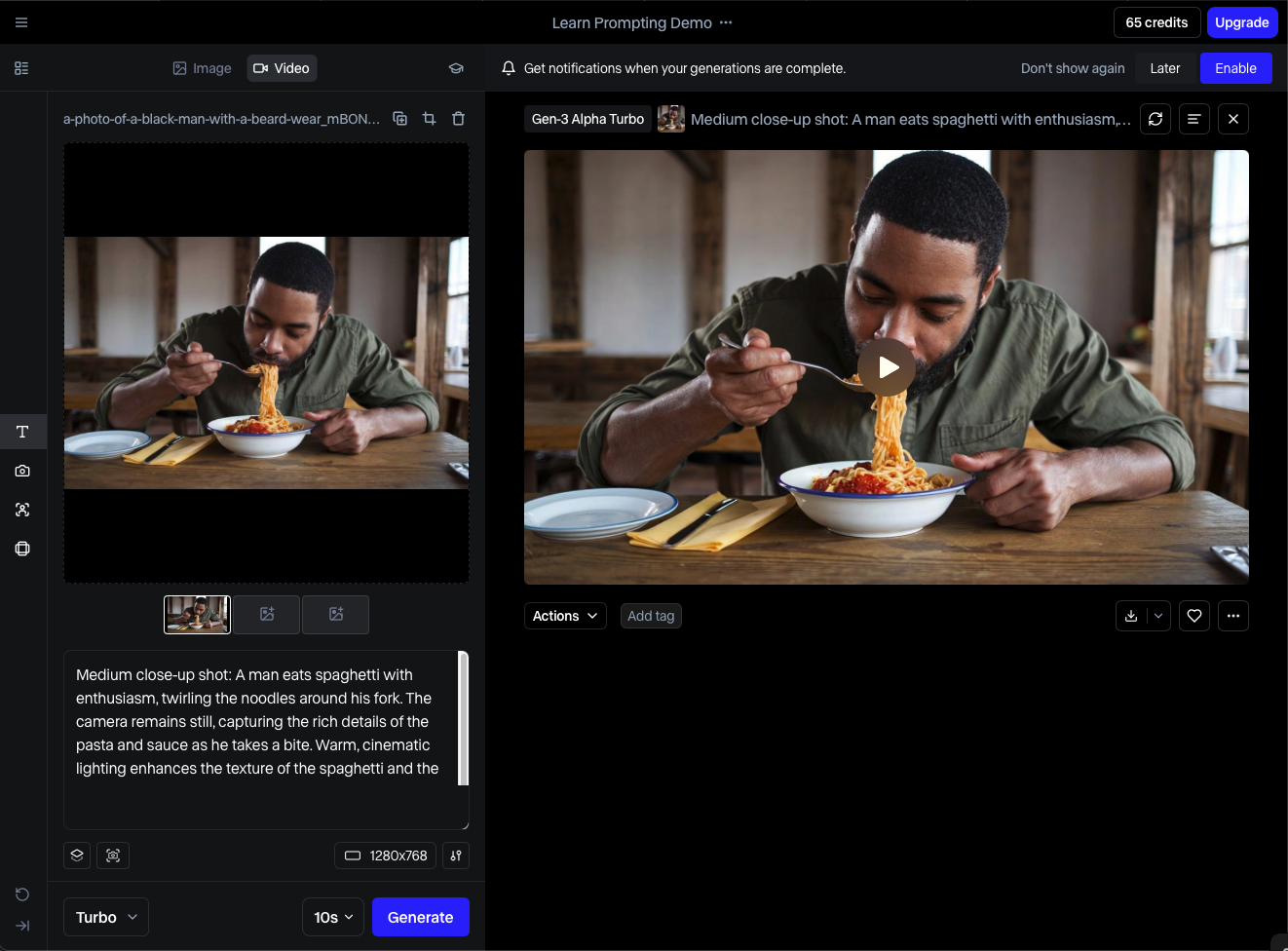
Specializing in AI-assisted motion design and video, Runway allows you to remove backgrounds, extend shots, modify lighting, or transform a scene into a completely different visual style. Intuitive and efficient, it's an invaluable ally for creating professional videos without complex software.
Key benefit: Ideal tool for motion designers, videographers, and visual content creators.
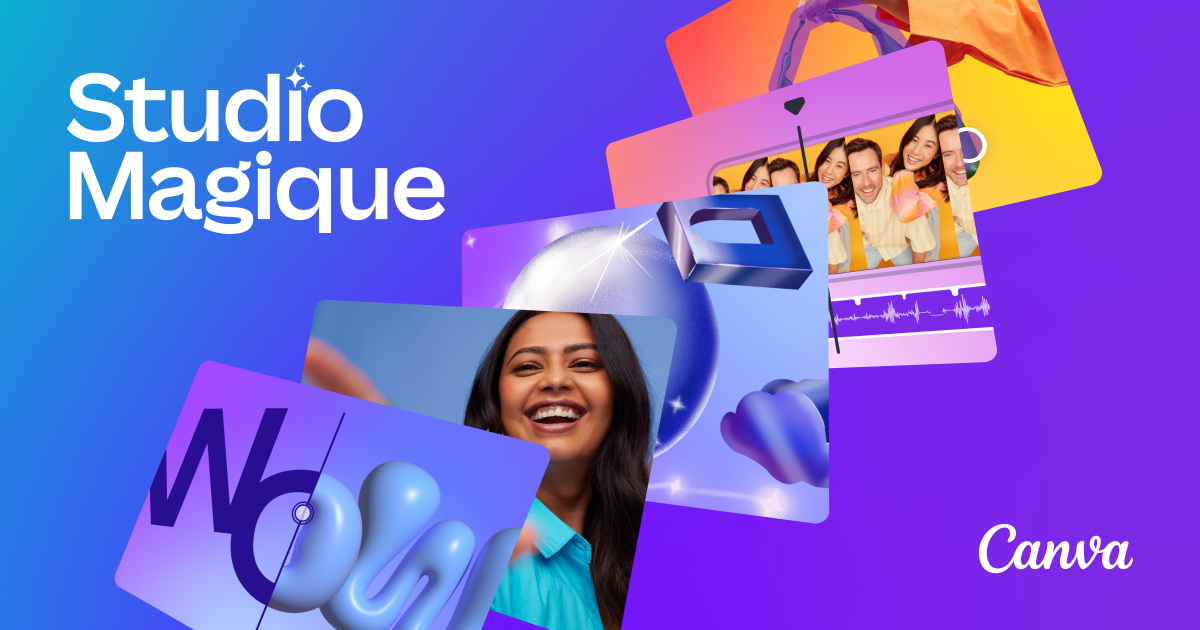
Canva has made visual creation accessible to everyone. With its Magic Studio module, you can generate content, edit photos, create presentations, or social media stories in seconds. The interface remains intuitive and fluid, while offering numerous integrations with everyday tools.
Key feature: intuitive interface and comprehensive ecosystem for fast, seamless creation.
A true favorite for UI designers. Galileo generates complete interfaces, ready for import into Figma, from a text prompt. The tool understands structure, components, and UX best practices, making it an excellent starting point for any website or product.
Key feature: significant time savings for prototyping and rapid ideation.
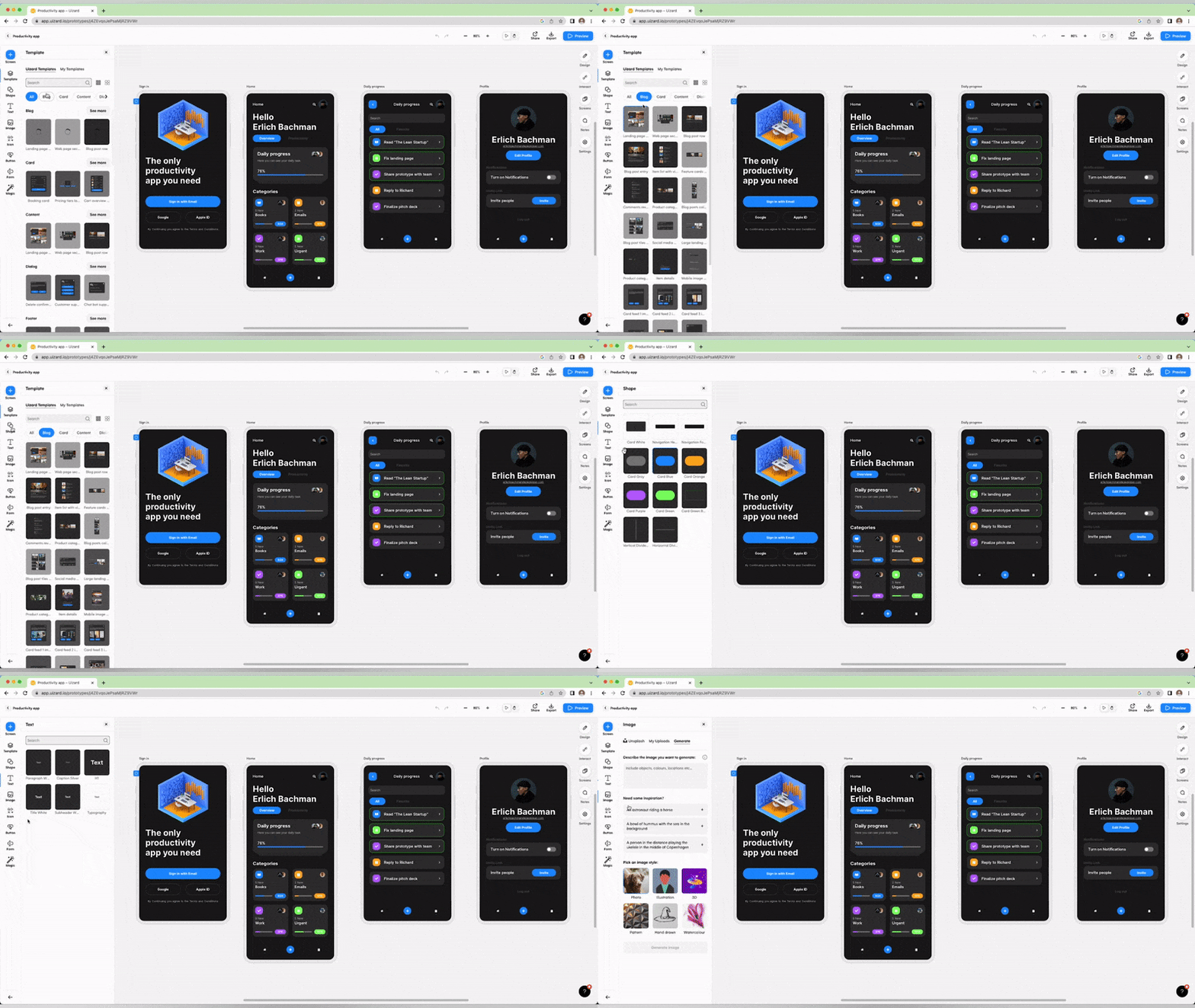
Uizard transforms a sketch into an interactive and functional interface. Simply draw on paper or a whiteboard, then let the AI interpret and convert it into a digital mockup. The tool is designed for rapid ideation phases and no-code concept validation.
Key feature: accessible, fast, and ideal for testing product or app concepts.
Khroma is an AI dedicated to color. It learns your chromatic preferences from a sample of shades you like, then generates palettes perfectly suited to your projects. It's ideal for refining an artistic direction or harmonizing a brand's visuals.
Key feature: a simple and effective tool to ensure visual consistency of a graphic universe.
We explain this chromatic consistency in detail in our guide to choosing your color palette.
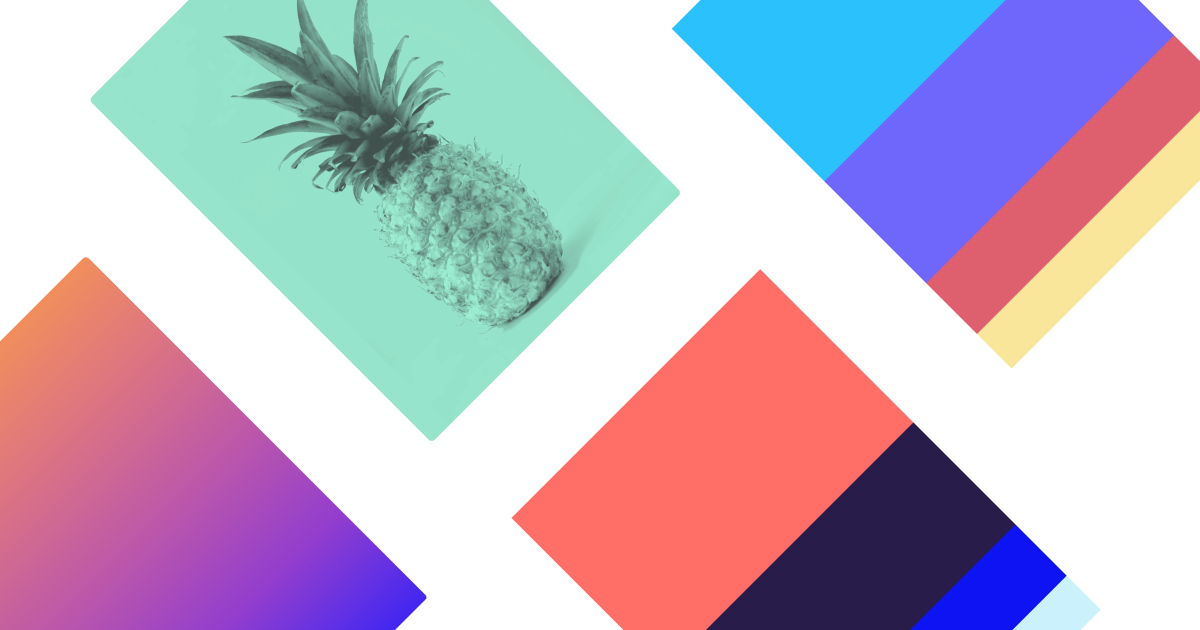
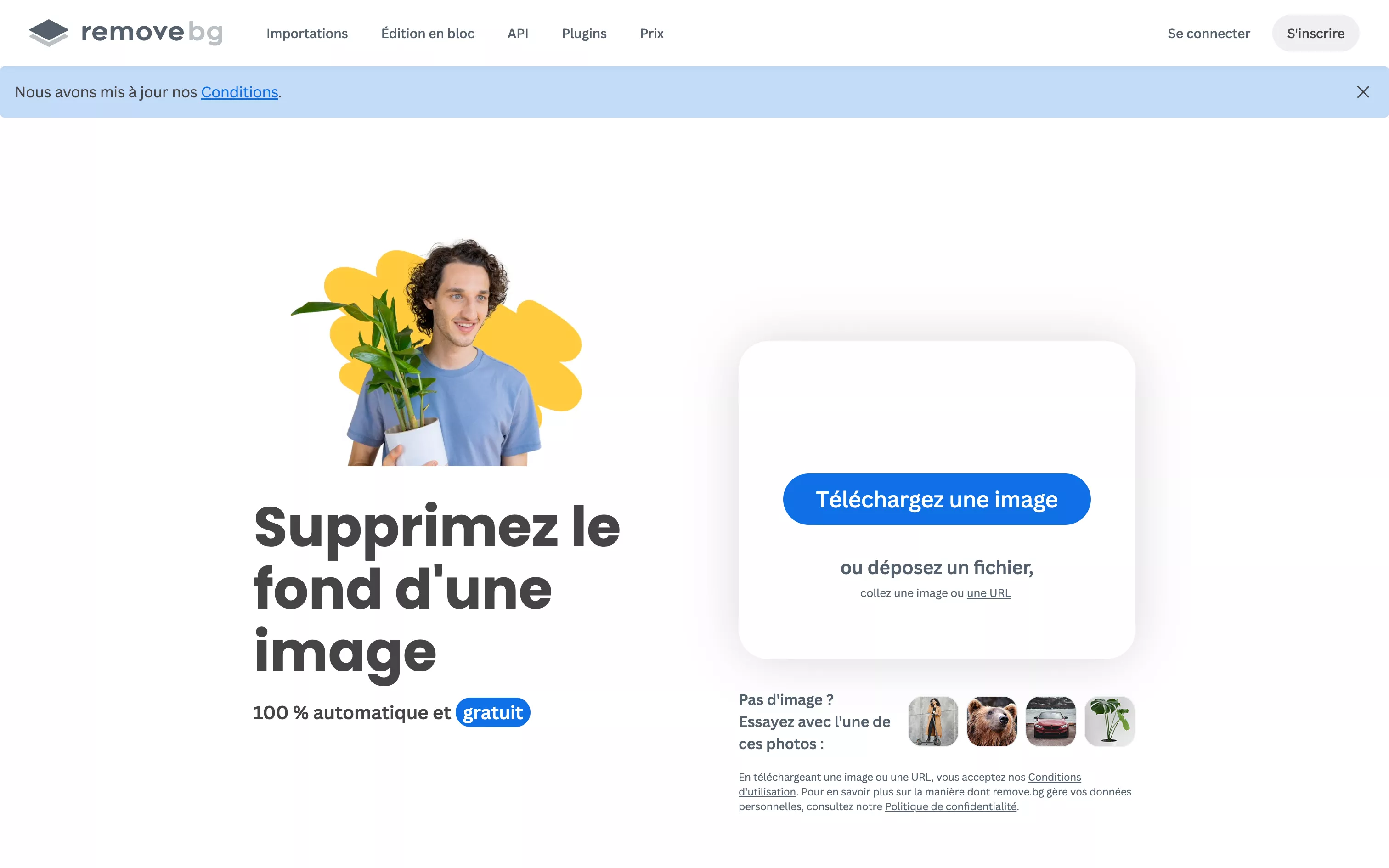
Remove.bg is a visual design essential. The tool instantly removes an image's background without any manual effort, while maintaining excellent cut-out quality. It's ideal for visuals, presentations, or social media content.
Benefit: Significant time-saving for all visual and e-commerce creations.
Looka uses artificial intelligence to generate logos and visual identities based on your keywords, style preferences, and favorite fonts. In just a few minutes, it offers several coherent and customizable design concepts. It's an effective solution for establishing a brand's foundation without needing design skills.
Benefit: An effective and accessible branding tool for new brands and entrepreneurs.

Durable allows you to create a complete website in seconds from a text description. AI automatically generates the structure, texts, images, and key sections, providing a solid foundation to start a project. Ideal for testing a concept or launching an MVP without going through a long development process.
Benefit: excellent foundation for solo projects, freelancers, or rapid launches.
KREA AI is an image-to-image tool that transforms a concept into a professional visual rendering. By combining a text prompt and a reference image, it generates precise, consistent, and highly customizable results. It's a powerful solution for refining a visual concept or exploring advanced graphic styles.
Benefit: high-quality results, excellent for experienced designers and demanding creative projects.

LeiaPix Converter transforms your static images into immersive 3D animations using artificial intelligence. In seconds, it adds depth and movement to a photo, making your visuals more dynamic and engaging. It's an optimal tool for adding dimension to a portfolio, campaign, or social content.
Benefit: striking visual effect and results particularly well-suited for web and social media formats.
Notion AI goes far beyond note-taking. The tool assists in writing UX content, creative briefs, descriptions, or even presentation scripts. It allows you to organize, rephrase, and enrich ideas without leaving the Notion environment.
Benefit: A real time-saver for writing and structuring professional content.

OpenAI's duo combines text generation and image creation within a single tool. ChatGPT develops concepts, refines prompts, and structures thoughts, while DALL·E 3 immediately transforms them into coherent and inspiring visuals. An excellent combo for fueling the ideation phase or designing complete presentations.
Benefit: Fluid and ultra-fast creative brainstorming.
Adobe Sensei is the artificial intelligence engine that powers the entire Adobe suite. It analyzes your creations to suggest automatic optimizations, enhance images, refine compositions, or accelerate certain repetitive tasks. Fully integrated into Photoshop, Illustrator, or Premiere Pro, it works in the background to streamline the creative process.
Benefit: Professional precision and full integration into the Adobe ecosystem.

Craiyon is an accessible and free version of an AI image generator. Easy to use, it allows you to create visuals from a text prompt without registration or cost. The tool is perfect for experimenting, testing visual concepts, or getting started with AI-assisted creation.
Benefit: Free and intuitive solution, optimal for initial trials or design students.

Designs.ai offers a complete suite of AI-powered creative tools: logo, video, voice-over, business card, or marketing visual, everything is automatically generated from a few prompts. The platform allows you to develop a visual identity and its variations in record time, without requiring technical skills.
Key feature: speed of execution and graphic consistency across all media.
Remove Text AI automatically removes text, logos, or any other unwanted elements from an image, while preserving the original background. The tool uses artificial intelligence to reconstruct the erased areas with high precision, leaving no visible traces.
Key feature: a simple and effective solution for quick touch-ups or preparing professional visuals.
Stockimg.ai allows you to create royalty-free visuals perfectly tailored to your needs: posters, banners, mockups, backgrounds, or illustrations. Thanks to AI generation, each image is unique and customizable according to your desired style, colors, or format.
Key feature: extensive AI library and custom design for all types of visual media.

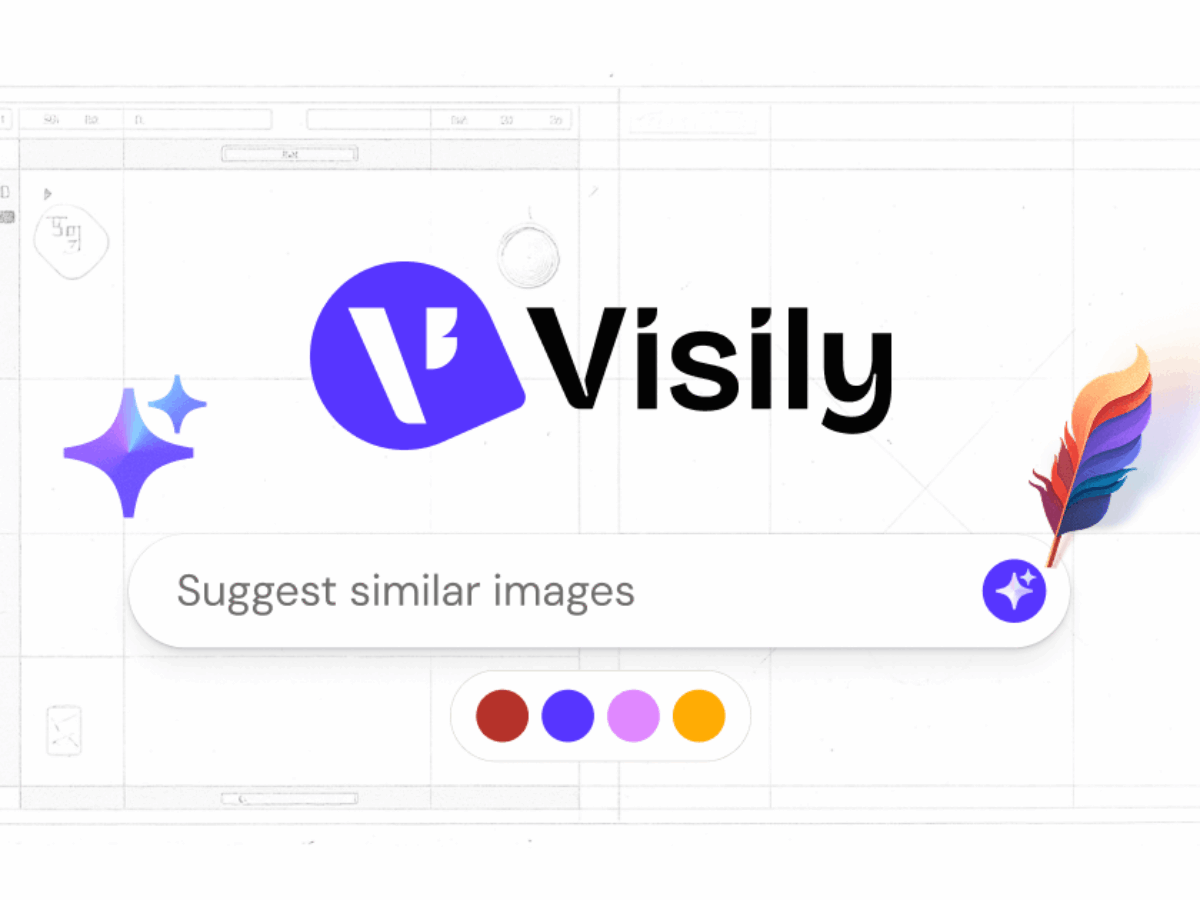
Visily is an AI-powered tool that allows you to create web interfaces without using Figma. In seconds, it automatically generates wireframes and mockups ready for customization. Its user-friendly and collaborative interface makes it a perfect solution for product teams and startups in the prototyping phase.
Key feature: user-friendly, fast, and designed for collaboration.
Luma Labs AI allows you to create photorealistic 3D videos from a smartphone. The tool captures the environment from different angles, then reconstructs the scene in 3D using artificial intelligence. Perfect for showcasing a product, creating realistic animations, or enhancing a motion design project.
Key feature: immersive 3D rendering and simple use, directly from a mobile device.
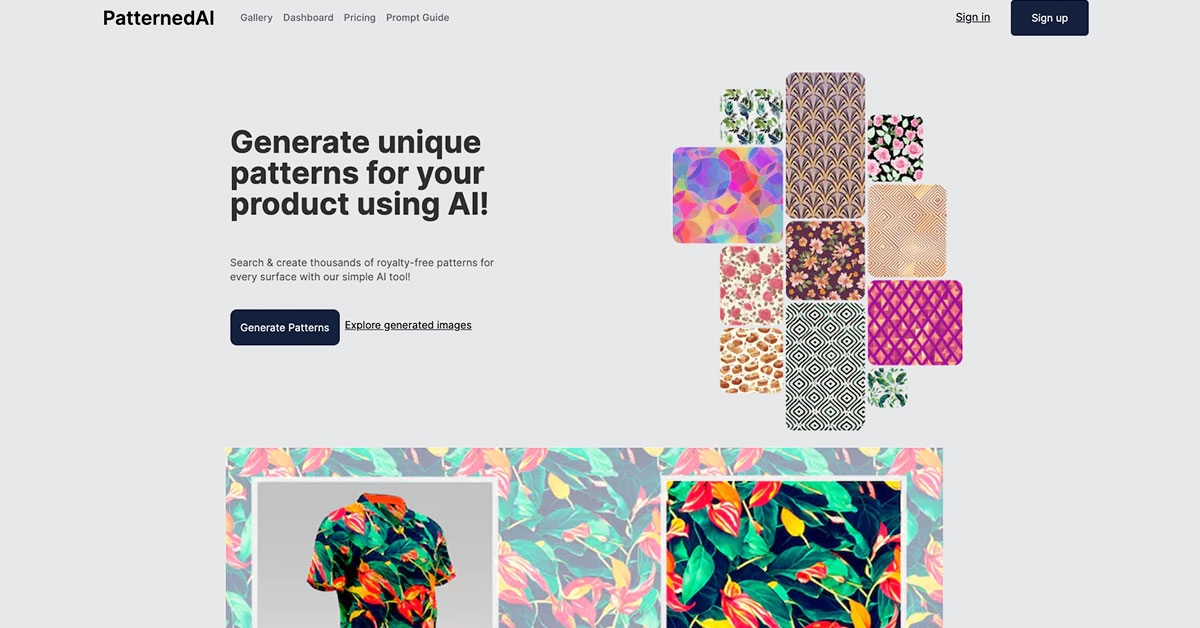
Patterned.ai generates infinite unique patterns and textures from a style, color palette, or a simple prompt. The tool is particularly valued for packaging, textile design, or creating consistent visual backgrounds. Each pattern is exportable and ready for use in your graphic projects.
Key feature: a perfect creative solution for designing original and custom patterns.
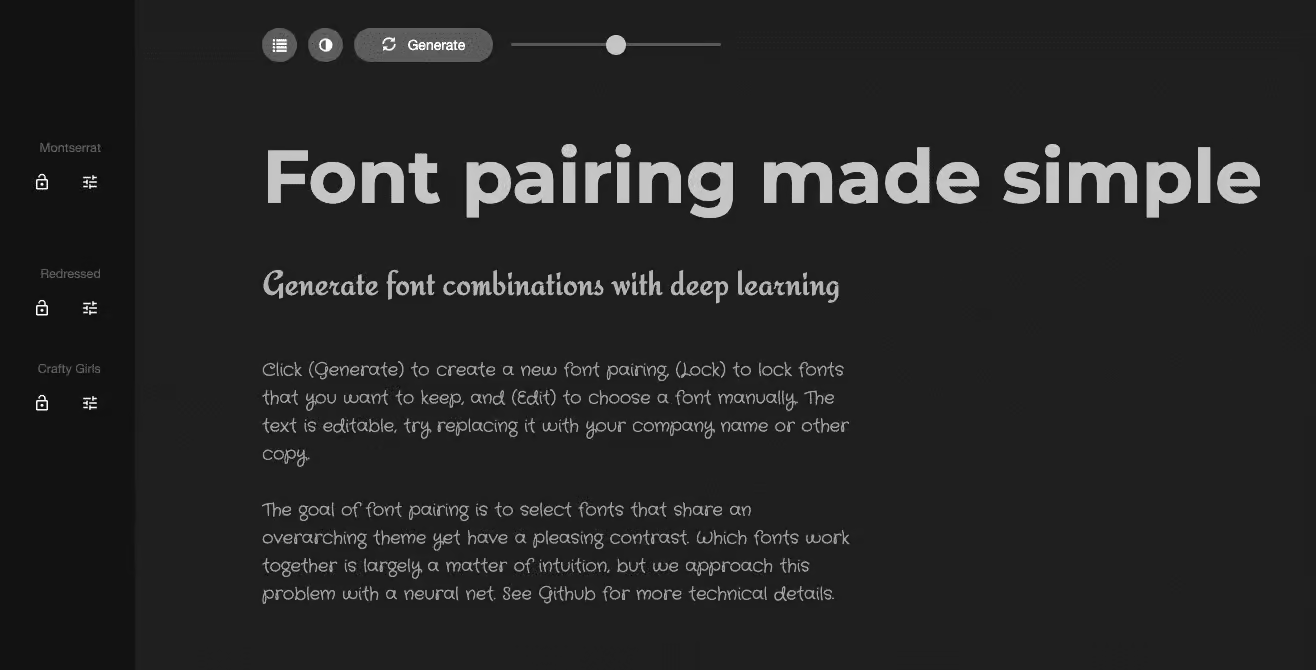
FontJoy helps designers pair harmonious typefaces using machine learning. With one click, it suggests balanced combinations for headings, subheadings, and body text, based on the project's tone and style. The tool is perfect for establishing a consistent typographic hierarchy from the early stages of a design.
Typography is one of the pillars of your visual identity. Find our tips in our guide on graphic charters: definition and advice.
Benefit: significant time-saving for art direction and visual identity design.
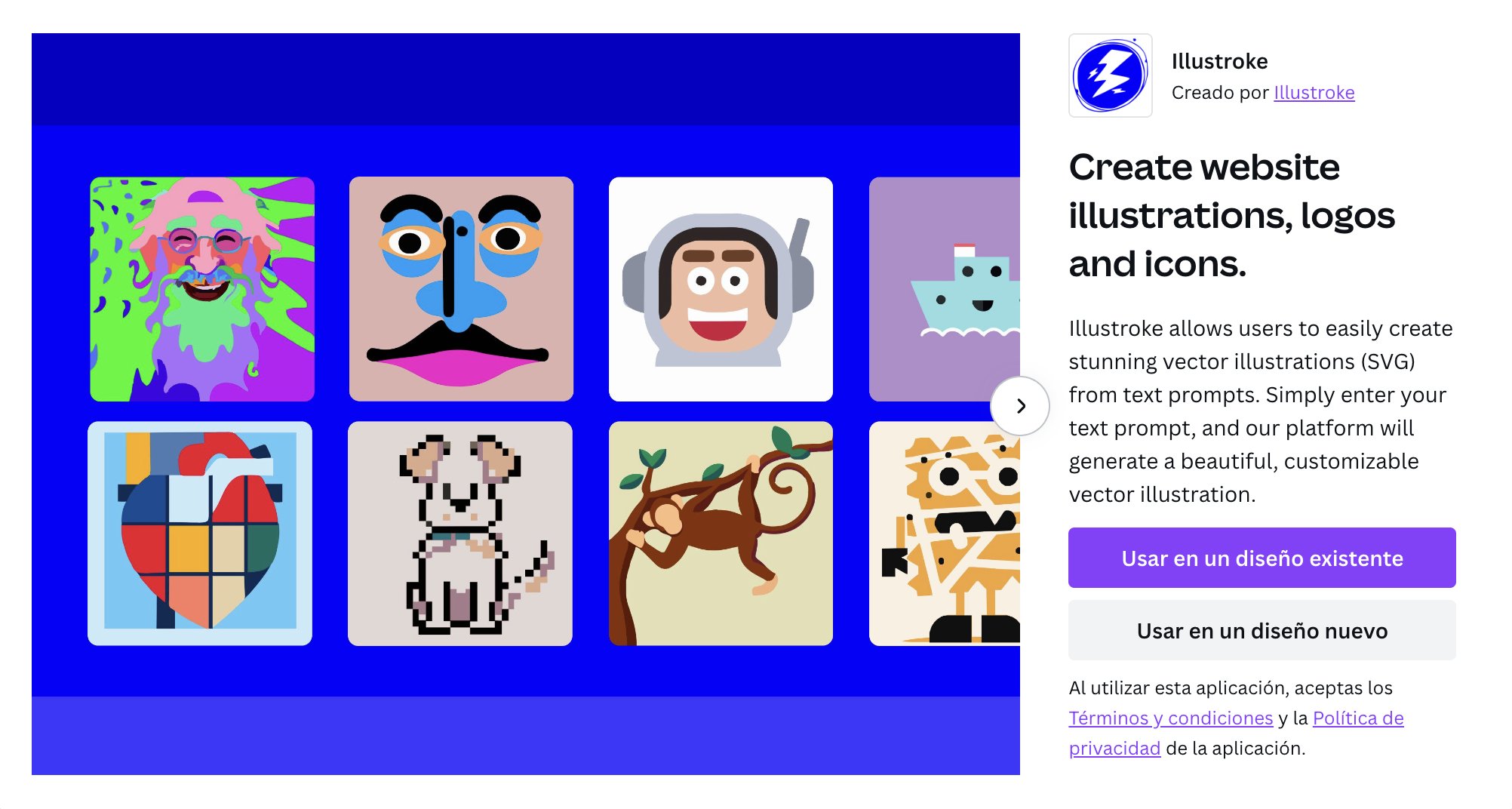
Illustroke generates vector illustrations in SVG format from a simple text description. The tool allows for quick creation of personalized, lightweight visuals adaptable to all media. Perfect for enhancing a website, presentation, or digital product without needing an illustrator.
Benefit: efficient design of custom illustrations, optimized for web and visual communication.
Remove Watermark AI removes watermarks from an image while preserving the quality of the original visual. Intended for ethical use, such as testing mock-ups or creative exploration phases, it saves time in preparing visuals.
Benefit: practical tool for quick edits and non-commercial visual explorations.
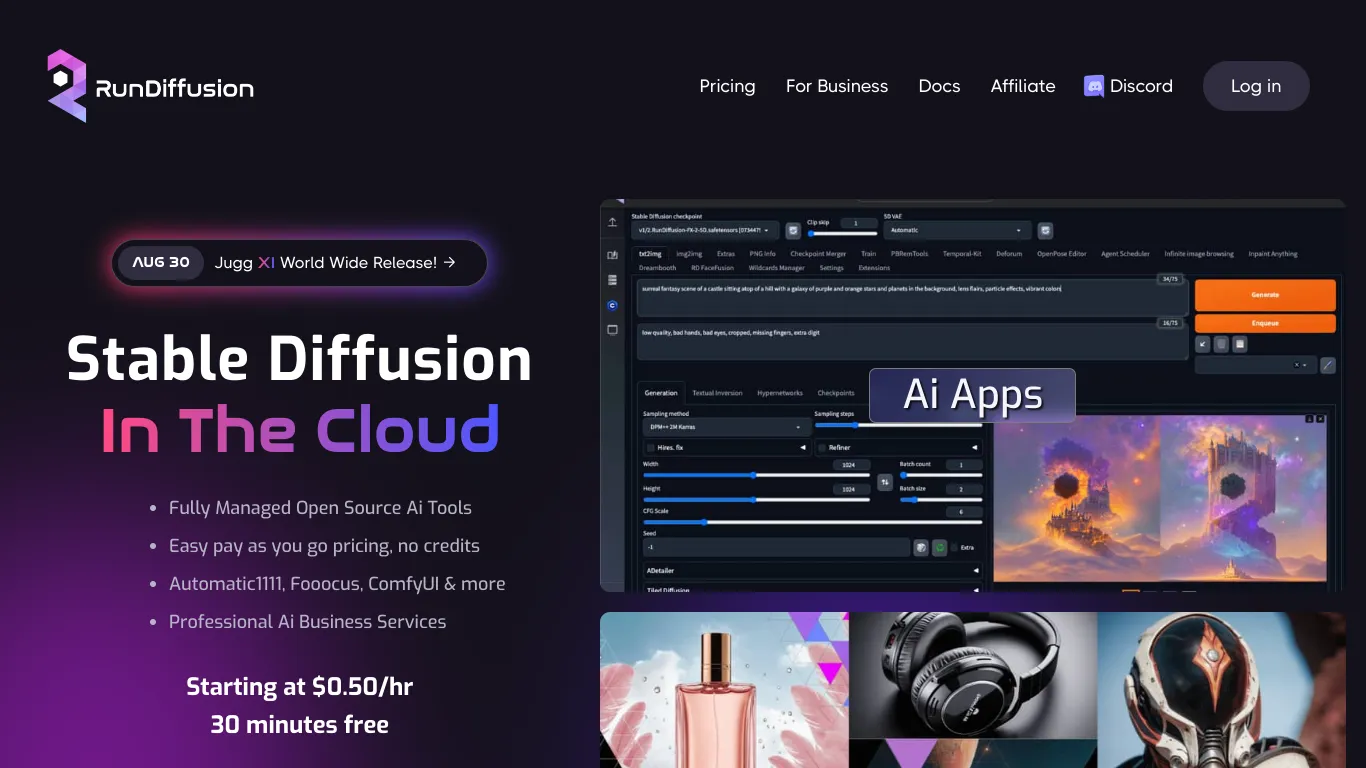
RunDiffusion is a hosted AI platform that allows users to create, train, and run their own image generation models. It offers an environment for designers and developers looking to go further in visual customization, with full control over rendering parameters and style.
Key benefit: mastery of the creative process and advanced customization of generated images.
Brandmark.io is an all-in-one visual identity generator that automatically creates a logo, color palette, typography, and icons from a few keywords. The tool offers several ready-to-use variations, perfect for quickly establishing a brand's foundation.
Key benefit: immediate visual consistency and identity design in minutes.
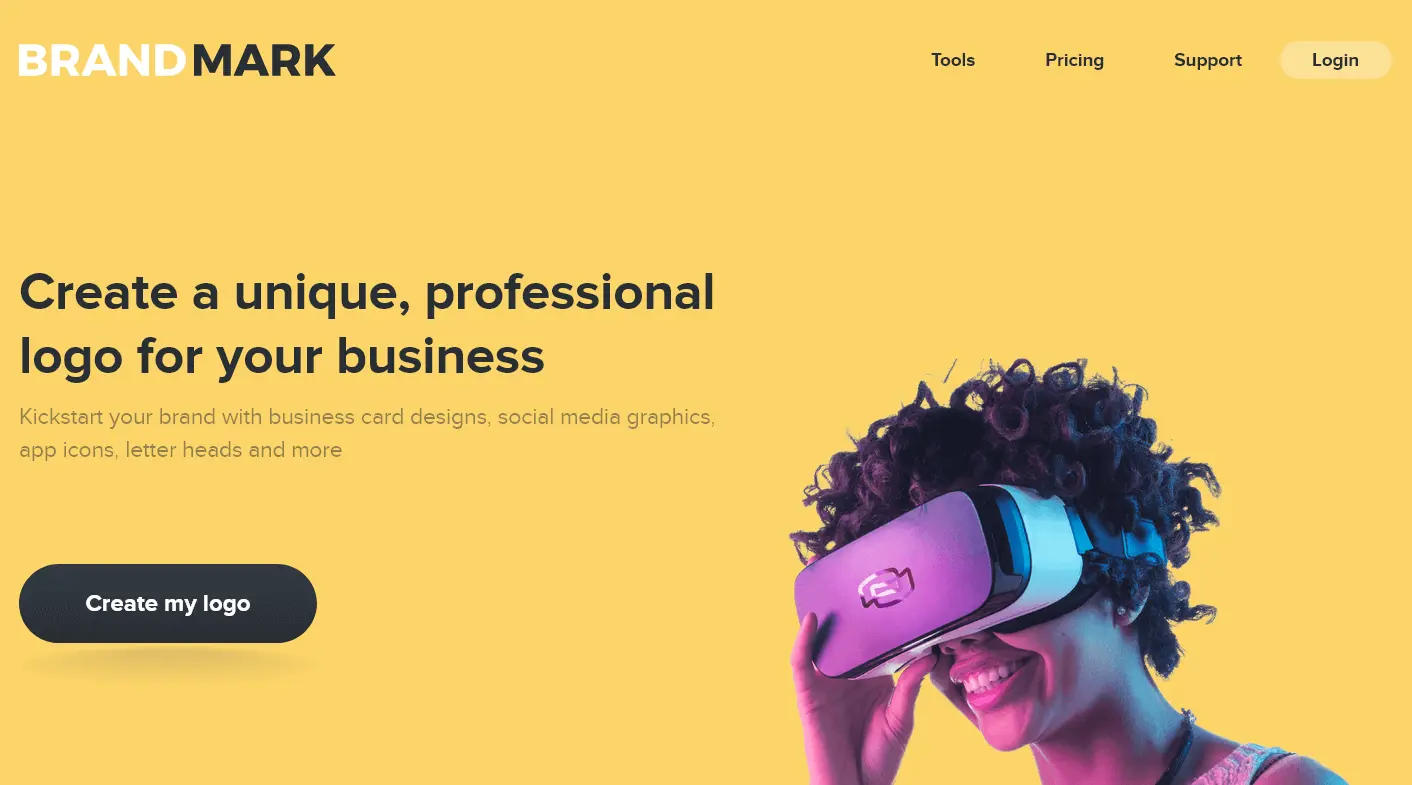
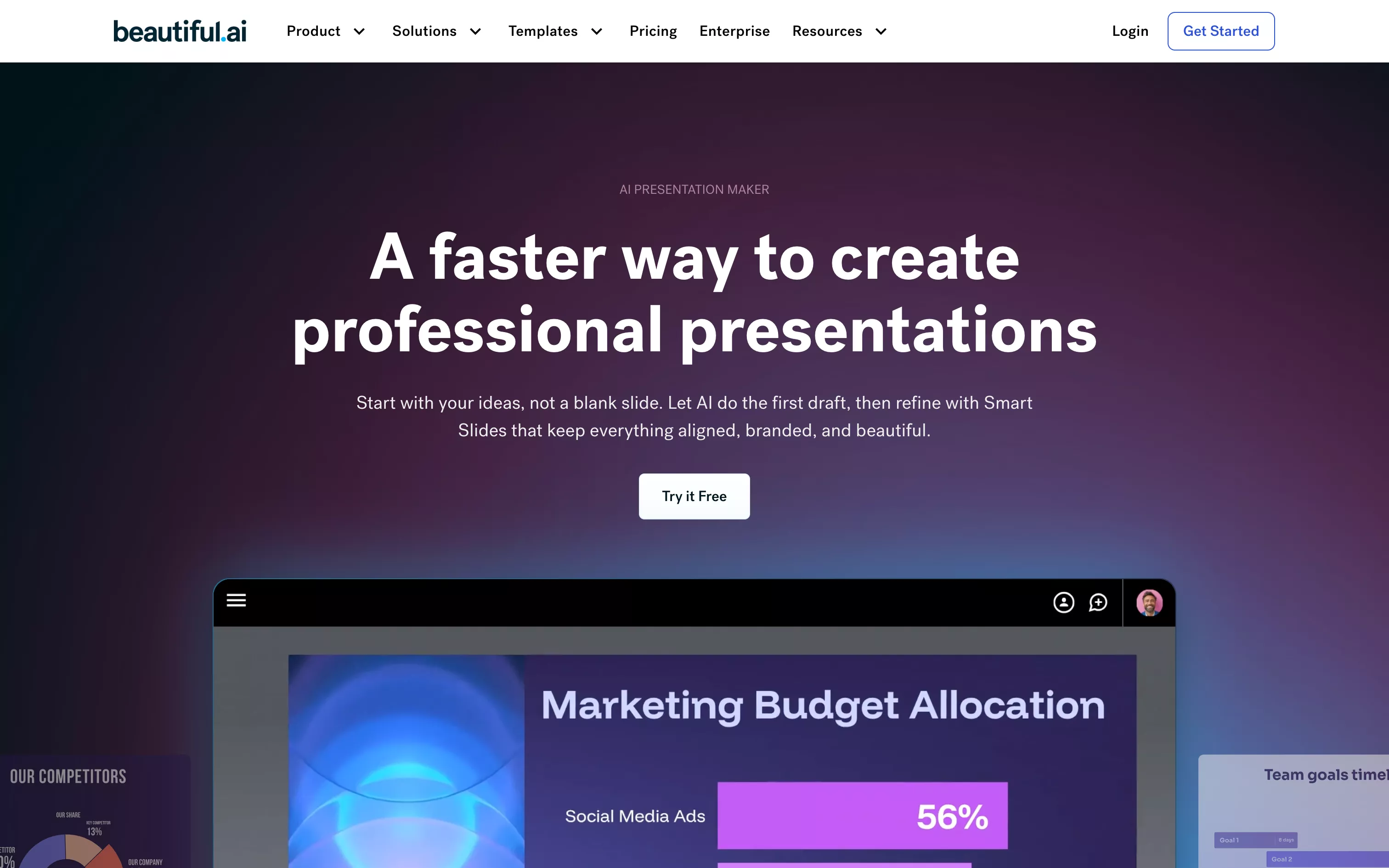
Beautiful AI is an intelligent presentation tool that automatically lays out your ideas with a professional finish. It adapts the layout, typography, and visuals to create harmonious and impactful slides. Perfect for pitch decks, reports, or client presentations.
Key benefit: professional and consistent design, with no formatting effort.
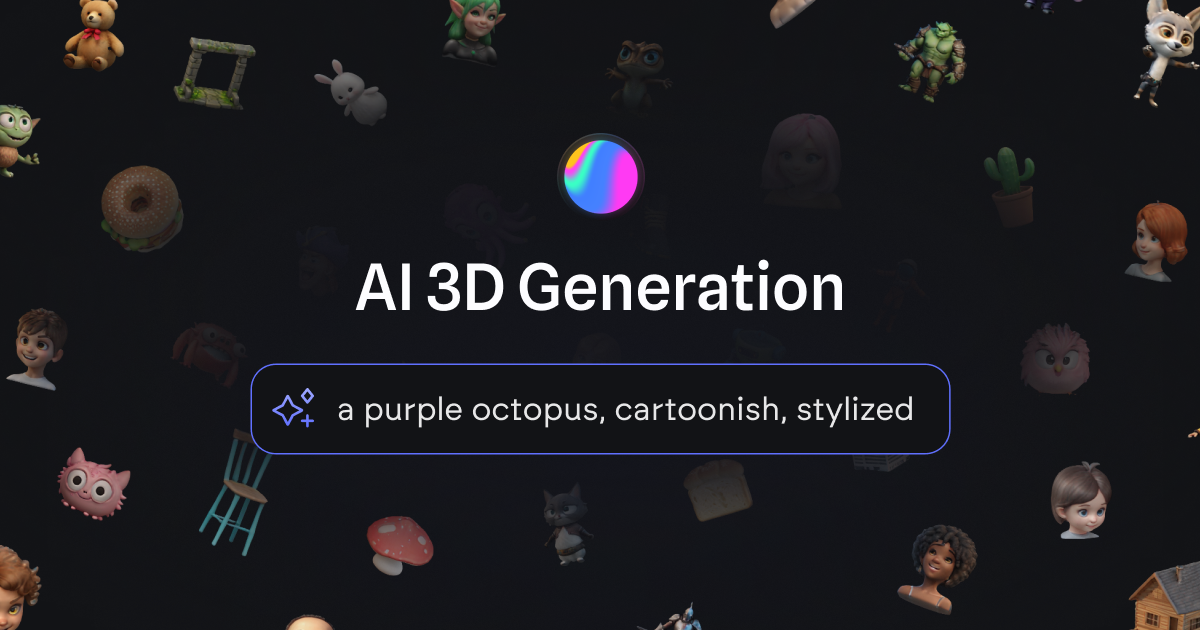
Spline AI combines 3D design and artificial intelligence to create interactive objects directly on the web. The tool allows users to model, texture, and animate 3D elements simply from a prompt, without extensive technical knowledge. It's ideal for designing immersive experiences or visually impactful websites.
Key benefit: a fluid interface and intuitive 3D design to bring interactive web projects to life.
The right tool primarily depends on your creative needs and desired level of customization.
For a UI/UX designer, solutions like Figma AI or Galileo are ideal: they allow you to generate layouts, test variations, and accelerate prototyping while adhering to user experience principles.
Visual creatives will prefer tools like MidJourney or KREA, which offer exceptional image quality and style diversity, perfect for exploring artistic directions.
Brands or entrepreneurs looking to quickly create visual content can turn to Canva or Looka, intuitive platforms that simplify production without sacrificing quality.
The key is to find a balance between speed and customization. At Studio Elias, we like to combine tools: for example, using MidJourney to generate an initial visual mood, then Figma to translate it into a fluid interface consistent with the brand identity. This complementarity allows us to combine creativity and efficiency.
{{cta-2}}
AI can generate images, create logos, or design interfaces, but it will never be able to tell your brand story. It feels no emotion, no intention, no subtlety. It doesn't understand the context or the purpose behind a concept. Discover our approach in the dedicated article onAI: the best tools for creating your images and visual content.
This is where the human element remains essential. The designer provides meaning, builds coherence, and infuses the emotion that transforms a visual into an experience.

The future of design will be built with AI as an ally, but never without human vision, sensitivity, and creativity.
The ability of AI tools to adapt content or interfaces in real-time based on the user is booming. Websites and applications are increasingly incorporating personalized experiences—from layout to visuals and messages—to better meet individual needs. For a branding agency like Studio Elias, this means visual creation can no longer be 'one size fits all'; instead, it must anticipate and adapt to the user journey.
AI tools are no longer just for producing images or interfaces; they can automatically generate variations, compositions, and prototypes. Designers view AI as a design 'assistant,' capable of suggesting avenues that still need refinement. At Studio Elias, this trend translates into a workflow where AI generates exploratory directions, and then the team focuses onbrand alignment, emotion, and visual consistency.

In 2025, the challenge is no longer just about creating strong visuals, but about maintaining a fluid identity across all channels (web, mobile, print, motion). AI helps automate the adaptation and personalization of graphic elements, as well as the management of visual variations.
Another significant trend: AI makes it easier to go from mock-up to implementation. Prototypes and exports to Figma or CSS/HTML become more fluid thanks to AI. For our agency, this means design is no longer isolated; it's an integral part of the product and digital lifecycle. This improves the user experience and reduces friction between graphic design and web development.
As AI tools become more widespread, questions of copyright, environmental impact, visual bias, and transparency are becoming paramount. The design industry must integrate these issues into its innovative and technological choices. At Studio Elias, this translates into constant monitoring of AI uses, best practices, and the relevance of each tool in relation to our projects' values.
{{cta-3}}
AI-assisted design marks a new era: one where technology supports creativity without ever replacing it. These tools are changing the way we work, iterate, and imagine, offering designers unprecedented power to experiment and produce faster.
But while AI facilitates creation, it doesn't replace vision. What makes the difference is the human ability to tell a story, convey emotion, and give meaning to each project. At Studio Elias, we see AI as an amplification tool: it accelerates ideas, but it's our perspective, our visual culture, and our understanding of brands that transform these ideas into unique creations.
The future of design will therefore be neither 100% human nor 100% machine, but an intelligent dialogue between the two, a collaboration where technology frees up time, and where the designer, more than ever, remains at the heart of creation.








.jpg)
.jpg)



%20(1).gif)