Overview
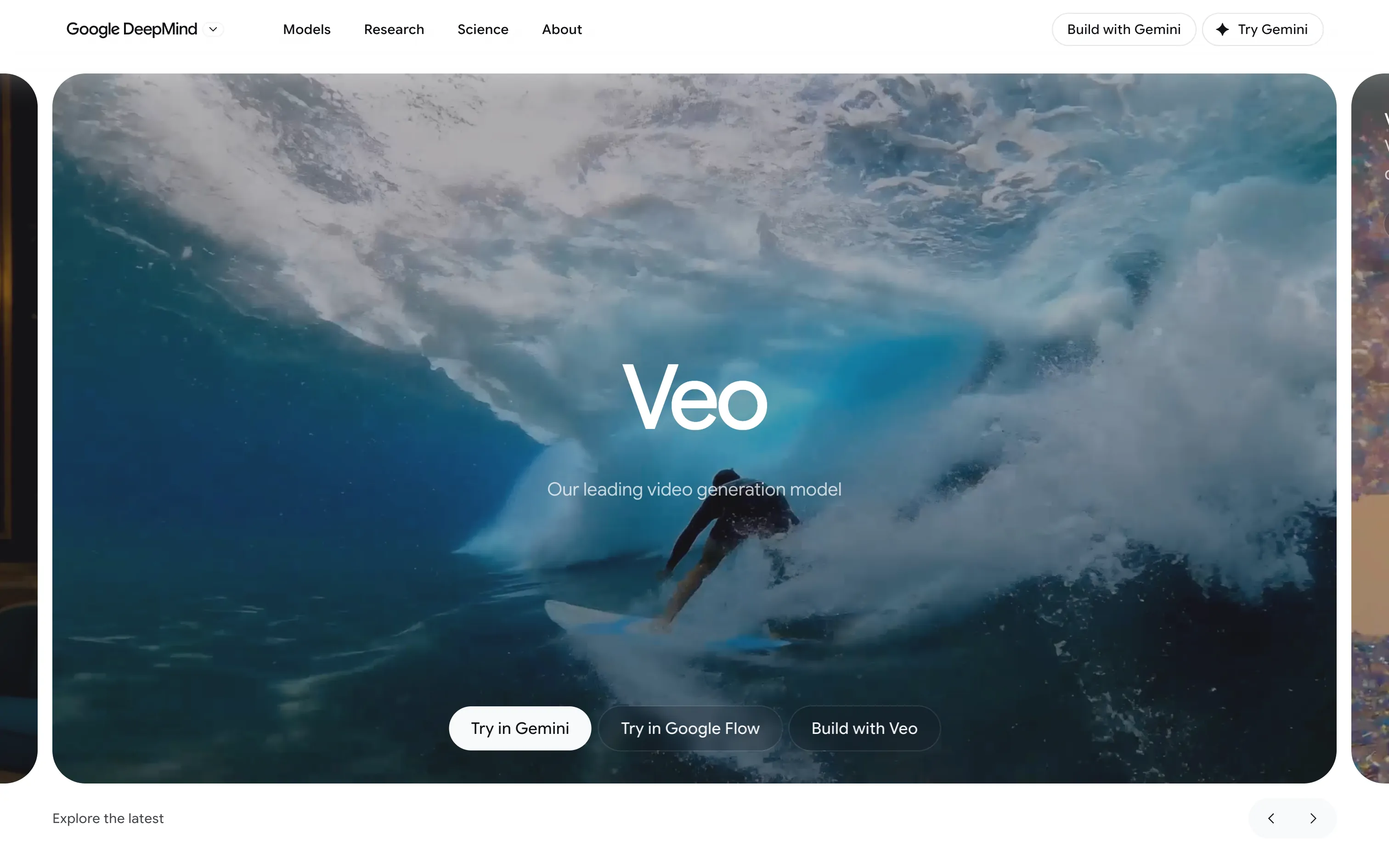
Veo is Google’s answer to Sora and Kling. Since Veo 3, the model doesn’t just generate the picture: it also creates native audio (ambience, sound effects, synced voices and dialogue). The current version, Veo 3.1, improves realism, prompt adherence and creative control.
There are three ways to use it:
- Gemini: describe a scene in the chat and get a short clip back.
- Google Flow: a proper filmmaking tool to chain shots, keep characters consistent and extend scenes.
- The API (Gemini API, Vertex AI) to build Veo into your own products.
Pros
- Sound included: a clip with ambience and dialogue, without another tool.
- Very convincing physical realism (water, light, camera moves).
- Strong prompt adherence, including precise framing instructions.
- Google ecosystem: Gemini, Flow and the API share the same model.
Cons
- No unlimited free use: you need a Google AI plan or the API.
- Short clips: a film means assembling and editing many shots.
- Faces and on-screen text can still drift from one shot to the next.
- Videos carry an invisible SynthID watermark identifying AI-generated content.
Studio Elias’s recommendation
Veo 3.1 is one of the most credible models for mood shots, animated moodboards or film previews before a real shoot. For a brand, the right use is exploration: validate a tone, a rhythm, a light, then decide what deserves real production. Start in Gemini to test, move to Flow as soon as you chain several shots.
FAQ
Is Veo 3 free?
Not on a lasting basis: Veo comes with Google AI plans (Pro or Ultra) or the pay-as-you-go API. Occasional trials are sometimes offered.
What is the difference between Veo 3 and Veo 3.1?
Veo 3.1 improves realism, prompt adherence and creative control, including audio.
Where can I use Veo?
In the Gemini app and Google Flow with a Google AI plan, or through Vertex AI for businesses.