Overview
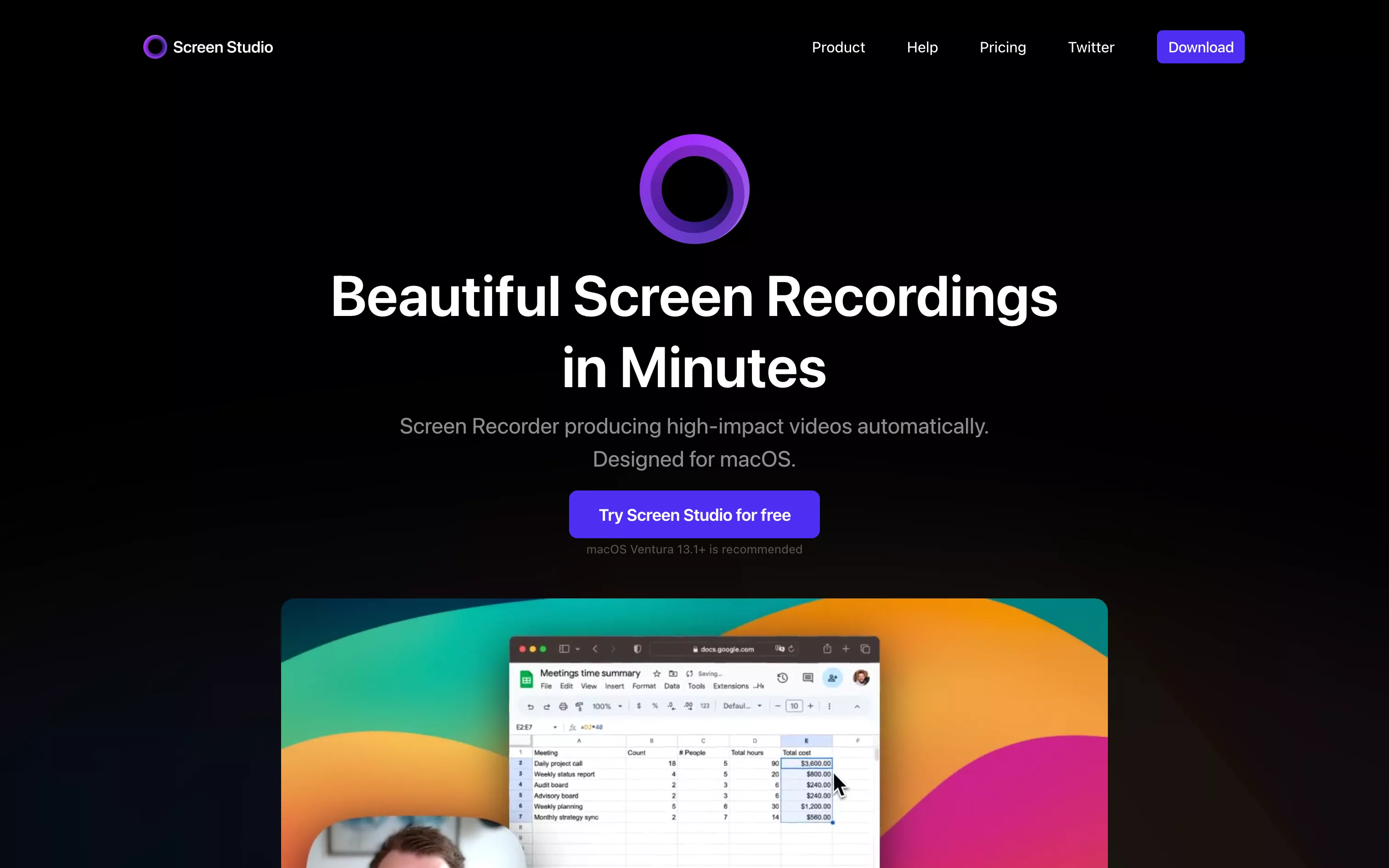
Screen Studio is a macOS tool designed to capture your screen with video quality worthy of a motion designer. Unlike classic recording software, Screen Studio doesn’t just capture: it stages. Smooth zooms on clicks, gentle cursor animations, adaptable backgrounds, built-in webcam capture, system audio recording... everything is designed to produce a captivating video in minutes.
Its minimalist interface hides impressive power: 4K export at 60fps, extensive visual customization, keyboard shortcut support and instant sharing through a simple link. All without opening an editing app.
Pros
- Automatic zooms on clicked or active areas to guide the viewer’s eye
- Smooth cursor animation, auto-hide and configurable style
- Capture of screen, audio, webcam and external devices (iPhone, iPad)
- Visual customization: background, orientation, size, margins, shadows
- Export as high-definition video or GIF, with formats suited to social media
- Automatic captions, audio adjustment and noise removal
- Simple ergonomics, quick to learn
- Instant sharing through a cloud-hosted link
- All-in-one tool with no need for an external video editor
Cons
- macOS only (no Windows or Linux version)
- No complex editing tools (no advanced timeline or dynamic annotations)
- Relatively high purchase price for occasional use
- Sometimes needs a little touch-up for a perfectly customized result
- Less suited to long formats or more advanced editing projects
Studio Elias’s recommendation
At Studio Elias, we use Screen Studio for our Webflow demos, client tutorials and product teasers. It lets us deliver elegant video content quickly without weighing down our production process. It is an essential tool for any designer, trainer or content creator who wants to captivate without going through After Effects. A real time saver, with style.