Overview
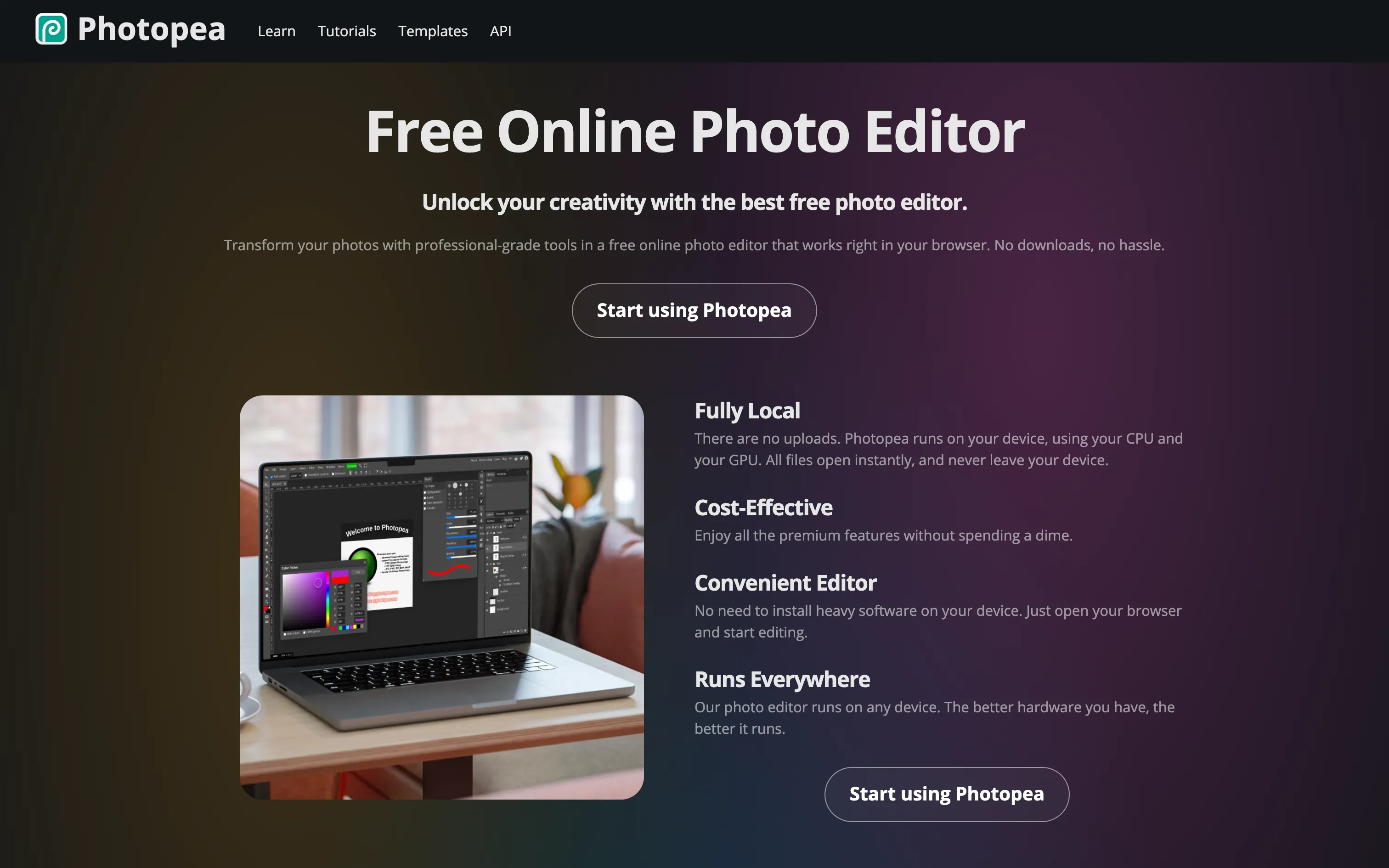
Photopea is often called the “free Photoshop”, and that’s no exaggeration. The interface mirrors Photoshop (toolbars, panels, shortcuts), and the editor covers most professional work:
- Opens and exports PSDs, as well as XD, Sketch, Figma, PDF, SVG and RAW files.
- Layers, masks, layer styles and smart objects.
- Advanced selection tools, brushes, healing tools, filters and adjustments.
- Vector graphics, text, artboards and even simple video editing.
Notably, everything runs locally on your CPU and GPU. Your files are never sent to a server.
Pros
- Free and complete, with no trial period.
- No install: works on any computer, even locked-down work machines.
- PSD compatible: ideal for opening a designer’s file without an Adobe licence.
- Privacy: files stay on your device.
Cons
- Ads on the free version.
- Less smooth than Photoshop on very large files.
- No generative AI tools comparable to Adobe’s.
- Dense interface for beginners.
Studio Elias’s recommendation
Photopea is the perfect fix-it tool: open a PSD from an agency, change some text on a visual, export a logo in another format. For marketing teams without Adobe licences, it is often enough. For daily creative work and heavy files, Photoshop or Affinity remain more comfortable.
FAQ
Is Photopea really free?
Yes, every feature is free. The Premium plan, around $5 a month, mainly removes ads.
Can Photopea open Photoshop files?
Yes, Photopea opens and saves PSDs with layers, masks and styles intact.
Do I need to install anything?
No, Photopea runs in any modern browser.