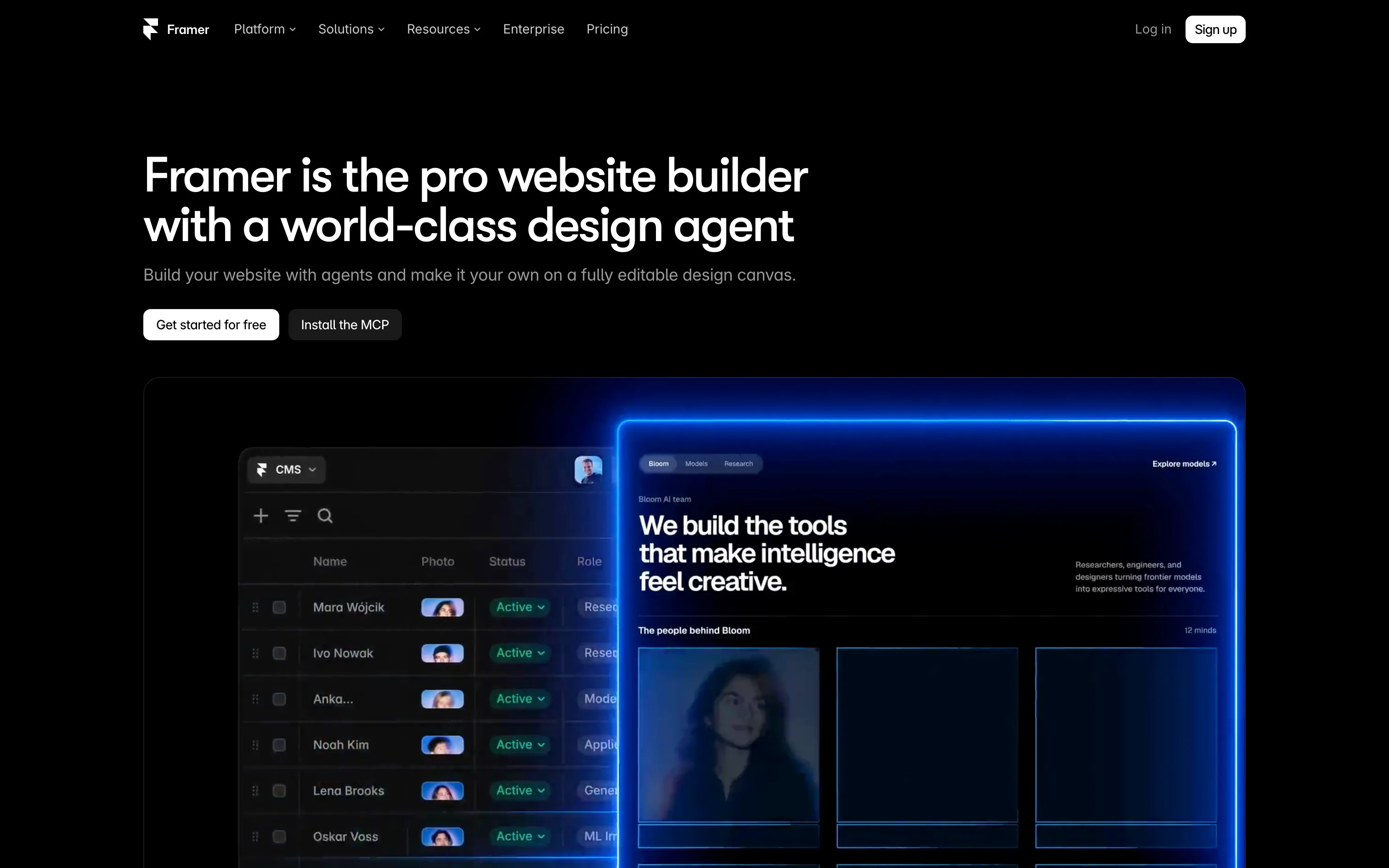
Overview
Framer started as a prototyping tool for designers before becoming a true website builder competing head-on with Webflow. Its interface feels like Figma: you design freely on a canvas, and the published site faithfully reflects the design, animations included.
- AI design agent: describe a section (“a 3D image ticker with a short studio intro”), it builds it, and everything stays editable.
- Advanced animations and interactions, no code.
- CMS, localisation, SEO and AEO built in.
- Hosting, analytics and A/B testing.
- MCP server to drive Framer from AI assistants.
Pros
- Very fast from mock-up to live site.
- Animations among the smoothest in no-code.
- Intuitive for designers used to Figma.
- Free plan to test and publish on a subdomain.
Cons
- CMS more limited than Webflow’s (number of collections, content logic).
- Less fine control over HTML structure, classes and accessibility.
- AI credits and per-site pricing add up quickly across projects.
- Smaller ecosystem of integrations and experts.
Studio Elias’s recommendation
We are often asked: “Framer or Webflow?” Framer is excellent for a portfolio, a landing page or a highly animated launch site designed and maintained by a designer. For a brand website meant to grow (many pages, a blog, several languages, autonomous marketing teams, demanding SEO), we choose Webflow: its CMS, code control and robustness make the difference over time.
FAQ
Is Framer free?
Yes, the Free plan lets you build and publish a site on a Framer subdomain, with 500 AI credits a month. A custom domain requires a paid plan.
Framer or Webflow for SEO?
Both cover SEO basics. Webflow offers more control over structure, CMS and large sites; Framer is enough for a site of a few pages.
Can I migrate from Framer to Webflow?
Yes, but there is no direct export: the site must be rebuilt in Webflow, which is a chance to structure the CMS and SEO properly.