Overview
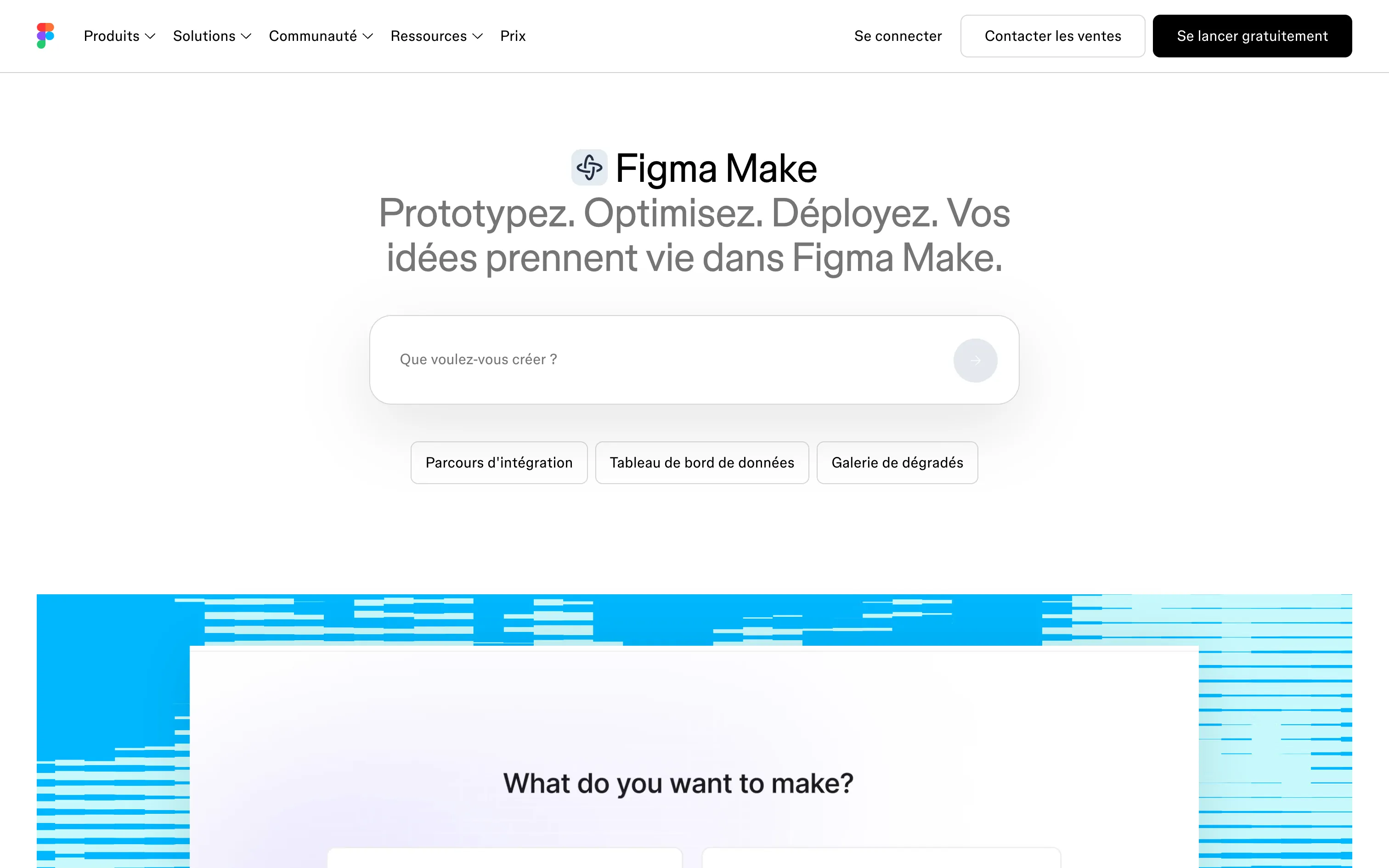
Figma Make is Figma’s answer to “vibe coding” tools like Lovable or Bolt, with one decisive advantage: it knows your designs. Start from a prompt, a Figma frame, a PDF or your design system, and Make generates an interactive prototype or a small app.
- Realistic prototypes with real interactions and data.
- Design context: Make kits, your design system’s npm packages, attached frames.
- Back to the canvas: copy a Make into Figma Design to refine it.
- Publishing to test with real users.
- Coming soon: use Make locally in any codebase, then deploy to production.
Pros
- Respects your design system far better than a generic AI tool.
- No tool switching for teams already on Figma.
- More realistic user tests than classic click-through prototypes.
- Free plan to try it.
Cons
- AI credits per seat, to watch on large projects.
- Generated code is prototype-grade: serious production needs developers.
- Best results assume a clean design system already in Figma.
Studio Elias’s recommendation
Figma Make changes how interfaces get validated: instead of static screens, you test a flow that works. For marketing and brand websites, we keep designing in Figma and building on Webflow, where rendering, SEO and the CMS are under control. Make really shines for testing a feature, a configurator or an internal tool.
FAQ
Is Figma Make free?
Yes, on Figma’s free plan: 150 AI credits a day, up to 500 a month. Paid seats add 500 to over 4,000 AI credits a month.
What is the difference between Figma Make and Figma Sites?
Figma Sites publishes websites from your designs; Figma Make generates working prototypes and apps from a prompt.
Does Figma Make replace a developer?
No: it speeds up prototyping, but a production app still needs development work.