Overview
Adobe Fonts is a complete type platform built into the Creative Cloud ecosystem. It offers more than 30,000 fonts from the most renowned foundries, with ready-to-use licenses for personal or commercial use. Access is seamless: fonts sync automatically through the Creative Cloud app, ready to use in Photoshop, Illustrator, InDesign, Webflow or any compatible third-party editor.
Whether for a website (with Web Projects and embed tags), a PDF publication, a video animation or a print piece, the fonts are immediately usable with no extra cost or licensing constraints.
Pros
- Massive access to a pro library
Thousands of typefaces, families and styles included at no extra cost. - Simple, included licensing
No manual rights management: every font is ready to use, whether for a website, a video export or a printed brochure. - Seamless integration with design tools
Automatic activation in Creative Cloud, available in every Adobe app and easy to bring into Webflow or any web editor with code. - Advanced search and creative discovery
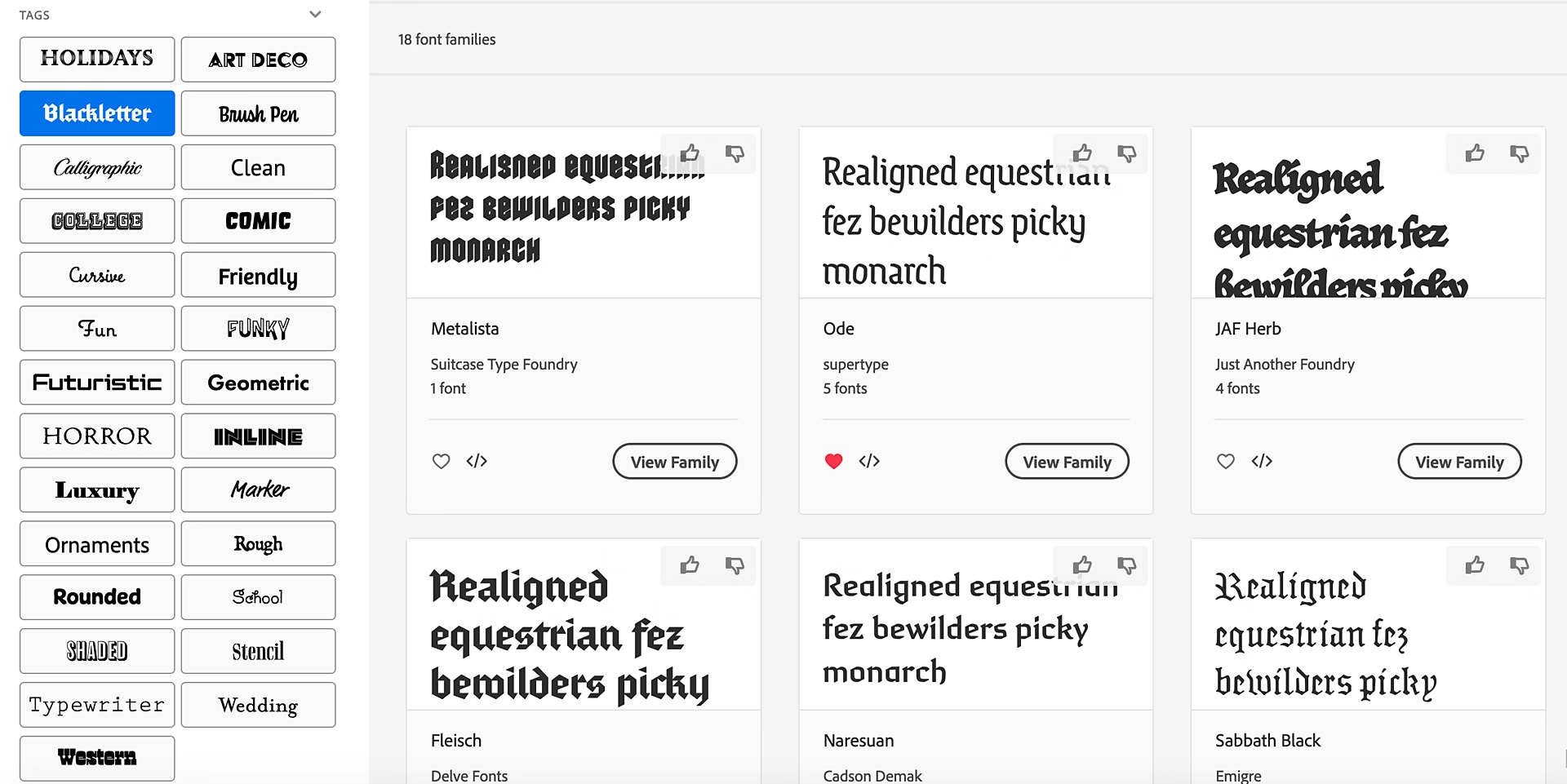
Browse by classification (serif, sans serif, display), language, trends, new releases or typographic filters. - Handy “Visual Search” feature
Find a font that looks like an image by uploading it, then add it to your library right away. - Automatic web fonts
Adds fonts to your site with no extra hosting; everything syncs through Webflow or another IDE. - Regular updates
The library keeps growing, with more than 1,500 new fonts added recently at no extra cost.
Cons
- Requires a Creative Cloud subscription
Fonts are not available as a free standalone service; without a subscription, access is limited. - No pure offline use
A connection is needed to sync or use fonts in new projects outside the Adobe ecosystem. - Possible choice overload
The sheer number of fonts can take time to explore if you don’t already have a precise idea of the style you want. - Less technical control
You can’t modify fonts or deeply customize their behavior (unlike a dedicated type design tool).
Why Studio Elias recommends Adobe Fonts
At Studio Elias, Adobe Fonts is one of the essential type tools in our production chain:
- It keeps us visually consistent across client work, branding and design (Webflow site, PDF, motion, print).
- It greatly simplifies license management, even in evolving or multichannel projects.
- The Web Project feature lets us add fonts directly to our Webflow prototypes without heavy code or hosting.
- It opens up creativity with a rich, accessible library, while staying rigorous about accessibility and contrast.
- It ensures uniformity across internal and external materials while maintaining performance (no heavy loading, everything is optimized).
Choosing a typeface means choosing a voice: it is one of the first workstreams of our visual identity agency, along with the logo and the palette. Our brand guidelines guide sets out the basics.