The main thing to remember
We talk about a wow effect when your user is amazed by your site, when you manage to surprise them. It can come from surprise, but also from admiration. It helps the user focus better on your content and gives more value to what you present.

The user will then remember you more easily and perceive who you are through your unique personality & branding. You can compare it to the first impression someone makes when arriving at a party. That's right! It can make all the difference.
Don't forget simple animations
True, they won't create a wow effect, but simple animations are the foundation of an animated website. For example, when you hover over a button. The user's subconscious is quirky: it's accepted that breaking this rule can make users forget they're about to click a button (animating an element on hover tells the user they can click it; this technique has replaced the cursor change you see in some browsers).
A question of user experience
To do this, go to the class selector and enable the “hover” state. It means “when the mouse is over it”. You're then free to choose the property you want to change. What matters is that the user notices the change and understands it's a clickable element.
Don't forget to add a transition on the base class to make the effect “smoother”.
Adding complex animations: enter interactions
This technique is a big advantage of Webflow. The type of animation I'm about to present is hard to achieve with other tools and requires real skills if it has to be done in code (JavaScript, for example).
Directly from the Webflow Designer
In Webflow, these animations are very easy to create. To create one, go to the 4th tab in the left panel, called “Interactions”. There, you choose whether the thing you want to animate is an element on the site or the whole page. This is called the “trigger”, i.e. the element or page that sets off the animation. The trigger can be one of several actions: a page load, a user scrolling, the mouse moving, etc. Then it's very simple: all that's left is to create the animation (note that Webflow has already created and offers many animations, such as slide and fade effects).

Limited animations
Be careful, because you can't do whatever you want with an interaction. It's not a simple hover where you can change any style property. Interactions work on very specific properties such as an element's opacity, display, size or color. You can't change an element's padding with an interaction, for example.
Developing alternative navigation
This is what really creates an immersive experience. You can see this trend on many artistic websites. These brands aim to break away from classic web conventions to better showcase what makes them unique.
Offering a unique layout
To do this, brands can rethink the entire structure and layout of their web design. They might prefer horizontal navigation through the site. They'll create an animation that scrolls sections from right to left while the user keeps scrolling down. You could also imagine slide-style navigation. The user clicks a button to reach another view of the site (which triggers a transition animation).
Challenging what users take for granted
This technique can really challenge users, who can't rely on their usual web habits. They have to rethink how they browse and take more time to find certain elements (so they pay attention to details they wouldn't necessarily have noticed with classic navigation). Done well, it can give users a real wow effect.
Animating motion design
In Webflow, it's easy to add motion design with Lottie. Starting from Adobe After Effects, you can create the animation of your dreams, export it as .json and embed it directly in Webflow as a Lottie animation.
Then you can trigger this animation in different ways: mouse movement, user scroll, etc. You can choose when the animation ends, whether it should loop, and so on.

Only a minority of sites have them
Used well, motion design can be a formidable weapon for winning over your users. You regularly see it in illustrations, app demos, icons or even larger images. Be careful with the loading speed of some animations, which can affect your site's load time and performance.
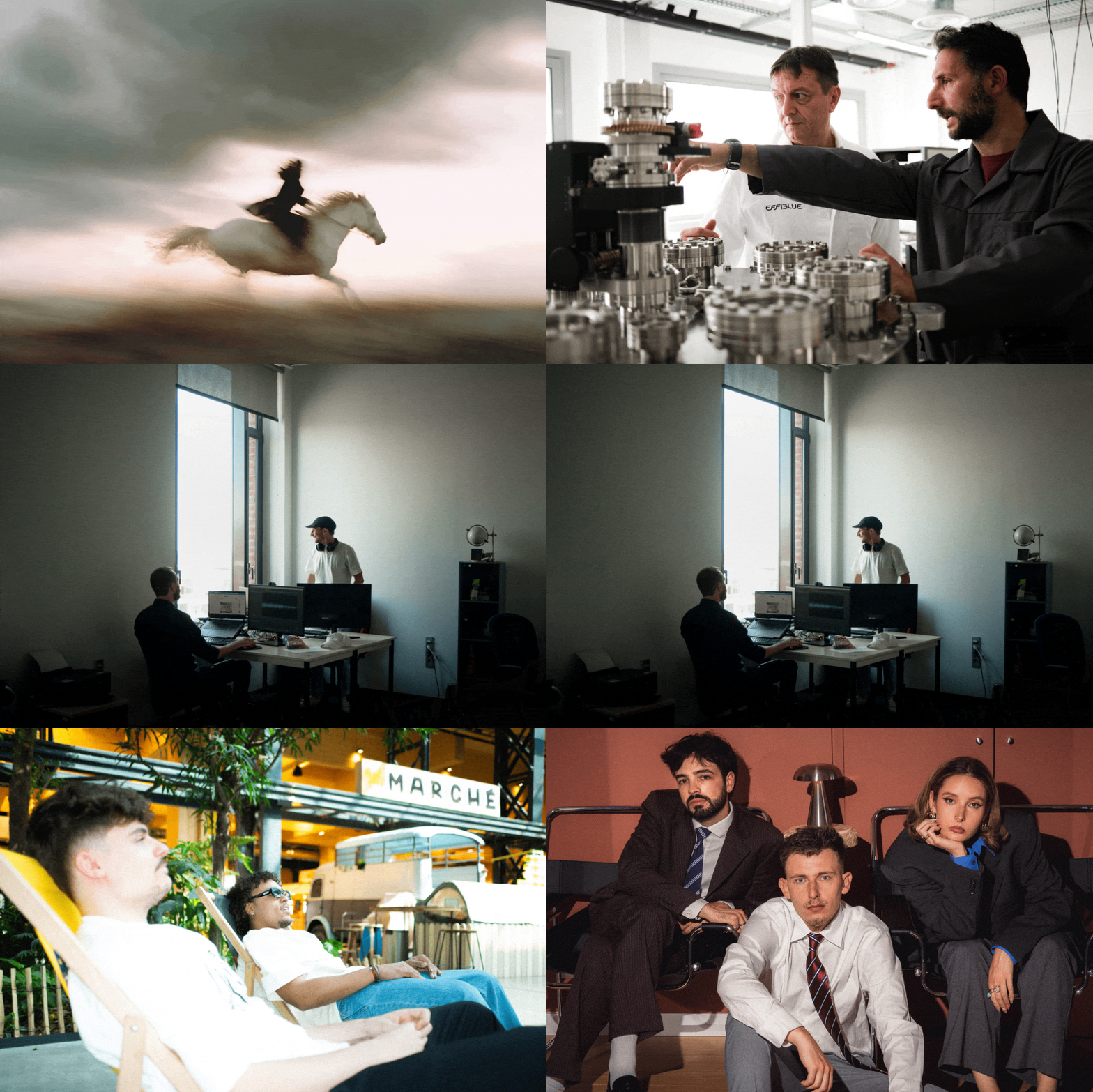
What makes the difference: your images
This is one of the reasons Apple's website remains (and will remain) a benchmark in web design. (Our design team actually looked into this by analyzing the 5 secrets that make Apple's website so powerful)
However, if you take a look at the site, there are no special fonts, or particularly incredible colors. As the years went by, Apple has implemented a simple, refined web design, based in particular on a minimalist trend.
The images of the Apple communication team
But what could have made it successful? That undoubtedly comes Of his images. They are all Uniques, of a incredible quality. They give depth to the design by adding a human touch at times. This is one of the reasons why you are not able to recreate the Apple site for your own brand today. It is good to note that some of these images are animated in motion design to make the effect even more unique (which is typical of Apple web designs).
Remember that that element can make a difference. In the same way that a good catch phrase (copywriting) can do. This is therefore not necessarily linked only to external elements that are purely related to the UI of your site.
We also recommend that you discover the 6 branding trends of 2022 that will help you get that wow effect.

The Wow Effect: a boost for your branding
So there is different ways to animate your site : you can start by creating simple animations by adding Hovers to the basic elements of your web design; before defining more complex animations using the Webflow “interaction” tab.
You can go even further by modifying natural navigation of the site (and switch to horizontal navigation for example). Finally, if your budget allows it, do not hesitate to call on a photographer or a motion designer. They will be able to create things that no other of your competitors will be able to copy.
If this work is successful, This will undoubtedly create a wow effect on your users.. You will have won everything by combining this cachou effect with the branding of your brand and the personality of your company.